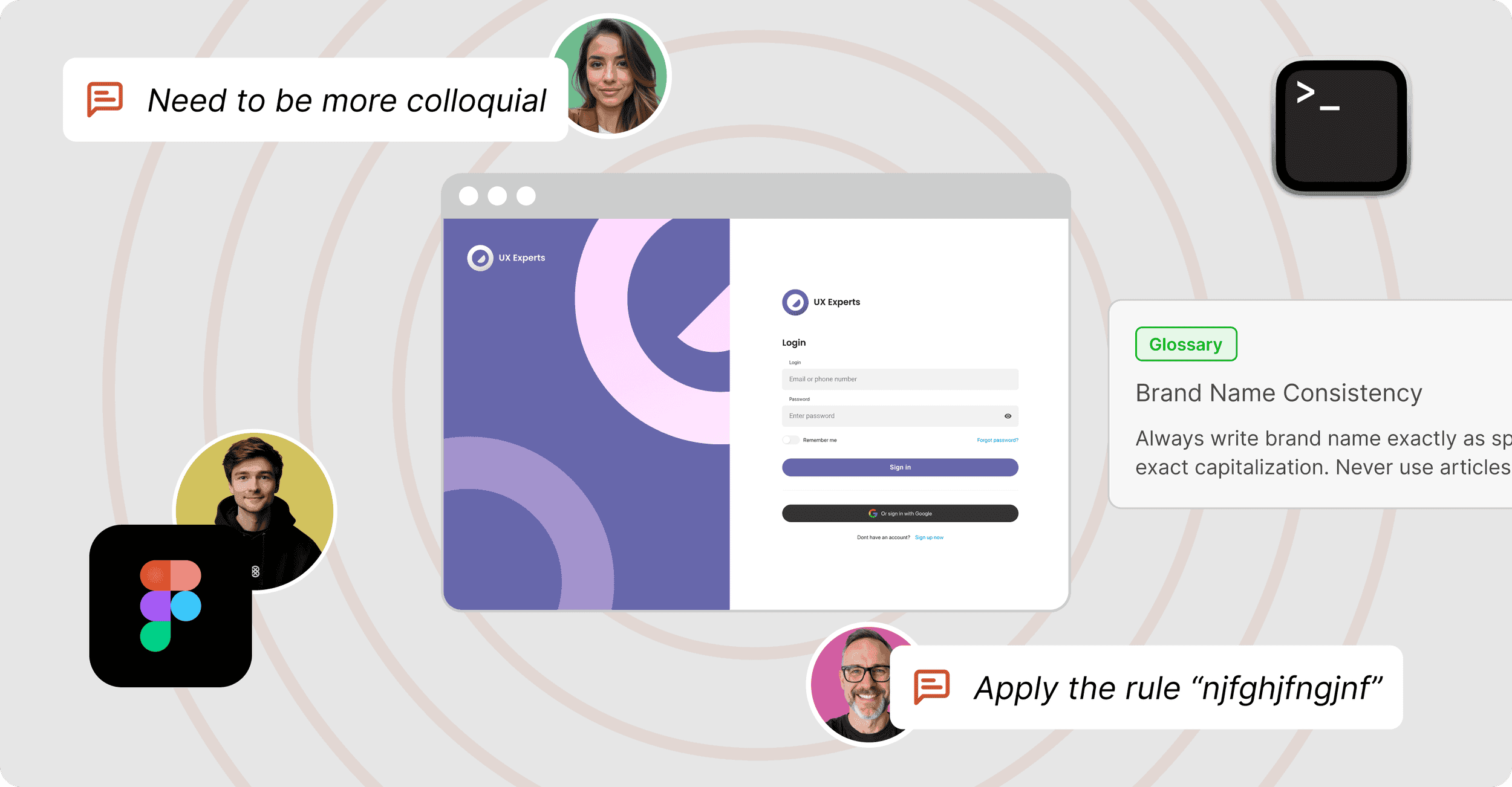









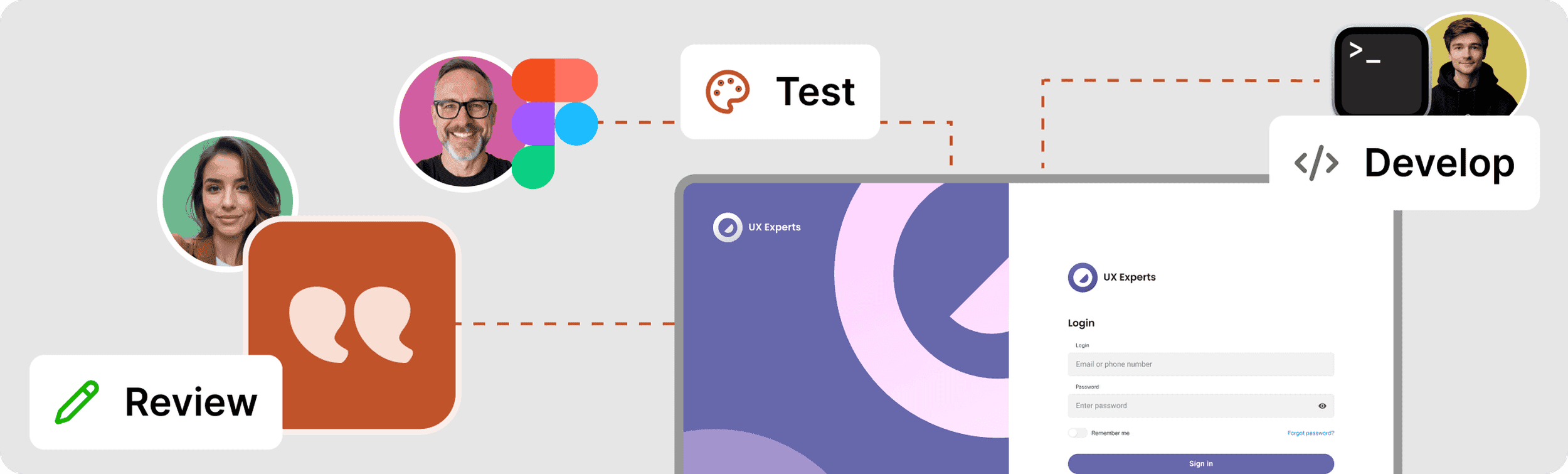
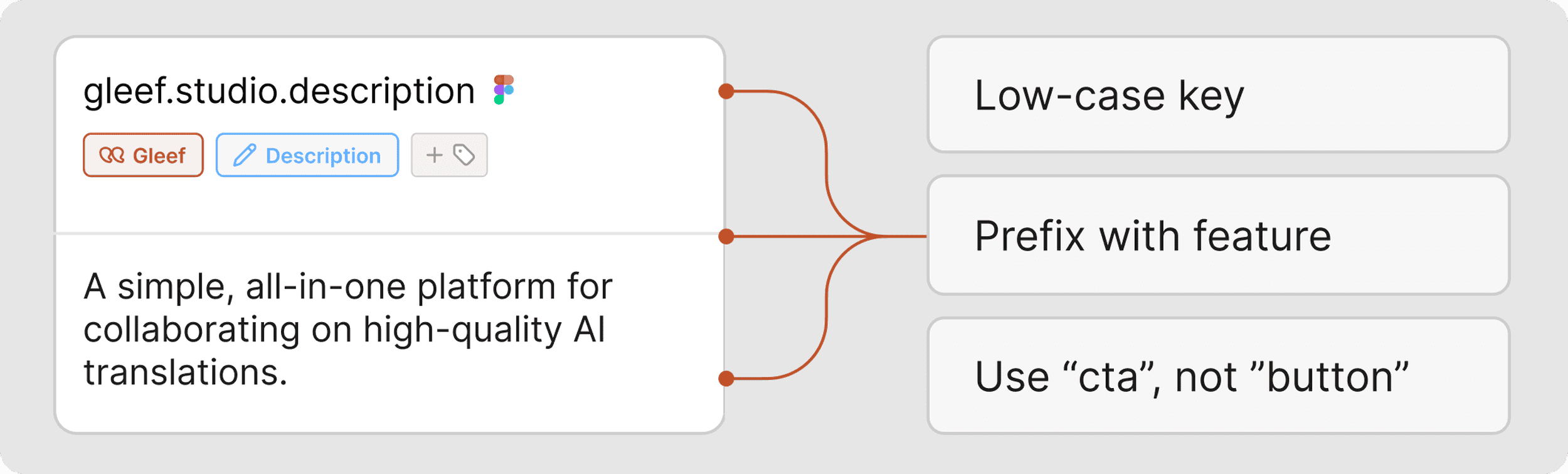
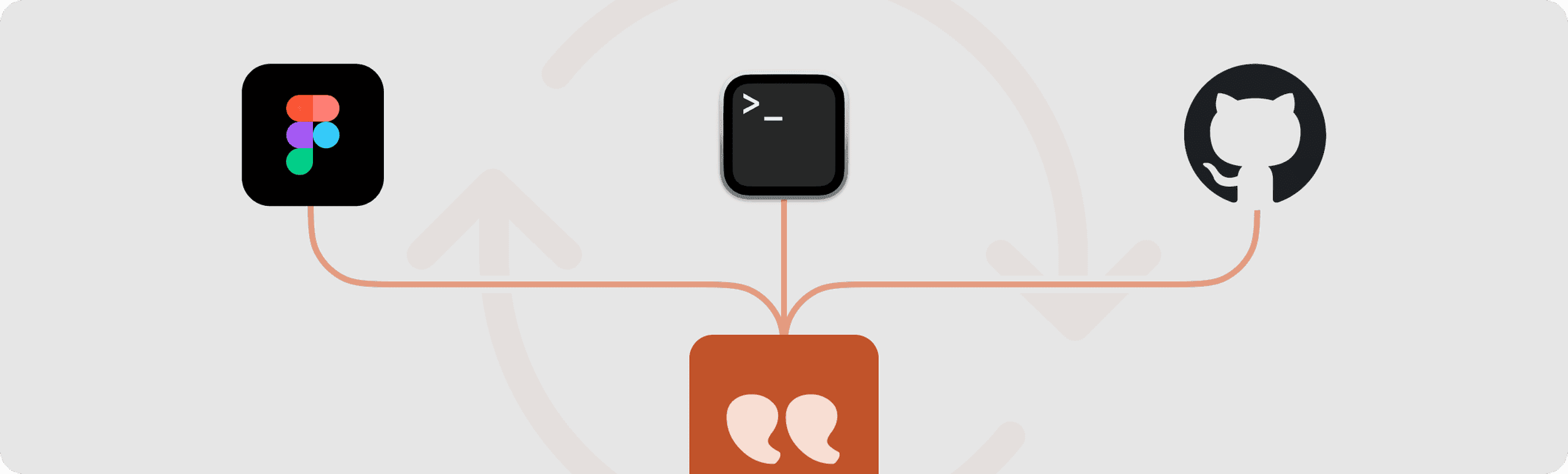
Wether it’s from Figma or in the Gleef CLI for developers, generate high quality AI translations with all the required context. The Gleef AI will use your guidelines, screen content and previous translations to produce native-sounding translations in +200 languages.
From the Gleef Figma Plugin

From the Gleef Command Line
01
Generated translations are immediately available in the Gleef Studio. Never copy/paste content again! Publish them to make them available instantly, or request a review from native speakers and market experts.
From the Studio
02
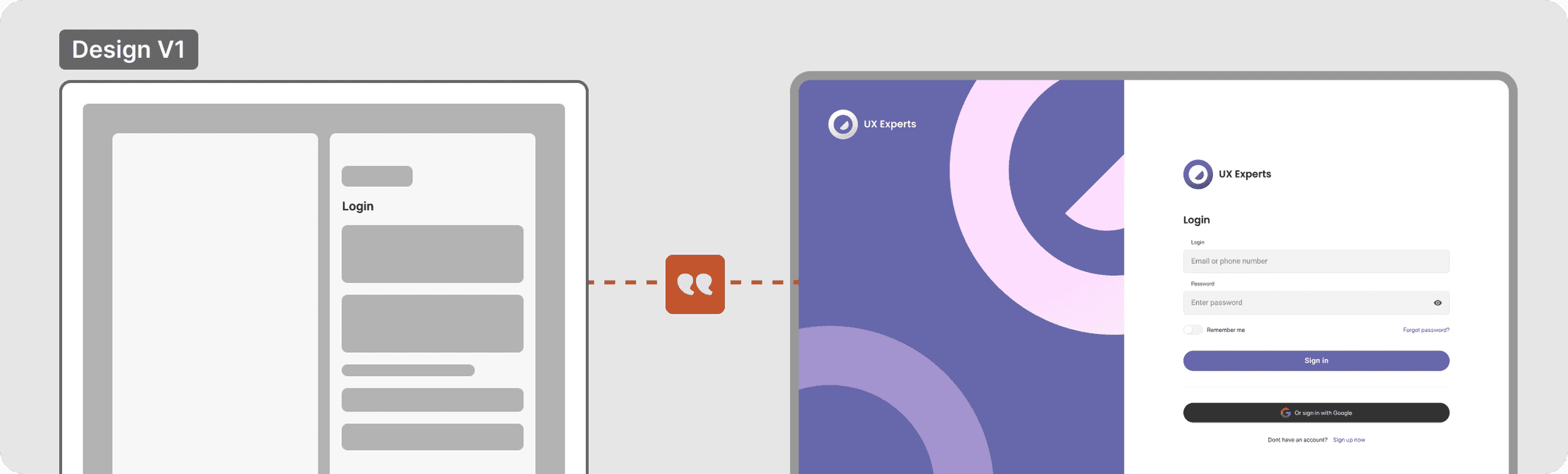
Reviewers from every language can log into the Studio and access the review interface. They already have all the context with the attached Figma Preview. Editing or approving a translation in a language gets super easy.
Review from the Studio
View context from Figma (integrated)
03
Published translations are accessible instantly to developers. No need for calls and messages to sync. Update translations automatically in your deployment pipeline, or just pull translations you want for the feature you’re working on.
Pull from the CLI
Edit again in the Studio
04