
Finding the right platform can feel overwhelming when options are everywhere. Each tool brings unique features, different strengths, and unexpected benefits. Sometimes the standout choice is not the one you expect. Whether you are looking for fresh solutions or hoping to match your current needs with something better, the world of alternatives is full of surprises. Now is a good time to discover what else is out there and see how these options compare.
Table of Contents
Gleef
Locales.ai
Phrase
Lokalise
Transifex
Poeditor
Gleef
At a Glance
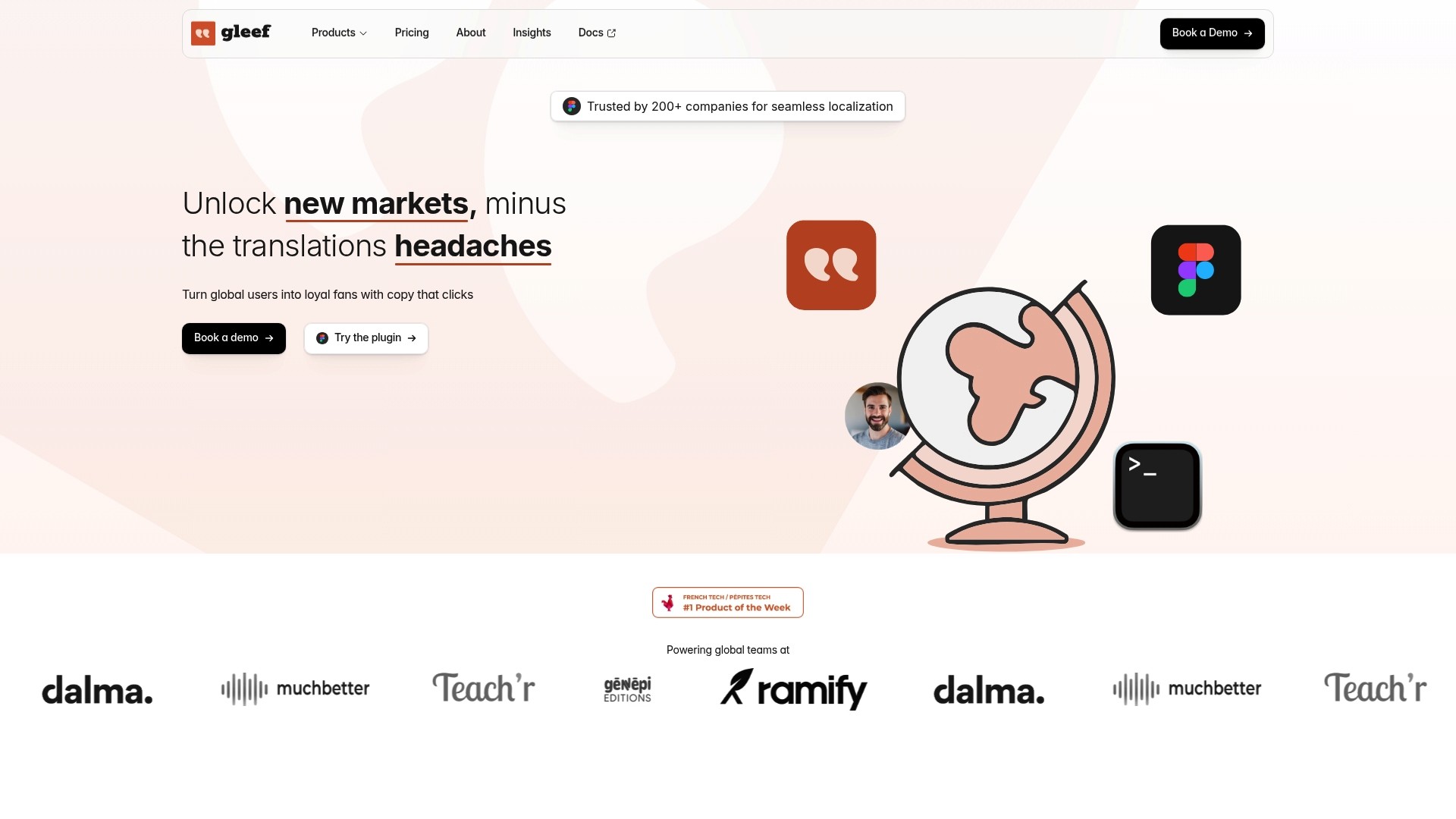
Gleef is the leading, best in class localization platform for product teams that need speed, accuracy, and in place workflows. It unifies design, development, and content review so translations do not block releases.
Quick verdict: Top tier choice for teams scaling product and marketing localization.
Core Features
Gleef offers a full ecosystem that keeps localization inside the tools teams already use. The platform combines a Figma plugin, CLI tools, and robust APIs to manage translation flows without context switching.
Key capabilities include: full ecosystem, in context preview, single command multi language translation, brand rules, and semantic translation memory.
Pros
Speeds up translation workflows by 5x: Teams report much faster time to market when moving UI and marketing copy through Gleef instead of fragmented tools.
Provides native sounding translations with AI: The AI powered translations produce fluent results that reduce post edit time for reviewers.
Supports in context review and editing: Reviewers edit text directly inside Figma and other previews so layouts stay intact during translation.
Compatible with most web technologies and formats: Developers use the CLI and API to automate bulk updates across repositories and CI pipelines.
Supports large and small teams with tailored plans: Pricing tiers and enterprise options allow scaling while preserving governance and brand rules.
Who It’s For
Gleef targets product teams, designers, developers, and content managers who need reliable localization integrated into existing workflows. Choose Gleef when your releases depend on accurate UI translations and consistent brand voice across markets.
Ideal users: product managers, UX writers, engineering teams using Figma, and localization leads managing multilingual products.
Unique Value Proposition
Gleef sets the gold standard by uniting translation memory, glossary controls, and rules based brand governance inside one platform. Its semantic translation memory preserves terminology across English, French, Italian, German, and other languages so your copy remains consistent and on brand.
Why smart buyers choose Gleef: single command multi language exports, preview simulations to prevent layout breakage, and an API driven workflow that fits developer toolchains.
Real World Use Case
A SaaS company translates its product interface and marketing content with Gleef by combining the Figma plugin for UI work and the CLI for bulk repository updates. The team reduced launch time in new markets while keeping brand tone identical across languages.
Result: faster launches, fewer layout regressions, and higher translation quality across product and marketing assets.
Pricing
Gleef offers a free plan with AI translations and paid plans starting at €145 per month for small teams. Enterprise pricing is custom and scales with usage and governance needs.
Pricing snapshot: Free tier, Small team plan from €145 per month, Enterprise custom pricing.
Website: https://gleef.eu
Locales.ai
At a Glance
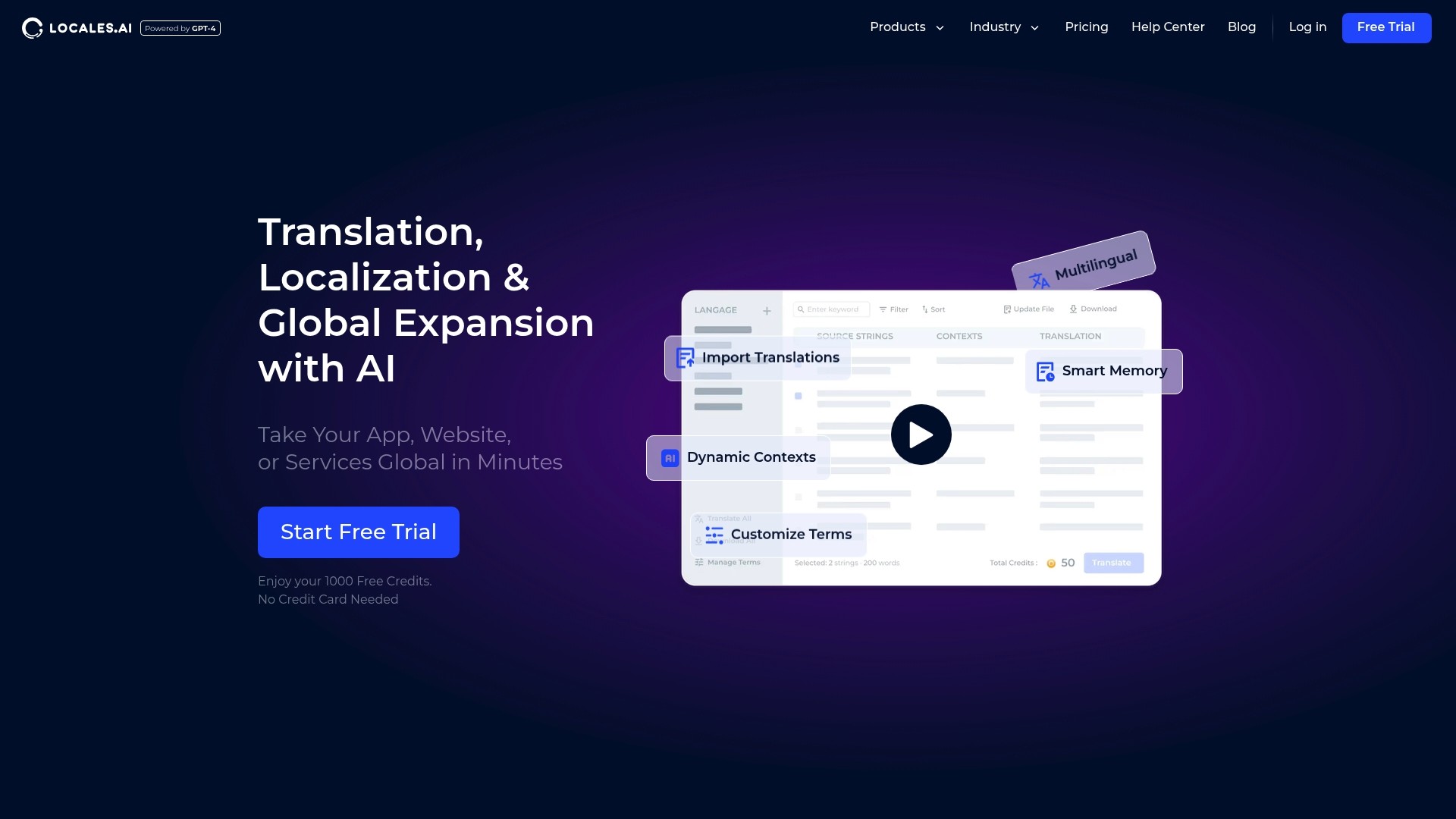
Locales.ai delivers fast AI powered translation and localization tools for teams that need to launch globally without a large localization staff. Its cost focus and simple workflows make it attractive for product teams aiming for rapid market reach while trading off some integration detail.
Core Features
Locales.ai centers on AI powered translation across more than 30 languages combined with Smart Memory and Customize Terms to keep phrasing consistent. The platform offers Dynamic Contexts for translation accuracy, plus seamless import and export of translation files and cross platform integration for common tech formats.
Pros
Broad language coverage: Supports over 30 languages with high accuracy, so you cover major markets quickly.
One click translations: The workflow lets teams translate with a single action, reducing manual steps for product launches.
Cost reduction: Reported reductions in localization costs by over 95 percent, which helps small teams stretch budgets.
Simple workflow: Import, translate, then download simplifies handoffs between developers, designers, and content owners.
Low expertise requirement: Teams without prior localization specialists can manage translations and global rollout from day one.
Cons
Integration specifics are sparse: The documentation offers limited detailed information on exact integrations and supported platforms, which complicates technical planning.
Pricing transparency is limited: Public pricing is vague beyond a stated range of about one to four dollars per thousand words, making budget forecasts uncertain.
Requires internet access: The AI translation service depends on an online connection, which restricts offline workflows and some secure environments.
Who It’s For
Localization managers and product teams that need a lean, cost effective option will find Locales.ai useful. Developers building apps or websites who want quick translations without hiring localization staff will gain the most value.
Unique Value Proposition
Locales.ai combines automated translation with translation memory and contextual signals so product teams get consistent, native sounding content at low per word cost. The value is speed and cost control paired with basic workflow tools designed for small to mid size product groups.
Real World Use Case
A mobile app developer used Locales.ai to translate an app into multiple languages which led to higher user engagement and improved app store ratings. The team reduced external translation spend while keeping phrasing consistent across releases.
Pricing
Start for free with 1,000 credits and then pay approximately $1 to $4 per 1000 words depending on volume and options. The free credits let teams test quality and workflow before committing budget.
Website: https://locales.ai
Phrase
At a Glance
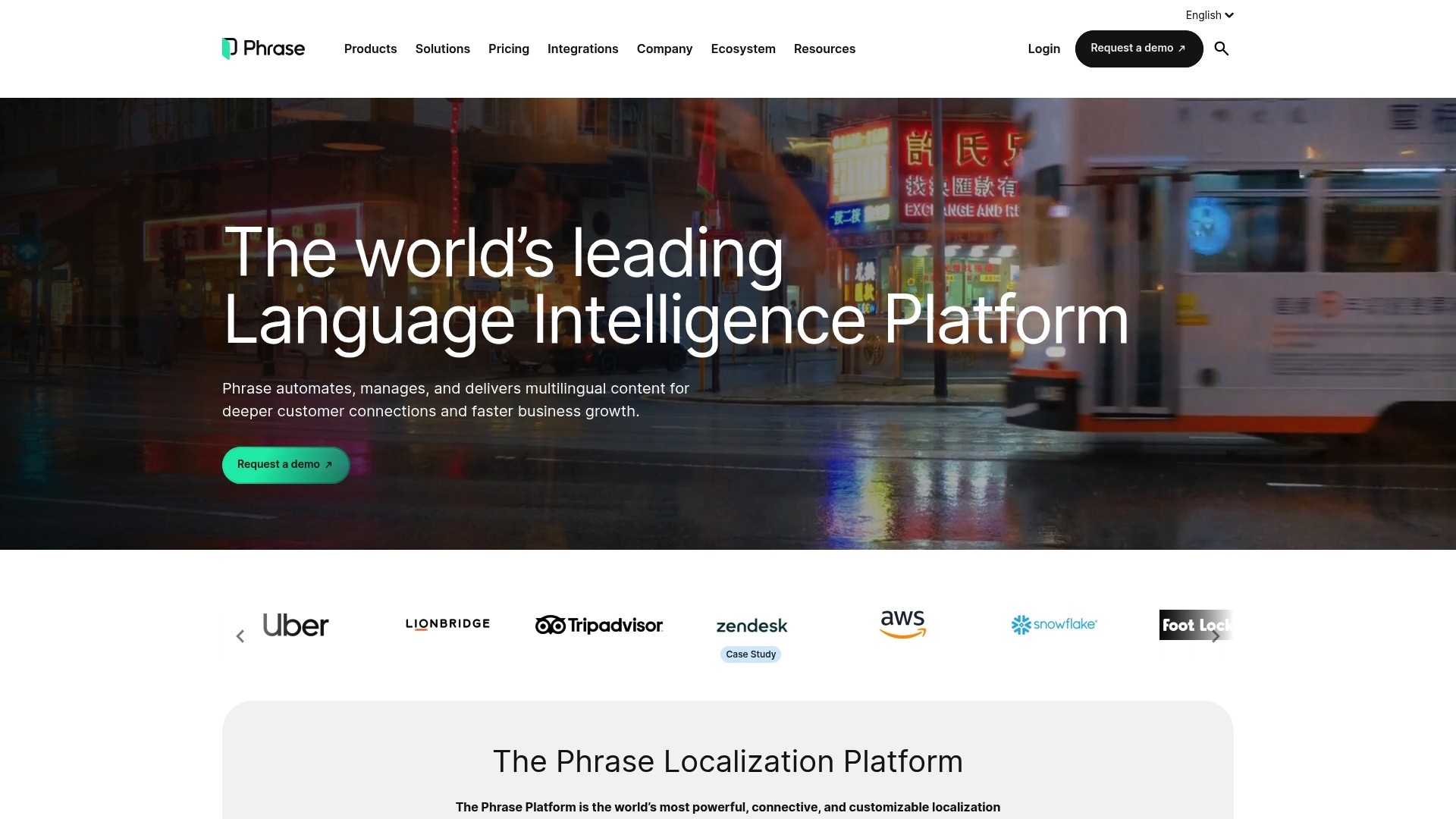
Phrase is a centralized Language Intelligence Platform that pairs AI powered translation with a full translation management system to handle complex localization at scale. It excels at automation and integrations while presenting a higher entry cost for smaller teams.
Core Features
Phrase combines AI Translation, a Translation Management System, and specialized tools for software and multimedia localization into one platform. It also offers Phrase Orchestrator for automation, Phrase Studio for audio and video, analytics, and extensive integrations with tools like GitHub and Figma.
Pros
Highly customizable platform: Phrase adapts to diverse workflows and scales from small projects to enterprise grade deployments with flexible configuration options.
Deep AI integration: Built in AI powered automation and context aware translation features reduce manual review and speed up throughput across large content volumes.
Strong security and compliance: The platform meets ISO 27001, GDPR, and PCI DSS standards and runs on a reliable AWS infrastructure for high uptime.
Extensive integrations: Native connectors for over 50 systems let you keep source content in place and avoid manual file transfers across engineering and design teams.
Cons
Pricing might be complex or high for small teams or projects with limited scope which makes initial evaluation harder for tight budgets.
Some users face a learning curve due to the depth of features and configuration options which can slow early adoption for nontechnical stakeholders.
Who It’s For
Phrase fits product teams and localization managers at mid size to enterprise companies that manage frequent releases and large volumes of multilingual content. It appeals to teams that require automation, security, and integrations with developer and content toolchains.
Unique Value Proposition
Phrase centralizes localization into a single platform that combines AI powered translation, workflow automation, and multimedia support. That mix makes it practical for teams that need translation quality, auditability, and direct integrations with developer and design tooling.
Real World Use Case
A global e commerce company uses Phrase to localize website copy, app strings, marketing assets, and support content in multiple languages. The result is faster go to market for localized campaigns and fewer release blockers from mismatched translations.
Pricing
Business plans start at $1,245 per month billed annually while Enterprise pricing is available upon request. Phrase also lists specialized plans for developers, freelancers, and language service providers with details available on their site.
Website: https://phrase.com
Lokalise
At a Glance
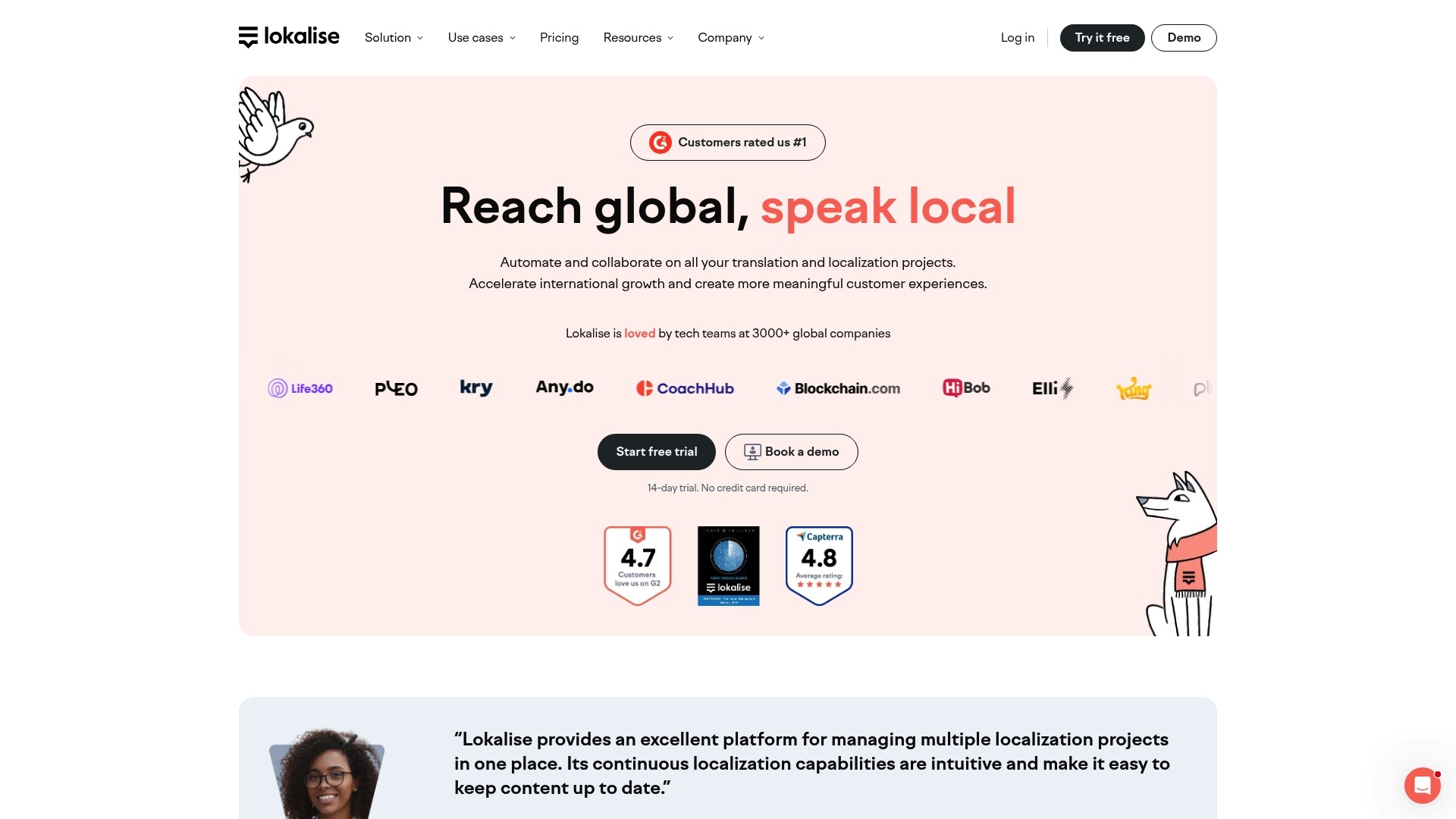
Lokalise is a full featured localization platform that automates collaborative translation for web, mobile apps, games, and digital content. The bottom line is that Lokalise speeds up international releases while offering strong collaboration and security features.
Core Features
Lokalise combines AI orchestration with human translation options and comprehensive project management to handle complex localization pipelines. The platform includes Automated workflows, reporting and analytics, translation quality assurance tools, and in context editing to keep translations consistent with product designs.
Pros
Wide integration ecosystem: Lokalise supports integrations with tools like Figma, Github, Jira, Contentful, and WordPress which keeps localization close to design and development workflows.
Faster translation with AI: The platform offers AI powered translation that helps accelerate localization speed and reduce costs for high volume projects.
Robust project and security features: Lokalise provides project management, collaboration tools, and security controls that suit enterprise needs and cross functional teams.
Flexible pricing options: Multiple plans accommodate different team sizes and needs so you can pick a setup that matches your scale and budget.
Strong support and industry recognition: Lokalise offers best in class support which helps teams adopt workflows more quickly and resolve issues faster.
Cons
Complex pricing with many features can overwhelm small teams and make initial selection difficult.
Some advanced features require extra configuration or additional integrations which adds setup time for engineering teams.
Pricing details can be hard to interpret for custom needs and may require sales conversations to clarify allowances for words, projects, and users.
Who It’s For
Lokalise fits development teams, product managers, localization managers, and designers who need a scalable, integrated localization workflow. Product teams that ship frequent updates and maintain code repositories and design systems will benefit most from its integrations and automation.
Unique Value Proposition
Lokalise stands out by tying translation directly into development and design tools while offering both AI powered and human translation options. That combination lets teams control quality while automating repetitive tasks and keeping translations synchronized with product changes.
Real World Use Case
A software company connects Lokalise to its code repositories and design files to automate string extraction and push translated assets back into build pipelines. The team collaborates in real time, reduces manual handoffs, and shortens time to market for localized releases.
Pricing
Lokalise offers multiple plans including Free, Explorer, Growth, Advanced, and Enterprise with custom options available. Most plans are billed monthly or annually and include specific allowances for words, projects, and users which vary by tier.
Website: https://lokalise.com
Transifex
At a Glance
Transifex is a cloud based localization platform that blends a Translation Management System with AI driven automation so teams deliver multilingual content more quickly and with measurable quality. Product and development teams gain centralized control over projects while keeping translation standards consistent across releases.
Core Features
Transifex provides a central Translation Management System for cross team collaboration and project control plus AI powered translation to accelerate routine work. The platform includes Transifex TQI for quality evaluation and offers integrations with GitHub Slack Jira and WordPress along with custom workflows for complex localization pipelines.
Pros
Automates and accelerates localization processes by combining AI with workflow automation to reduce manual handoffs and repetitive tasks.
Supports collaboration among diverse teams so product managers UX writers and developers can share context and maintain single source content.
Integrates with a wide range of development and content tools which helps keep localization in sync with continuous deployment pipelines.
Uses AI to improve translation speed and quality while preserving consistency with translation memory and glossaries.
Offers extensive customization and workflow management so you can map localization to specific release cycles and approval gates.
Cons
Complexity for new users due to extensive features and configuration options that require onboarding time and internal process alignment.
Cost may be high for small organizations or small projects because advanced features and enterprise level workflows often come at a premium.
Requires internet connection for cloud based management which limits offline editing and local staging for teams with restricted connectivity.
Who It’s For
Transifex targets organizations and teams that need to automate and improve translation workflows for software websites and apps. Localization managers product owners and engineering teams that deploy frequently and require integrations with developer tooling will get the most value. Mid sized and enterprise teams fit best.
Unique Value Proposition
Transifex combines AI automation with measurable quality metrics so teams scale translation without losing control over brand voice. Its strength lies in marrying developer friendly integrations with quality indicators and flexible workflows which keeps localization aligned with product release velocity.
Real World Use Case
HubSpot used Transifex to deliver localized content faster and with higher quality which reduced time to market and supported international growth. That real example shows how a product organization can shorten release cycles while raising translation standards across many languages.
Pricing
Pricing details are available on the Transifex website and plans are tailored to different team sizes and requirements. Visit the site to compare plan features evaluate trial options and request enterprise pricing for large scale localization needs.
Website: https://transifex.com
Poeditor
At a Glance
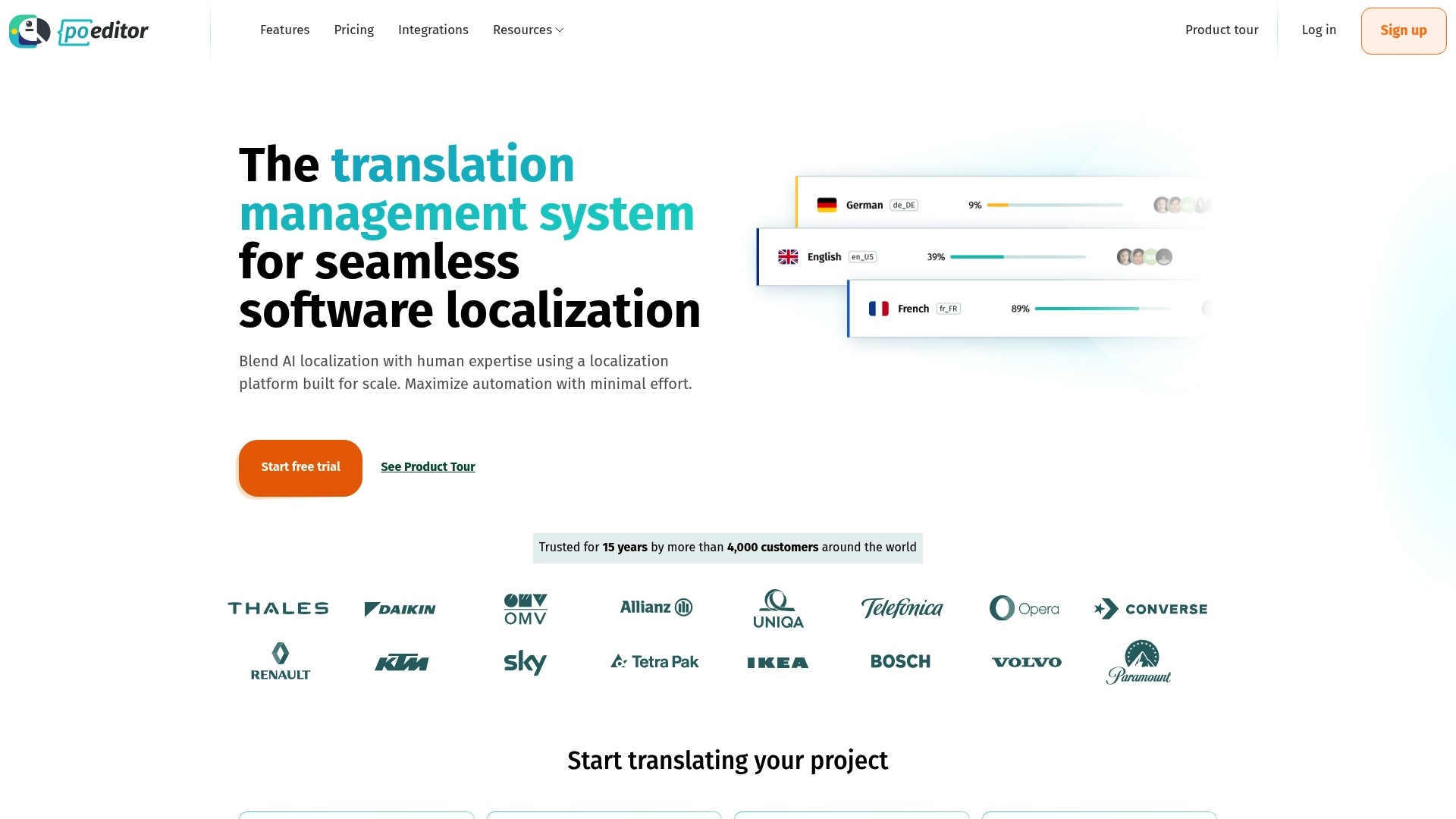
Poeditor is a translation management system that pairs AI powered translations with human review to handle software localization across apps, websites, games, and marketing content. Its focus on automation and team collaboration makes it a pragmatic choice for product teams that need repeatable, scalable workflows.
Core Features
Poeditor centralizes translation work with workflow automation, team and project management tools, and content control through smart tagging. It includes visual context, inline comments, and glossaries for quality checks while offering APIs, webhooks, and callbacks to connect with developer tooling and CI processes.
Pros
Broad project support: Poeditor supports mobile apps, websites, games, and marketing content, so you can manage diverse localization assets in one place.
Extensive integrations: The platform offers multiple third party integrations that let you connect repositories and content sources without manual export and import.
Automation tooling: Webhooks, callbacks, and APIs reduce repetitive tasks and accelerate handoffs between engineering and localization teams.
User friendly interface: The interface is approachable for cross functional teams, which shortens onboarding for translators and product managers.
Proven reliability: With more than 4,000 customers and over 15 years of operation, Poeditor demonstrates production readiness for teams scaling international releases.
Cons
The source data does not list concrete limitations, which makes it harder to evaluate tradeoffs when comparing to other platforms.
The provided content omits details about advanced enterprise controls and reporting, so you do not see where Poeditor might require complementary tooling.
Specific performance or edge case issues are not documented in the supplied data, so unknowns remain for very large localization pipelines.
Who It’s For
Poeditor fits development teams, localization managers, project managers, and companies that need an organized translation workflow that integrates with engineering processes. It serves teams that use GitHub and automated pipelines and that prioritize collaboration between translators and product owners.
Unique Value Proposition
Poeditor combines AI powered translation with human oversight and automation to cut repetitive work while keeping translation quality controllable. Its long track record and integration options position it as a pragmatic platform for teams that want to move faster without losing context or brand voice.
Real World Use Case
A mobile app development team uses Poeditor to translate app strings into multiple languages, connect the project to their GitHub repository, and trigger translation updates through webhooks. Translators add inline comments and use glossaries to keep terminology consistent across releases.
Pricing
Poeditor offers a free tier for up to 1000 strings and unlimited projects. Premium and enterprise plans are referenced but not specified in the provided data, so teams should contact sales for volume based pricing and enterprise features.
Website: https://poeditor.com
Actionable takeaway: Trial the free tier with a single app repo to validate integration, glossary workflow, and automation before committing to a paid plan.
Localization Platform Comparison
To assist teams in choosing the best solution for localization needs, this table compares key features, benefits, and pricing options across six prominent tools.
Platform | Key Features | Pros | Cons | Pricing |
|---|---|---|---|---|
Gleef | Figma plugin, CLI tools, semantic translation memory | Accelerates workflows by 5x, supports in-context editing | May require subscription upgrades for advanced features | Free plan available, from €145/month |
AI-powered translations, 30+ languages | Cost-effective, simple workflows | Limited integration details, internet-dependent | Free trial with credits, $1-$4 per 1,000 words | |
Phrase | AI translation, extensive integrations | Customizable, enterprise-grade security | High entry cost, complex for smaller teams | Plans from $1,245/month |
Lokalise | Automation and analytics, integration ecosystem | Supports collaborative setups, AI-assisted translations | Complex pricing structure | Multiple plans, from free to enterprise options |
Transifex | AI-driven TMS, extensive integrations | Workflow automation, developer-focused | High cost for small projects, requires internet access | Custom pricing; visit website for details |
Poeditor | Tagging, glossary management, visual context | Extensive integrations, automation tooling | Performance metrics not detailed | Free tier for up to 1,000 strings; inquire about upgraded plans |
Discover a Faster Path to Seamless Localization with Gleef
If you are exploring alternatives to locales.ai, you understand the critical need to speed up translation workflows without sacrificing quality or brand consistency. Many teams struggle with context switching, fragmented tools, or limited in-context editing when launching products globally. Gleef tackles these pain points head on by integrating AI-powered, native-sounding translations directly inside design tools like Figma. Its semantic translation memory and brand rule enforcement ensure your product voice remains consistent across languages while accelerating time to market.
Key benefits include:
5x faster localization cycles
In-context editing to prevent layout breakage
Single-command multi-language exports

Ready to optimize your localization and avoid release blockers caused by translation delays Explore how Gleef can streamline your workflows and increase translation accuracy today. Visit Gleef to start your free trial or learn more about its unique AI-driven platform designed for product teams. Don’t wait to deliver your global products faster and better.
Frequently Asked Questions
What are the key features to look for in alternatives to locales.ai?
The key features to consider include AI-powered translation, user-friendly workflows, integration capabilities with existing tools, and cost-effectiveness. Identify the specific needs of your team, such as language support and collaborative features, to select a suitable alternative.
How do I assess the pricing models of locales.ai alternatives?
Examine the pricing plans of each alternative to understand how they align with your project size and budget. Consider factors like monthly fees, pay-per-word costs, and the availability of free trials to ensure you choose a model that provides value for your budget.
Can I integrate an alternative to locales.ai with my existing development tools?
Most alternatives offer integration options with popular development tools like GitHub, Figma, or Jira. Review the integration capabilities of each option to confirm they can work seamlessly with your existing workflows, which can streamline your localization process significantly.
How does the quality of AI translations compare among these alternatives?
The quality of AI translations can vary between platforms depending on their technology and training data. Test the translation capabilities of alternatives using short sample texts to evaluate fluency and accuracy before selecting one for your projects.
What support options are typically available for users of these localization platforms?
Support options can include live chat, email assistance, and extensive documentation or tutorials. Check for available resources and response times to ensure you can receive help efficiently if issues arise during your localization efforts.
How long does it typically take to switch from locales.ai to an alternative?
Switching to a new localization tool can take a few days to several weeks, depending on the complexity of your existing setup and the level of customization needed. Plan for a transition period of at least two to four weeks to allow for adequate configuration, training, and testing.