
Global tech teams often struggle with fragmented localization efforts that slow product launches and hurt user engagement. When product managers, designers, developers, and UX writers work in silos, translations become inconsistent, cultural nuances get lost, and technical debt piles up. A cross-functional localization process powered by AI can transform this chaos into a streamlined workflow that delivers native-quality translations at scale. This guide walks you through understanding localization challenges, preparing your team and tools, executing an AI-driven workflow, and verifying results to ensure your product resonates with users worldwide.
Key takeaways
Point | Details |
|---|---|
Business impact | Effective localization can boost conversions by up to 300% and dramatically improve user retention across markets. |
Cross-functional synergy | Integrating product managers, UX writers, designers, and developers eliminates silos and accelerates translation cycles. |
AI solves complexity | AI-powered tools address linguistic diversity, tokenization inefficiencies, and cultural adaptation at scale. |
Stepwise execution | Following a structured workflow from preparation through verification ensures consistent, high-quality localization. |
Continuous improvement | Regular monitoring and troubleshooting prevent common pitfalls and optimize global product performance. |
Understanding the localization challenge in global tech products
Your product might work flawlessly in English, but almost 80% of the global audience is not fluent in English. This massive gap creates a critical challenge for tech companies aiming to expand internationally. Users expect products that feel native to their language and culture, not awkward translations that break their experience.
The technical reality makes this harder than it sounds. Multilingual LLMs face challenges due to data imbalance, with English dominating roughly 46% of training data. This imbalance creates a ripple effect where AI models perform worse on non-English languages, producing translations that miss cultural context or sound robotic.
Tokenization adds another layer of complexity. The fertility problem means non-English languages often require significantly more tokens to express the same content. A sentence that takes 10 tokens in English might need 15 or 20 in Turkish or Finnish, directly impacting processing costs, latency, and translation quality.
Beyond technical hurdles, linguistic diversity brings morphological and syntactic challenges:
Languages like German use compound words that don’t exist in English
Arabic and Hebrew read right to left, affecting UI design
Japanese uses multiple writing systems within a single interface
Tonal languages like Mandarin require careful handling of homonyms
Cultural context differences create equally significant obstacles. Colors, images, metaphors, and even humor that work perfectly in one market can confuse or offend users elsewhere. A thumbs-up emoji means approval in Western markets but can be offensive in parts of the Middle East.
When localization fails, the consequences hit your bottom line hard. Poor translations drive users away, negative reviews pile up, and competitors with better localized experiences capture your potential market share.
These challenges directly impact localization impact on UX, affecting everything from user satisfaction to conversion rates. Product teams that ignore these complexities end up with fragmented workflows where translations arrive late, quality varies wildly, and updates create new problems faster than teams can fix them.
Preparing for a cross-functional localization process: What you need
Successful localization starts long before anyone translates a single string. You need the right people, tools, and processes aligned around shared goals. Building this foundation prevents the chaos that derails most localization efforts.
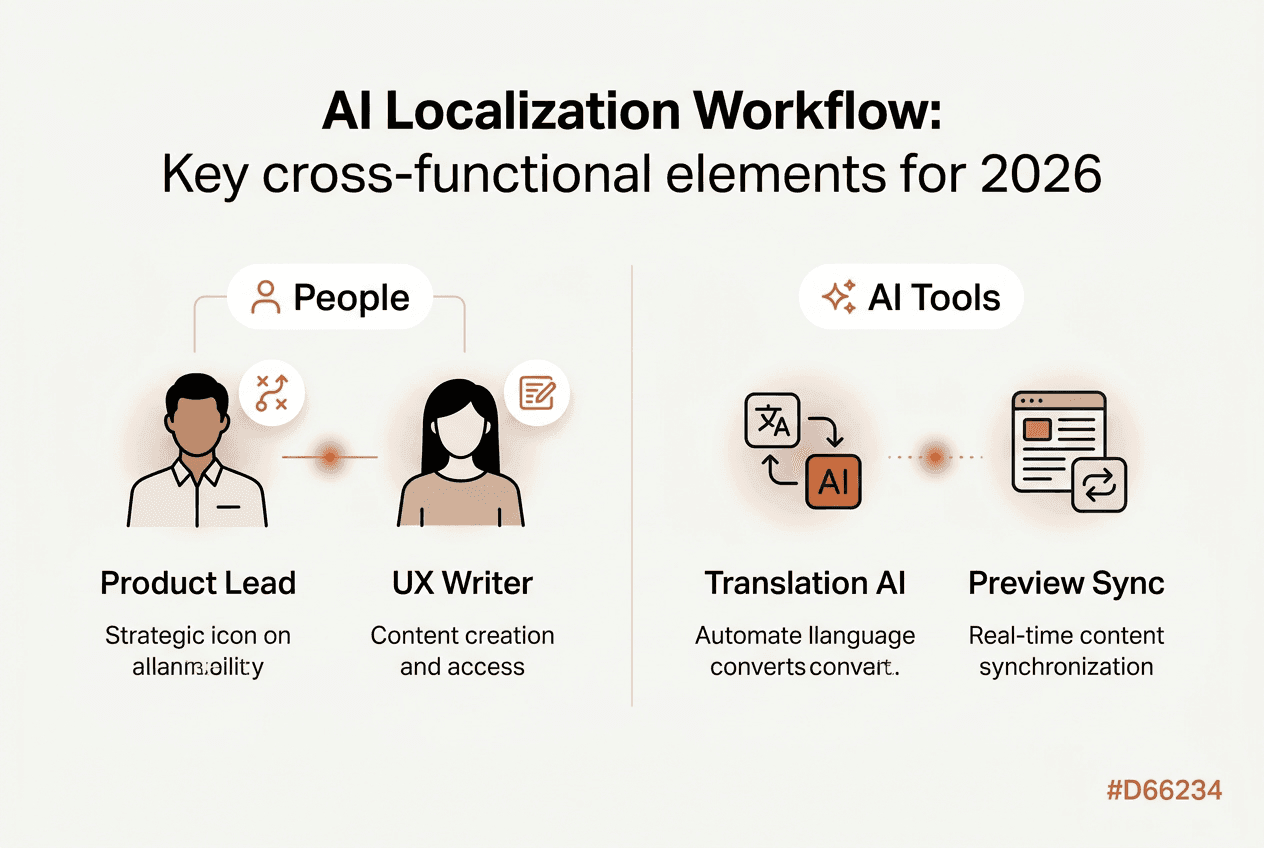
Start by assembling your cross-functional team. You need product managers who understand market requirements, UX writers who craft clear messaging, designers who adapt visual elements, and developers who implement technical changes. Each role brings unique expertise that others lack. Product managers identify which features matter most in each market. UX writers ensure translations maintain brand voice and clarity. Designers adapt layouts for text expansion and cultural preferences. Developers build the infrastructure that makes localization scalable.
Define clear roles and communication protocols upfront:
Product managers prioritize markets and features for localization
UX writers create source content optimized for translation
Designers provide context and visual specifications
Developers integrate localization tools and manage technical implementation
All team members review translations within their domain expertise
Choosing the right AI localization tools makes or breaks your workflow. Effective multilingual localization must address morphological, syntactic, cultural, and resource availability challenges. Look for platforms that handle tokenization efficiency, provide contextual awareness, and integrate with your existing design and development tools.
Your tool selection should prioritize:
Native integration with design tools like Figma
Semantic translation memory that learns from corrections
Glossaries and style guides for consistency
In-context editing so teams see translations in actual UI
API access for automation and workflow customization
Capability | Why It Matters | Impact |
|---|---|---|
Contextual awareness | Translations match UI space and user flow | Reduces revision cycles by 60% |
Semantic memory | System learns from corrections over time | Improves consistency across updates |
Design integration | Teams work without platform switching | Cuts localization time by 40% |
Tokenization optimization | Reduces costs for non-English languages | Lowers translation costs by 25-35% |
Establish shared goals that everyone understands and commits to. Align on metrics like user engagement per language, conversion rates by market, and time to market for localized releases. These concrete targets keep teams focused and make trade-offs easier when deadlines loom.
Pro Tip: Budget extra time and resources for languages with high tokenization fertility. Languages like Finnish, Hungarian, and Turkish require more tokens per word, increasing both processing time and costs compared to Romance languages.
Prepare your budget and timeline realistically. Factor in initial setup time for tools and processes, ongoing translation costs that vary by language, and buffer time for reviews and iterations. Following 2026 localization best practices and understanding keys to successful localization helps you avoid common planning mistakes that blow budgets and miss deadlines.
Executing the cross-functional localization process with AI-powered solutions
With your team and tools ready, execution becomes a coordinated workflow that moves from design through development to deployment. AI-powered solutions automate repetitive tasks while your team focuses on quality and cultural adaptation.
Follow this stepwise workflow:
Design phase localization begins when designers create mockups. Integrate localization tools directly into Figma or your design platform so UX writers can add translations without switching contexts. This early integration catches text expansion issues before development starts.
Content preparation involves UX writers creating source strings optimized for translation. Write clear, concise copy that avoids idioms and cultural references that don’t translate well. Tag strings with context notes explaining where they appear and what action they trigger.
AI-powered translation kicks in once source content is ready. Modern AI tools analyze context, apply glossary terms, and adapt translations to match your brand voice. The system learns from previous corrections, improving quality with each iteration.
Contextual review happens in-context, not in spreadsheets. Team members see translations within actual UI layouts, making it easy to spot issues with text length, button placement, or visual hierarchy. Designers verify layouts work across languages. Developers confirm technical implementation. UX writers ensure messaging stays clear and persuasive.
Feedback loops create continuous improvement. When reviewers make corrections, the AI system learns and applies those lessons to future translations. This semantic memory means quality improves over time without manual intervention.
Development integration uses APIs to sync translations with your codebase automatically. Developers pull the latest translations, and the system flags any missing or outdated strings before deployment.
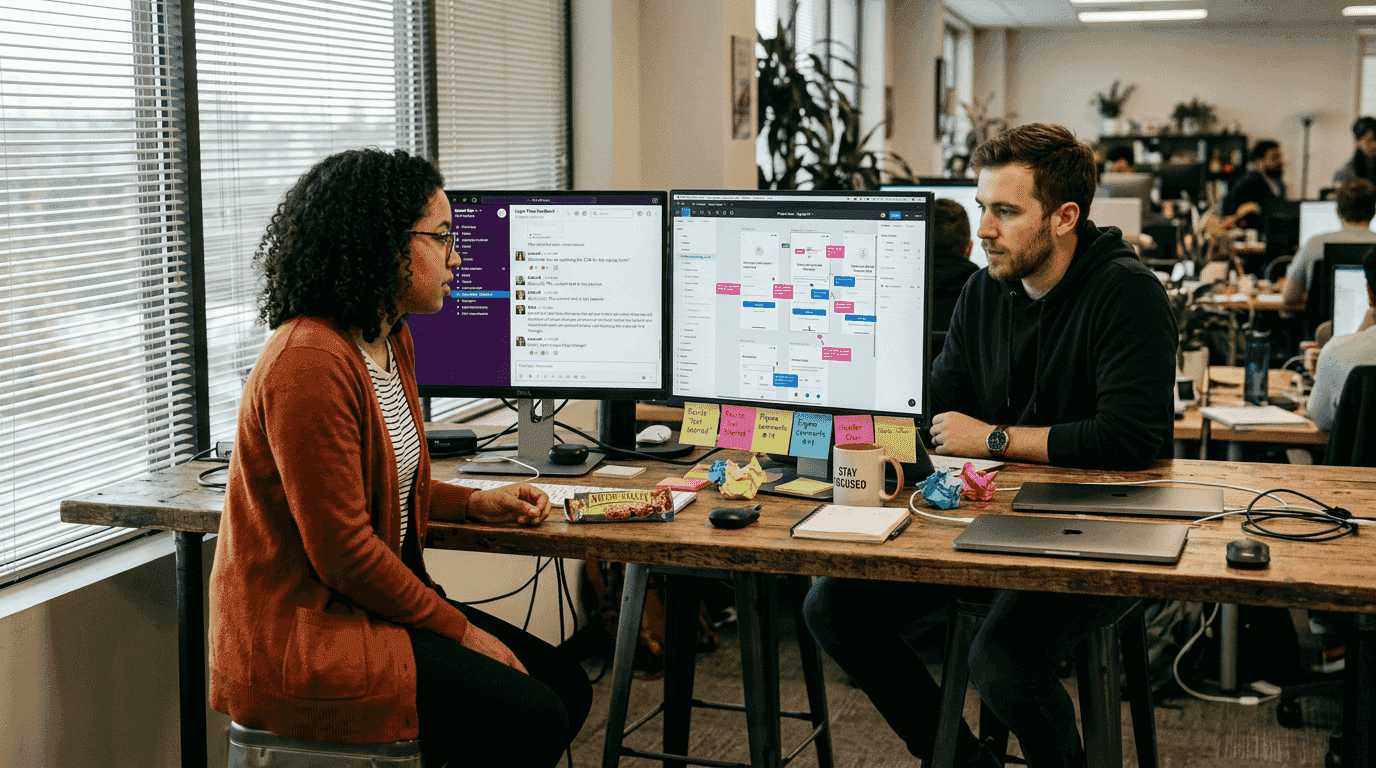
Real-time collaboration tools keep everyone synchronized. When a designer updates a mockup, UX writers see the change immediately and can adjust copy. When a developer adds new features, the localization system flags new strings for translation. This synchronization eliminates the version control nightmares that plague traditional localization workflows.
The efficiency gains are substantial. Companies like Airbnb improved conversions by 300% through effective localized user experience. AI-powered tools make this level of quality achievable at scale.
Approach | Time per Language | Quality Consistency | Cost per Word | Team Coordination |
|---|---|---|---|---|
Manual translation | 2-3 weeks | Varies by translator | $0.12-0.25 | Multiple handoffs |
Basic machine translation | 2-3 days | Low, needs heavy editing | $0.03-0.08 | Siloed review process |
AI-powered cross-functional | 1-2 days | High, learns over time | $0.04-0.10 | Real-time collaboration |
Pro Tip: Set up automated preview environments where stakeholders can test localized versions before release. This catches layout breaks, cultural issues, and functional bugs that only appear in specific languages.
Cultural adaptation goes beyond word-for-word translation. AI tools with cultural awareness adjust date formats, currency displays, measurement units, and even color schemes based on market preferences. Your team reviews these adaptations to ensure they align with local expectations and brand guidelines.
The localization workflow optimization guide provides detailed strategies for streamlining each step. The design-localization integration guide covers specific techniques for maintaining design quality across languages.
Verifying results and troubleshooting common localization pitfalls
Execution delivers translations, but verification ensures they actually work in the real world. Measuring success and fixing problems quickly separates good localization from great localization that drives business results.
Track these core metrics by language and market:
Conversion rates from visitor to user to paying customer
User engagement measured by session length and feature adoption
Retention rates showing how many users return over time
Customer support tickets related to language or cultural issues
App store ratings and reviews mentioning translation quality
Quantitative metrics tell part of the story. Qualitative feedback reveals the nuances that numbers miss. Collect user feedback through in-app surveys, user testing sessions, and community forums. Ask specific questions about clarity, cultural appropriateness, and overall experience in their language.
Compare performance before and after localization implementation. A 15% drop in bounce rate or 25% increase in feature adoption signals that your localization resonates with users. Flat or declining metrics indicate problems that need immediate attention.
The fertility problem in tokenization affects costs, quality, and latency in non-English languages. Monitoring token usage by language helps you optimize model selection and manage costs effectively.
Watch for tokenization inefficiencies causing delays or quality dips. If certain languages consistently show higher costs or slower processing, investigate whether your AI model handles those languages efficiently. Switching models or adjusting parameters can dramatically improve results.
Common pitfalls that sabotage localization efforts:
Inconsistent terminology where the same feature has different names across screens
Cultural mishaps like using imagery or metaphors that confuse or offend local users
Delayed updates where new features launch in English weeks before other languages
Text expansion breaking layouts because designs didn’t account for longer translations
Missing context causing translations that are technically correct but functionally wrong
Implement regular review cycles to catch these issues early. Schedule monthly audits where team members spot-check random screens across languages. Use automated QA checks to flag obvious problems like missing translations, broken formatting, or placeholder text that made it to production.
Update workflows should treat all languages as first-class citizens. When you add a feature or fix a bug, translations should update simultaneously, not as an afterthought. This requires tight integration between development and localization systems, but it prevents the fragmentation that creates poor user experiences.
Continuous improvement comes from analyzing what works and what doesn’t. When a particular market shows strong adoption, study what made that localization successful. When another market underperforms, investigate whether translation quality, cultural adaptation, or technical issues are holding it back.
The software localization impact extends beyond immediate metrics. Better localization reduces customer support costs, improves brand perception, and creates network effects as satisfied users recommend your product to others in their market.
Enhance your localization process with Gleef’s AI-powered tools
You’ve learned how cross-functional localization powered by AI transforms fragmented workflows into streamlined processes that deliver results. Now it’s time to put these strategies into action with tools built specifically for product teams like yours.

Gleef’s AI-powered platform integrates directly into your existing workflow, bringing localization into Figma where your team already works. The Gleef Figma plugin for localization eliminates context switching, letting designers, UX writers, and product managers collaborate on translations without leaving their design environment. Semantic translation memory learns from your corrections, glossaries enforce consistency, and in-context editing ensures translations look right in actual layouts.
Following proven localization best practices 2026 drives the conversion improvements and user engagement gains that make global expansion profitable. The optimize localization workflow guide shows you exactly how to implement these strategies with your team. Gleef’s platform handles the technical complexity while your team focuses on creating experiences that resonate with users worldwide.
FAQ
How do I integrate AI localization tools into my existing workflow?
Start by mapping your current workflow to identify where localization happens and where delays occur. Choose AI tools that integrate with platforms your team already uses, like Figma for design or GitHub for development. Train team members on the new tools through hands-on sessions, not just documentation. Roll out changes incrementally, starting with one product or market to learn what works before scaling. The localization workflow optimization guide provides specific integration strategies for different team structures.
What common tokenization issues should I watch for in multilingual localization?
Non-English texts frequently require 30-50% more tokens than English to express identical content due to how tokenizers break text into pieces. This tokenization fertility increases token counts and costs for languages like Finnish, Turkish, and many Asian languages. Monitor your token usage by language to spot inefficiencies. Higher token counts mean slower processing, increased API costs, and potential quality degradation. Consider using models optimized for your target languages or adjusting parameters to balance cost and quality.
How can I measure the success of my cross-functional localization efforts?
Track conversion rates, user engagement metrics, and retention rates separately for each language and market. Compare these numbers to your baseline before localization and to your English-language performance. Companies like Airbnb report up to 300% conversion improvement with proper localization. Collect qualitative feedback through user surveys and support ticket analysis to understand what’s working and what needs improvement. Set up A/B tests to measure the impact of specific localization changes on user behavior.
What team structure works best for cross-functional localization?
Effective teams include product managers who set priorities, UX writers who create translatable content, designers who adapt visual elements, and developers who implement technical changes. Assign a localization lead who coordinates across functions and maintains quality standards. Keep teams small and focused, with clear ownership of specific languages or markets. Schedule regular sync meetings where all functions review progress and resolve blockers together. Avoid separating localization into a standalone team that works in isolation from product development.
How often should I update translations after the initial launch?
Update translations simultaneously with product updates to maintain consistency across languages. Treat localized versions as equal to your source language, not as secondary releases. Schedule quarterly reviews to refresh translations based on user feedback and evolving language use. Monitor analytics to identify pages or features with unusually high bounce rates in specific languages, which often signal translation problems. Set up automated alerts when new source strings are added so translations can be completed before release.