
Embedding accurate, context-aware translations directly into design and development workflows is often blocked by tools that silo localization in spreadsheets or require manual key management. Many current platforms restrict real-time preview, make developer handoff slow, or charge custom pricing for scalable automation and multi-language support. This review lets you compare features, integration depth, and price across six in-context localization tools so you can match one to your team’s workflow without facing hidden limitations.
Table of Contents
Gleef
Adobe XD
Uizard
Noon
Plasmic
UI Bakery
Gleef
At a Glance
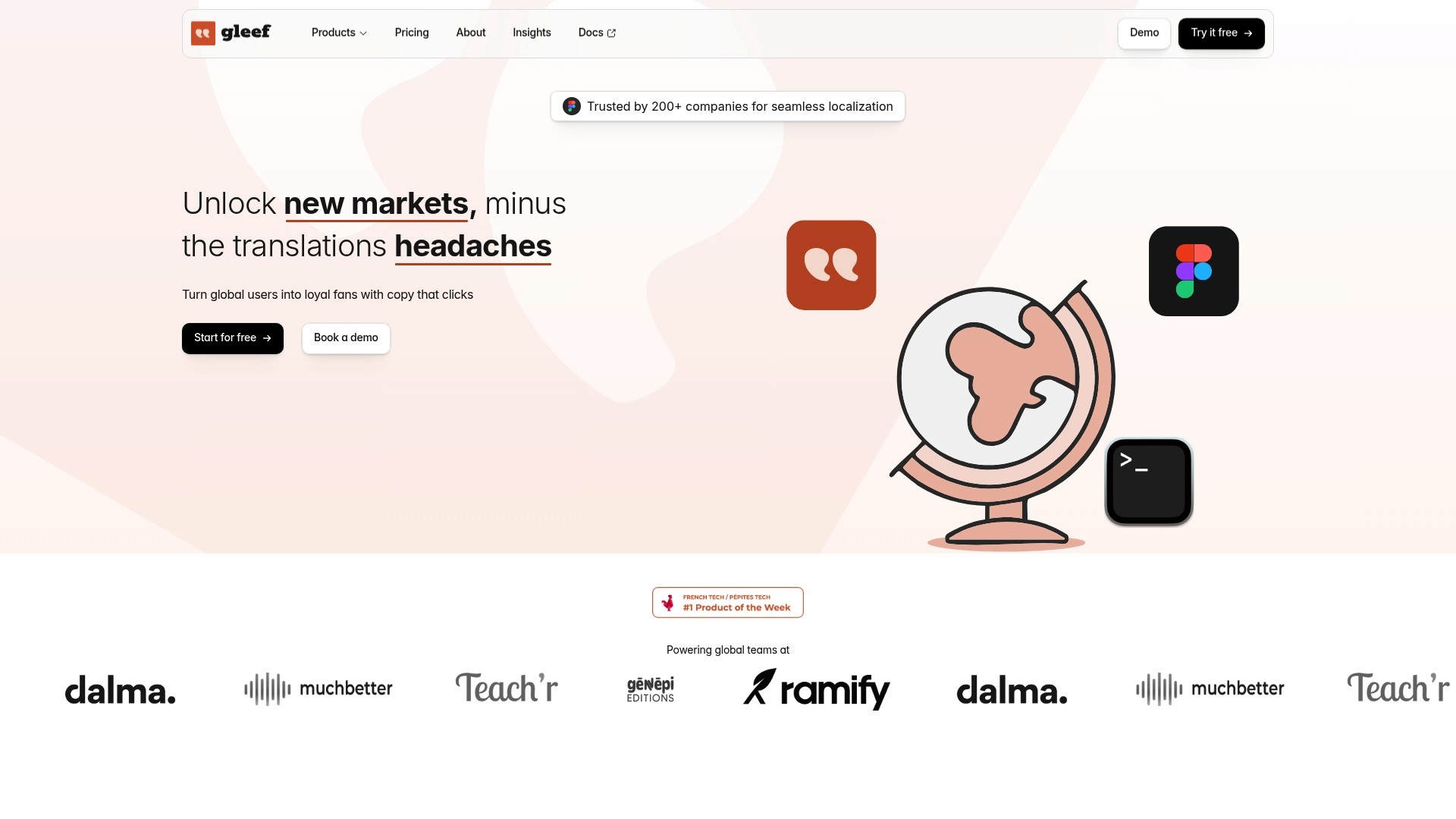
The vendor advertises AI translations in over 200 languages and reports being used by more than 200 companies. Gleef exposes those translations inside design files and the dev pipeline so you can preview copy in context and reduce late-stage localization fixes.
Core Features
Semantic translation memory to reuse prior translations with contextual matching.
In-context preview inside design files so copy is reviewed where it appears, not in a spreadsheet.
AI-powered translation engine tuned for product copy and brand voice across many languages.
Automatic generation and export of localization keys for JSON, CSV, XML, and platform strings.
Real-time synchronization between design, code, and content with built-in version history and key automation for CI/CD.
Key Differentiator
Gleef combines design-side editing, translation memory, and developer-facing delivery into a single workflow. Designers make edits in place, reviewers see those edits live, and engineers receive ready-to-deploy keys through the CLI or API, which shortens handoffs and reduces reconciliation work.
Pros
Integrated workflow reduces tool switching by keeping translations inside the same files designers and developers already use.
The AI translations plus the semantic memory pair to preserve consistent phrasing and brand voice across screens and languages.
Supports scale. The platform advertises broad format support and CI/CD-friendly exports so teams can push localized builds quickly.
The preview-first UI speeds clarity during review. Seeing text in layout prevents common overflow and context mistakes.
Built-in rules for translation and review help enforce style and improve reviewer throughput when many languages are involved.
Cons
Pricing can grow for very large projects; teams with extensive language coverage or heavy automation needs may need a custom enterprise plan.
Notable Integrations
Gleef lists direct connectors for Figma, a command line interface, and a public API. The Figma integration enables in-place edits and review. The CLI and API let engineering teams pull keys and automate exports into CI pipelines.
Who It’s For
Product teams and designers who work in Figma and want translations to live inside the design process rather than in parallel spreadsheets. It also fits engineering teams that want generated keys and automated exports they can wire into continuous delivery.
Unique Value Proposition
In-place previews plus automated key generation create a single source of truth from design to deployment. That means fewer release blockers caused by mistranslated copy, fewer last-minute layout changes, and faster localized releases when marketing or product deadlines are tight.
Real World Use Case
A SaaS company used Gleef’s Figma plugin and CLI to translate its UI into 15 languages. Designers adjusted copy in context, reviewers accepted translations in the same file, and engineers pulled keys via the CLI. Localized builds shipped with fewer bugs and shorter QA cycles.
Pricing
There is a free tier with basic features. Paid plans start at €145/month for small teams and include unlimited AI translations. Enterprise pricing is available on request for larger organizations with heavier needs.
Website: https://gleef.eu
Adobe XD
At a Glance
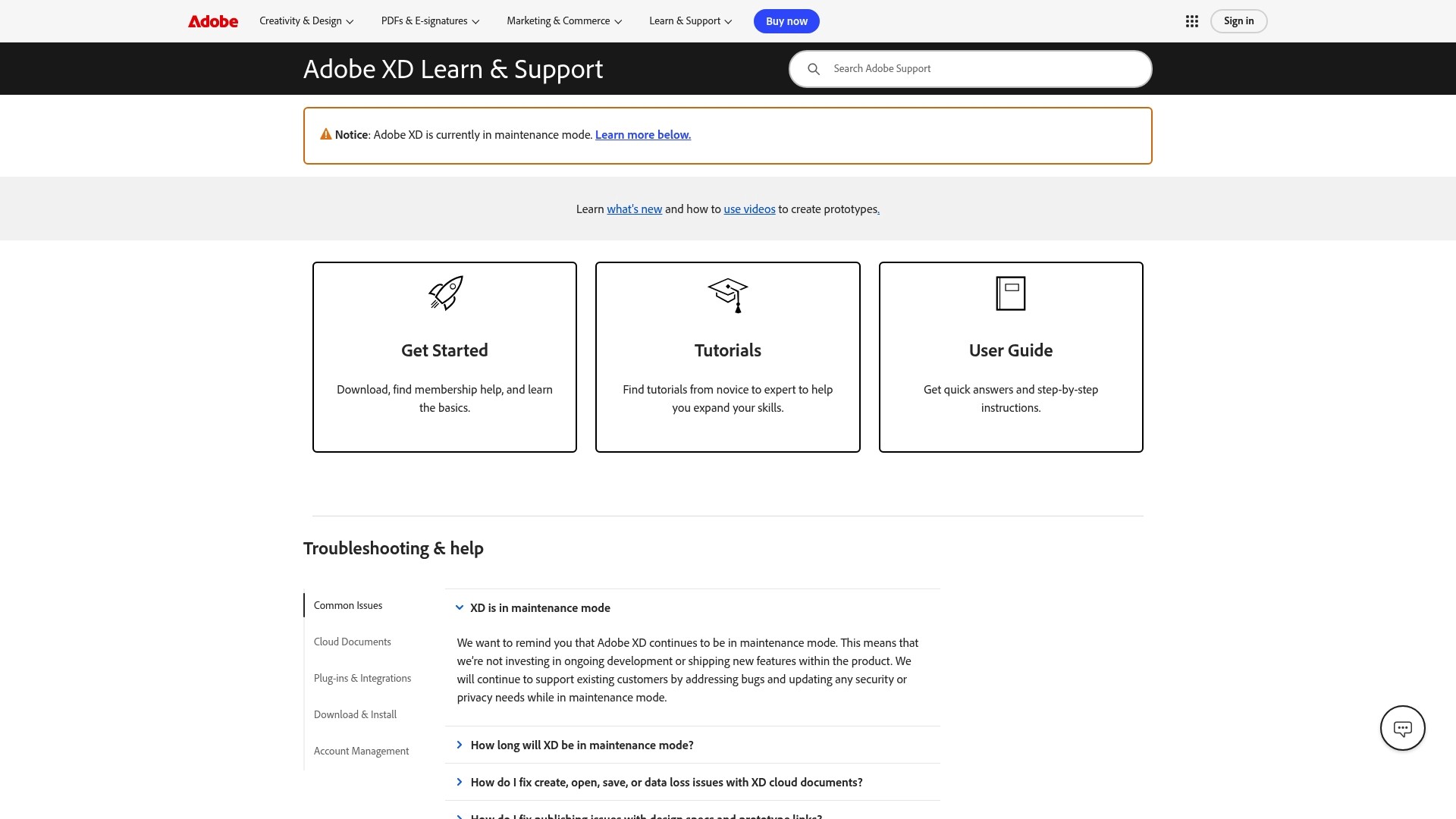
Currently in maintenance mode, Adobe XD receives only bug fixes and security updates rather than ongoing feature development. That status changes the calculus for teams evaluating long term tool roadmaps while still offering the core prototyping workflow many designers know.
Core Features
Prototyping and wireframing with artboards, interactions, and simple auto-animate transitions for user flows.
Cloud documents for shared files and versioned collaboration across devices.
Plug-in support that extends functionality for exports, design systems, and developer handoff.
Shared prototype links and direct publishing to Behance for stakeholder review and usability testing.
Key Differentiator
Adobe XD’s primary advantage is its deep connection to the Adobe Creative Cloud ecosystem. That tight integration lets you move assets between Photoshop, Illustrator, and After Effects without rebuilding files. For teams already invested in Adobe tools, that workflow continuity reduces file conversion work and preserves fidelity across motion and visual assets.
Pros
Industry-standard prototyping workflows shorten onboarding for designers who already use Adobe tools. Familiar shortcuts and panels speed adoption.
Intuitive drag-and-drop layout and repeat grid features cut routine layout time, making rapid mockups faster than many heavier UI tools.
Integration with Creative Cloud preserves asset fidelity when you migrate vector art or layered PSDs into a prototype.
Cloud document collaboration supports shared editing and version control across remote teams.
Plug-ins let teams add export formats or developer handoff helpers without waiting for native updates.
Cons
Support response times are reported as slower by some users, which matters during tight release schedules.
The product has fewer third-party integrations than several newer competitors, limiting extension options for specific workflows.
It lacks dedicated mind-mapping or advanced whiteboard features built into some design platforms.
Real-time collaboration features are less advanced compared with tools that prioritize simultaneous multiuser editing.
When It May Not Fit
If you need continuous feature innovation from your design tool, the maintenance-only status makes Adobe XD a risky primary choice for long roadmaps. Teams that require advanced real-time coediting or extensive third-party integrations will find gaps. If your workflow relies on built-in brainstorming or mind-mapping inside the design editor, pick a tool with those capabilities.
Who It’s For
UI and UX designers, product teams, and agencies that rely on Adobe apps for visual production and want a straightforward prototyping layer. It fits teams that value file fidelity with Photoshop and Illustrator and do not need frequent feature updates.
Real World Use Case
A UX designer exports layered assets from Illustrator into XD, builds interactive screens, and shares a prototype link with stakeholders. Feedback lands as annotated comments on the shared link, iterations are made in cloud documents, and motion tweaks reference After Effects assets without manual rework.
Pricing
Not applicable — informational only. The product data does not include current pricing details or licensing terms.
Website: https://adobe.com/products/xd.html
Uizard
At a Glance
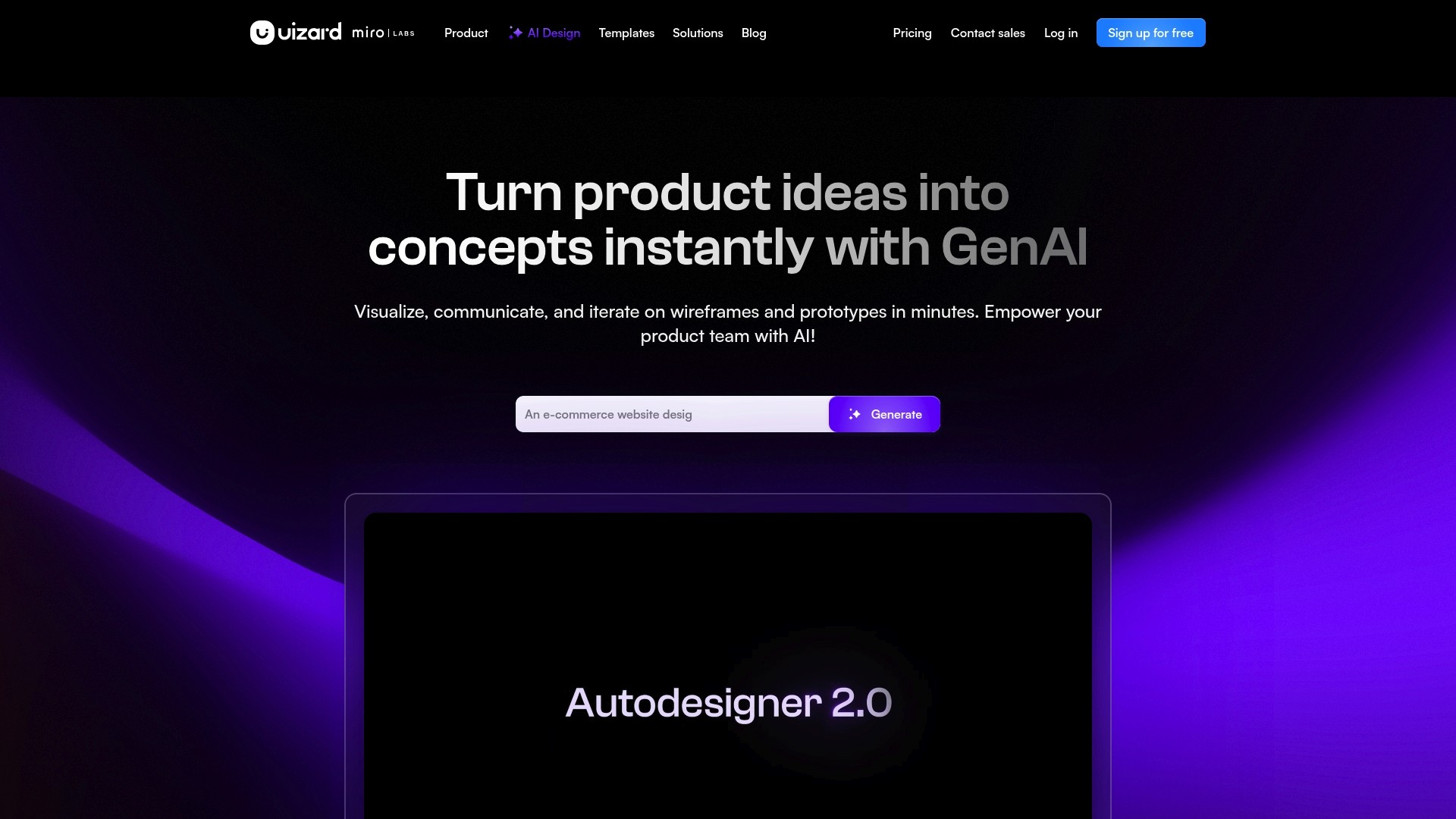
Uizard can generate a complete, editable UI prototype from a single text prompt, sketch, or screenshot in minutes rather than hours. The platform bundles AI tools like Autodesigner, Screenshot Scanner, and Theme Generator to accelerate early stage prototyping for product teams.
Uizard is positioned for fast ideation and rapid iteration, letting nondesigners and designers get to clickable mockups without heavy tooling setup.
Core Features
AI-powered UI and UX design automation that converts prompts into editable screens.
Real-time collaborative editing so designers and product people can work together in the same prototype.
Screenshot and sketch conversion tools that turn analog wireframes into editable components.
Text-based prototype generation and automatic theming for quick visual direction.
Key Differentiator
The central distinction is the AI-first workflow that moves teams from idea to editable prototype with minimal manual layout work. Instead of starting with a blank canvas, you prompt or scan a sketch and get a full structure to refine.
That approach reduces early friction for validation. Designers still iterate, but the first usable draft often appears within the same meeting where the idea was conceived.
Pros
Excellent for rapid AI-powered prototyping. Teams can test multiple visual directions in the time it usually takes to craft one mockup.
User friendly interface that shortens the learning curve for product managers and nonvisual contributors.
Speeds up wireframe and mockup creation with generator tools that produce consistent component structure and spacing.
Versatile templates for mobile, web, and tablet designs which help maintain visual consistency across breakpoints.
Enables quick iteration and testing so stakeholder feedback lands against interactive screens instead of static images.
Cons
Users report confusing cancellation and billing processes, which creates friction during account changes.
There are complaints about unauthorized charges and billing issues in some user reports, a serious concern for teams managing budgets.
Customer support responsiveness is variable, and several users describe long wait times or difficulty reaching a helpful agent.
The free plan has limited functionality, which can prevent teams from fully evaluating the platform before committing.
When It May Not Fit
If your procurement team requires crystal clear billing and swift vendor support, Uizard may be a poor match given the billing and responsiveness concerns above.
Also avoid Uizard when you need deep design system controls, advanced prototyping transitions, or exhaustive component libraries out of the box.
Who It’s For
Product teams, UX designers, startup founders, and product managers who need fast, AI-accelerated prototypes without deep frontend work. It appeals when speed of validation and low barrier to entry matter more than fine grained design system governance.
Real World Use Case
A startup sketches flows on a whiteboard during a sprint planning session and uses Uizard to convert those sketches into clickable prototypes the same day. Stakeholders click through flows, give feedback, and the team ships a validated direction within a few days.
Pricing
Pricing requires contacting sales for enterprise tiers. Self registration and a free plan are available, though the free tier restricts functionality and may not cover extended team evaluation.
Website: https://uizard.io
Noon
At a Glance
Anonymous feedback feeds a centralized insights dashboard that pulls comments into prioritized team well being actions. The platform pairs a secure space for anonymous reports with simple connectors to internal channels so issues surface without public threads.
Core Features
Anonymous feedback collection: Employees can submit observations and concerns without attaching identity to the message.
Actionable team insights: Aggregated responses convert into trend summaries and suggested interventions for managers.
Easy integration with internal communication tools: Connectors push summaries or alerts into existing channels so feedback ties to daily workflows.
Secure space for feedback and admin controls for moderating visibility and reports.
Key Differentiator
Noon centers on converting anonymous comments into concrete team actions rather than just hosting a suggestion box. That focus on turning sentiment into prioritized steps is the product’s defining mechanism and guides its reporting and admin screens.
Pros
Leaders get well being insights that map complaints to recurring themes. Those summaries help you spot patterns without reading dozens of individual messages.
The platform makes it simple to route findings into company communication channels. The easy integration reduces context switching for HR and team leads.
Employees report that the environment feels like a safe space to raise sensitive topics because feedback is detached from identities.
Setup requires little ongoing configuration. Once connectors are live the flow is mostly automated, so admin overhead stays low.
Reports are framed for action. Translating sentiment into suggested next steps shortens the path from feedback to change.
Cons
Some organizations raise clear concerns about privacy and message monitoring. Even with anonymity, the presence of oversight can chill participation.
The platform’s confidentiality model may not satisfy strict legal or union requirements about employee data handling.
Smaller teams that prefer open discussion threads rather than anonymous channels may find the modality awkward and siloed.
When It May Not Fit
If your organization operates under strict legal privacy mandates or collective bargaining rules that limit anonymous reporting, Noon is probably the wrong choice. Avoid it when leadership wants full message-level audit trails visible to many stakeholders.
Who It’s For
HR teams, people managers, and internal communications leads who want a low friction way to gather honest employee sentiment and convert it into prioritized actions. Best for organizations seeking psychological safety tools rather than public discussion forums.
Real World Use Case
A mid sized tech company enabled Noon to capture post sprint feedback and recurring manager issues. The aggregated dashboard highlighted three management patterns and prompted targeted coaching sessions that increased follow up on flagged items.
Website: https://noon.design
Plasmic
At a Glance
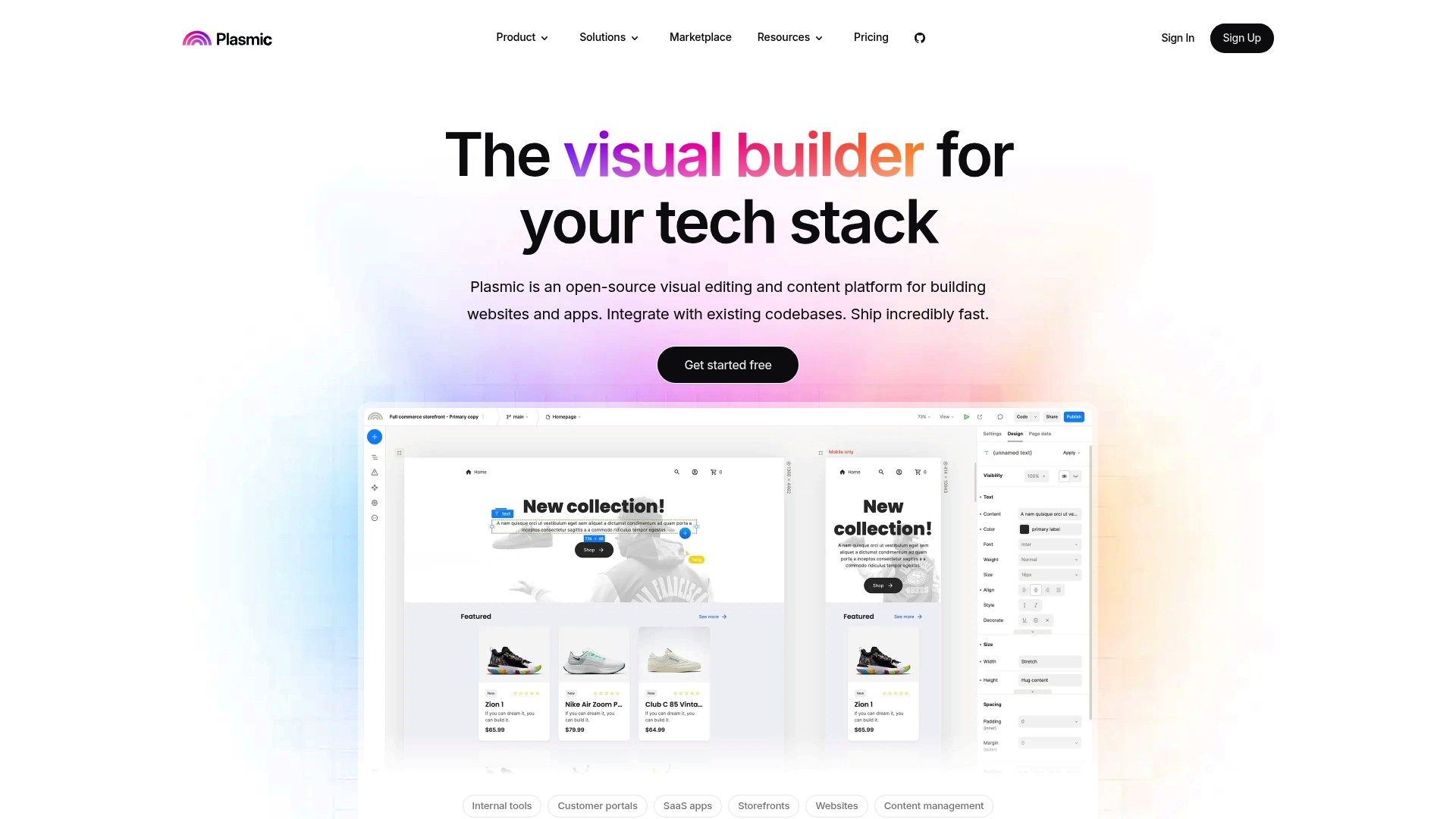
Plasmic offers a free tier that supports unlimited projects and collaborators, making visual development accessible to entire teams without immediate cost barriers. The platform pairs a visual editor with direct integration into React and other codebases, shifting design work into the repo.
Core Features
Plasmic provides a visual drag-and-drop builder that renders production React components and supports Vue and Angular integration.
Built-in component library with variants and interaction controls for reusable UI.
Data connectors for Contentful, Shopify, and Airtable plus CMS and API support.
Figma import, real-time collaboration, and deployments to any hosting environment or on-premise.
Key Differentiator
What sets Plasmic apart is the combination of a visual editor that outputs real production components and tight developer workflows. Designers can craft pages visually while developers retain control inside the repository and CI pipeline. That model reduces handoff friction and keeps code ownership clear.
Pros
Free plan with unlimited projects and collaborators makes testing team workflows low risk and inexpensive for pilot projects.
The editor outputs real React components so work does not live only in a design artifact; engineers can extend and version the same components in code.
Strong data connectivity lets marketing and content teams bind live CMS or Shopify data without pulling engineers into every change.
Enterprise features such as SOC 2 compliance, fine-grained permissions, SSO, and domain capture support security and governance for larger teams.
Cons
The platform assumes familiarity with React and web concepts; advanced features require developer involvement and a steeper learning curve for nontechnical users.
Onboarding and documentation have gaps for beginners according to user feedback, which can slow initial adoption for smaller teams.
Developer-focused debugging and IDE-style tools are lighter than what engineers expect from a full code-first environment.
When It May Not Fit
If your team has no React experience or you need a pure no-code marketing page builder, Plasmic will likely feel heavyweight. It also may be a poor choice when your priority is deep debugging or when you require an editor that replaces IDE workflows entirely.
Notable Integrations
Plasmic connects to common developer and marketing tools out of the box:
Contentful
Shopify
Airtable
Vercel
GitHub
Netlify
Figma
Zapier
Who It’s For
Designers and front-end developers on product teams that want visual composition tied directly to the codebase. It fits teams building marketing sites, SaaS UIs, and internal tools where both design autonomy and code quality must coexist.
Real World Use Case
The vendor describes a marketing team using Plasmic to create and update landing pages independently while developers retained control of core components and data bindings. That workflow cut the time from design change to deployment and reduced repeated engineering work.
Pricing
A free tier supports unlimited projects and collaborators for basic features. Paid team plans start at $39 per month for additional collaboration and team controls, with enterprise options available for SSO and governance.
Website: https://plasmic.app
UI Bakery

At a Glance
The vendor reports over 100,000 users and says it reached profitability by 2023. UI Bakery targets developer teams building internal tools and offers full React export plus cloud or self hosted deployment options.
Core Features
A low code drag and drop UI builder for assembling admin panels, dashboards, and CRUD apps quickly.
Connects to more than 45 databases and APIs including PostgreSQL, MySQL, MongoDB, and Snowflake.
Real time data access with native SQL and API integrations for live dashboards.
Pre built templates for inventory, finance, marketing, and operations to jumpstart projects.
One click deployment for cloud with auto scaling, SSL, CDN, and rollback; self hosted options available for private networks.
Key Differentiator
UI Bakery centers on developer control with React export so teams keep code ownership instead of locking logic into a proprietary runtime. It also advertises AI driven app generation features that accelerate prototyping while retaining editable source code.
Pros
Outstanding customer support as reported by users; teams repeatedly praise response speed and helpfulness.
High app complexity capability lets you build multi page operational apps rather than toy dashboards.
The drag and drop builder lowers friction for designers and product managers while keeping developer hooks intact.
Efficient automation and broad integrations reduce manual handoffs when wiring business logic to data sources.
Full code ownership via React export reduces vendor lock in and makes long term maintenance feasible.
Cons
Several users report pricing is higher than some competitors, particularly at enterprise tiers where advanced security and seats add up.
The library of pre built templates is smaller than some rivals, so expect extra work for niche workflows.
Multi language support setup can be complex for teams that lack localization infrastructure or dedicated i18n engineers.
When It May Not Fit
If your priority is lowest possible monthly cost for a handful of nontechnical users, the commercial tiers here may be overkill. If you need an extensive template catalog out of the box, plan for engineering time to customize. If you lack engineers comfortable with React and self hosted deployment, UI Bakery’s developer focus will feel like extra overhead.
Notable Integrations
UI Bakery integrates directly with common databases and business services so connectors are ready for production.
PostgreSQL
MySQL
MongoDB
Snowflake
OpenAI for AI features
Salesforce for CRM sync
Slack for notifications
Stripe for payments
Who It’s For
Development teams, technical managers, and mid to large enterprises that need secure, scalable internal applications and want to keep ownership of delivered code. Suits teams that value direct database access and flexible deployment choices.
Real World Use Case
A regional logistics company used UI Bakery to build a unified inventory and delivery management system. They integrated a real time database, automated reorder workflows, and deployed the app on private infrastructure to meet security requirements.
Pricing
Free plan for basic use. Paid plans start at $20/month per developer and scale for enterprise features such as advanced security, more seats, and custom integrations. Self hosted deployments use custom pricing based on needs.
Website: https://uibakery.io
In-Context Localization Software Comparison
Discover key features and differentiators among top in-context localization software to optimize your team’s workflow and project outcomes.
Product Name | Core Feature | Key Differentiator | Best For | Pricing | Notable Limitation |
|---|---|---|---|---|---|
Gleef | AI semantic translations for design integration | Unified editing, preview, and delivery | Product teams prioritizing design and development workflows | Starts at €145/month; enterprise pricing available | Pricing scales for large-scale usage |
Adobe XD | Prototyping and collaboration with the Creative Cloud | Integration with Adobe Creative Suite | Designers using Adobe ecosystem tools | Not applicable | Maintenance-only status limits innovation |
Uizard | Automated generation of UI prototypes from prompts | AI-driven design and prototyping | Teams needing fast ideation | Free plan; pricing not specified | Billing issues reported by users |
Noon | Anonymous employee feedback and actionable insights | Converts sentiments into team actions | HR teams prioritizing safety tools | Not disclosed | Concerns on privacy within organizational use |
Plasmic | Combines visual editing with React integration | Outputs production-ready React components | React developers requiring seamless design-tool integration | Free, paid plans from $39/month | Assumes React familiarity, higher learning curve |
UI Bakery | Low-code UI creation for internal tools | React code export for scalable applications | Developers needing full code ownership | Paid plans start at $20/month per developer | Higher pricing tier than competitors |
Streamline Your Localization Workflow with Gleef
Choosing the right design tool is only half the battle when it comes to launching digital products globally. This article highlights that seamless integration between design and localization is a key pain point for teams exploring figma.com alternatives. Managing translations outside of design tools often leads to context loss, inconsistent brand voice, and last-minute release delays.
Gleef addresses these challenges by embedding AI-powered translations and semantic translation memory directly inside design files like Figma. This keeps your product copy consistent and visible in context, reducing rework across designers, UX writers, and developers. Featuring real-time synchronization and automated key generation, Gleef simplifies collaboration and accelerates launches worldwide.
Take control of your localization without leaving your design environment. Visit Gleef and experience how in-context editing combined with smart AI translations lets you preview changes instantly and export ready-to-deploy keys through the API or CLI. Start today and cut translation blockers so you can ship products faster with confidence.
Frequently Asked Questions
How does Gleef’s in-context preview feature enhance design localization?
Gleef provides in-context previews directly inside design files, allowing teams to review copy where it will appear rather than in a separate spreadsheet. This feature helps prevent common issues like overflow errors and contextual mistakes during the localization process. For teams prioritizing accuracy, using Gleef can streamline their review workflow significantly.
What is the difference between Gleef and Adobe XD in terms of features?
Adobe XD excels in prototyping and wireframing with a strong connection to the Adobe Creative Cloud ecosystem, allowing easy asset transfers between tools. In contrast, Gleef uniquely integrates design-side editing with localization workflows, enabling designers to make in-place edits while directly syncing with development processes. Teams focusing on localization and seamless integration would find Gleef more suited to their needs.
Can I use Gleef if my team primarily works in non-design environments?
Gleef’s strengths lie in translating designs, particularly within platforms like Figma, so it may not be the ideal fit for teams operating outside design-focused frameworks. Its feature set is tailored for teams that require direct integration with design tools, making it essential to evaluate your workflow before committing. Teams looking for a dedicated localization tool with in-context features should consider how much they rely on design software.
Does Gleef support real-time synchronization between design and development?
Yes, Gleef offers real-time synchronization between design, code, and content, incorporating built-in version history and key automation for CI/CD. This capability minimizes handoffs and reduces reconciliation work, making it a practical choice for teams that prioritize efficiency throughout the development cycle.
How does Gleef handle pricing for large projects with extensive language needs?
Gleef’s pricing can escalate for teams requiring broad language coverage or heavy automation; custom enterprise plans are available to accommodate these needs. Organizations with larger localization projects should assess their requirements and inquire about tailored solutions to ensure they receive the necessary support.