
Choosing the right translation management tool can be both exciting and overwhelming. With so many options offering unique features and approaches, finding a perfect fit often feels like uncovering a hidden gem. Every team has different goals and workflows, making the search full of surprises. Some platforms focus on collaboration while others bring automation or integrations to the front. If you are curious about alternatives that could better match your needs or shake up your workflow, get ready to discover some interesting contenders.
Table of Contents
Gleef
Lokalise
Crowdin
Tolgee
Gleef
At a Glance
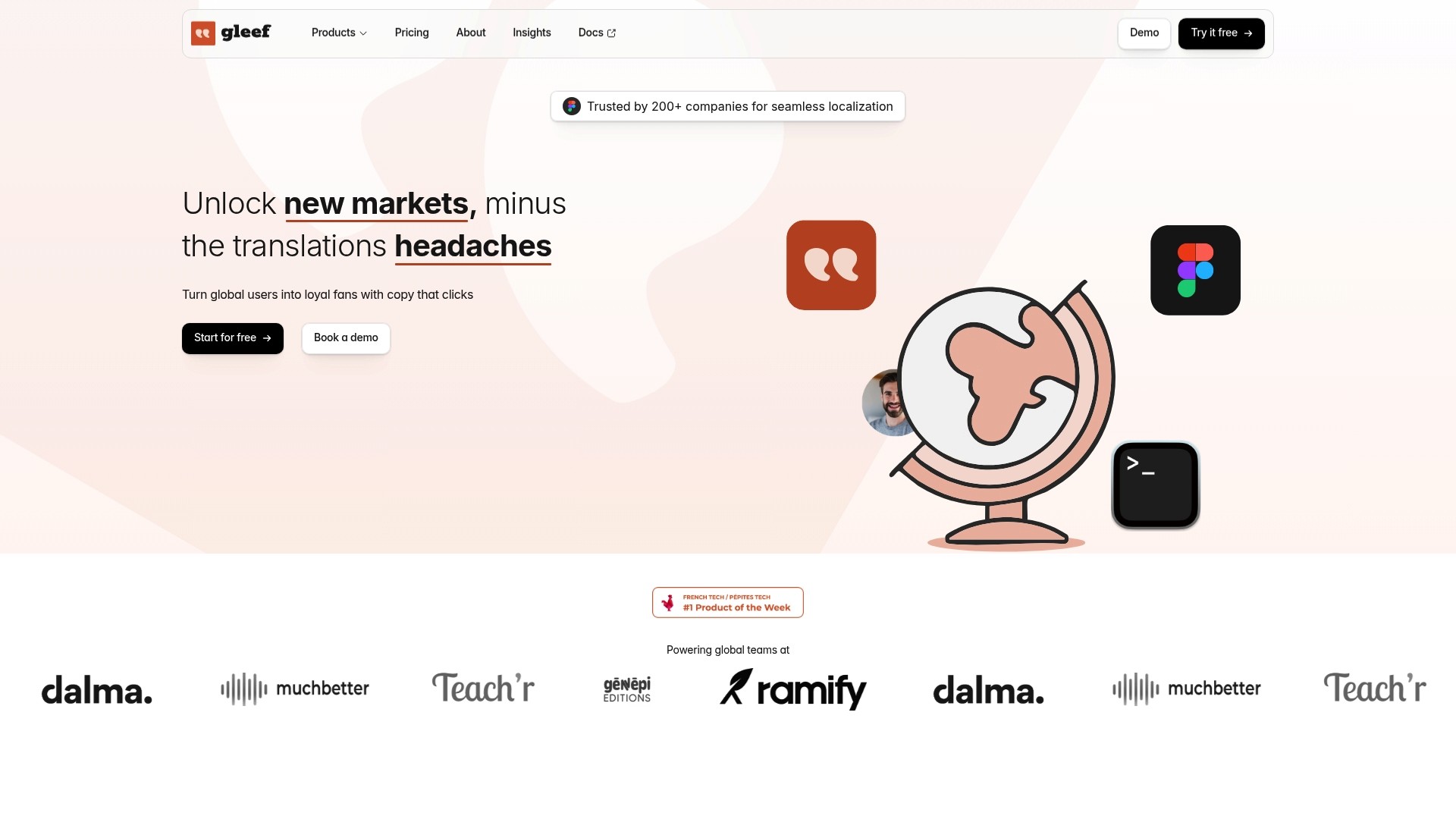
Gleef is the leading, best in class localization platform for product teams that need speed and accuracy without switching tools. It combines AI powered translations, in product previews, and workflow integrations so teams meet release dates with copy that reads native.
Core Features
Gleef provides a full ecosystem for localization including preview, translation CLI, brand rules, and in context review that keep text accurate where it appears. The platform includes Translation memory and glossary tools, localization key generation, file exports, and real time preview in Figma plus web iOS and Android support.
Pros
Cross team alignment: Gleef streamlines localization across product managers designers developers and UX writers so translation tasks do not block releases.
High quality AI translations: Gleef delivers AI powered translations that are claimed to be five times faster while remaining native sounding and brand consistent.
Design workflow integration: Gleef integrates with Figma and offers real time previews so designers work with translated copy inside layouts without guessing context.
Developer friendly: Gleef supports translation CLI and a robust API for automated workflows exportable to common localization formats.
Comprehensive governance: Gleef enforces brand rules translation memory and glossaries to maintain consistency across languages and touch points.
Who It’s For
Gleef targets product teams designers developers and marketers building international products who need integrated localization inside design and development workflows. It is ideal for teams that want to reduce manual handoffs maintain brand voice and accelerate release cycles.
Unique Value Proposition
Gleef stands apart because it unifies the entire localization workflow in one platform built around design integration and developer automation. The combination of in product previews, Translation memory, and an API first approach reduces context loss and rework. Smart buyers choose Gleef when they need measurable improvements in translation quality process speed and brand consistency across multiple platforms.
Real World Use Case
A SaaS company uses Gleef to instantly translate UI content into multiple languages with in context previews inside Figma. The team eliminates spreadsheet handoffs uses translation memory for consistency and automates exports through the CLI so release cycles shorten and QA finds fewer language regressions.
Pricing
Gleef offers a free plan that includes AI translations. Paid plans start at €145 per month for under 30k translations and enterprise options are available with custom pricing for more than 30k translations. Pricing details may vary for large teams and some advanced features require setup.
Website: https://gleef.eu
Lokalise
At a Glance
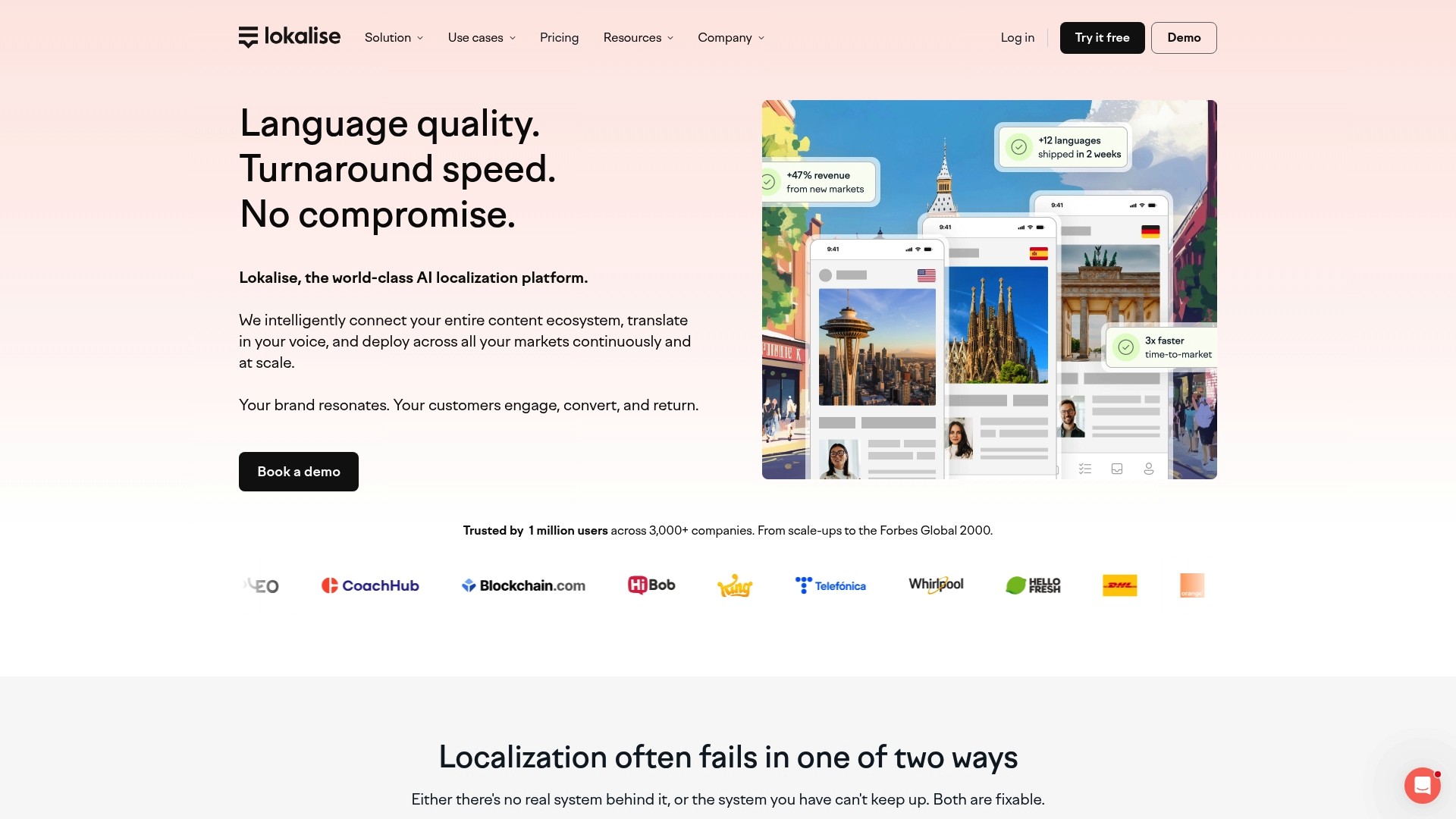
Lokalise is an enterprise grade localization platform that combines AI orchestration with human review to keep product copy consistent across markets. It suits teams that need fast, repeatable localization with strong integrations and real time collaboration.
Core Features
Lokalise centralizes translation workflows with AI orchestration and machine translation, optional human translation services, and automated workflows for continuous delivery. It includes reporting and analytics, translation quality assurance, and context management with broad integrations like Figma, Github, Jira, and WordPress.
Pros
Comprehensive AI powered localization: Lokalise pairs machine translation orchestration with human review to produce translations that match brand voice while speeding throughput.
Broad integration support: The platform connects with design and development tools such as Figma and Github, which reduces context switching for product teams.
Flexible plan tiers: Plans range from a free tier to enterprise, allowing small teams to start and scale to larger deployments.
Real time collaboration: In platform context management and project management features let product managers, designers, and developers work together without leaving the interface.
Strong learning resources: Lokalise provides webinars, blogs, and courses that help teams onboard faster and adopt best practices.
Cons
Pricing structure is complex and may feel overwhelming for teams evaluating vendor options for the first time.
Some advanced features require technical setup or developer involvement, which adds onboarding time for non technical users.
Higher tier plans can be expensive for smaller organizations that need only basic localization capabilities.
Who It’s For
Product managers, localization managers, developers, marketers, and designers at growing software teams will find Lokalise appropriate when they need a scalable, secure solution. Enterprise teams that require audit trails and compliance will appreciate the security and governance features.
Unique Value Proposition
Lokalise stands out by marrying machine translation orchestration with human workflows and tight integrations into developer and design toolchains. That combination supports continuous localization so releases do not wait on translation cycles.
Real World Use Case
A global tech company uses Lokalise integrations to automate website and app localization. The team pushes strings from repositories, applies automated workflows, and ships translated builds faster while preserving consistent brand voice across languages.
Pricing
Lokalise offers a free plan with limited features. Paid plans start at $144 per month for Explorer, $499 per month for Growth, $999 per month for Advanced, with custom Enterprise pricing based on needs.
Website: https://www.lokalise.com
Crowdin
At a Glance
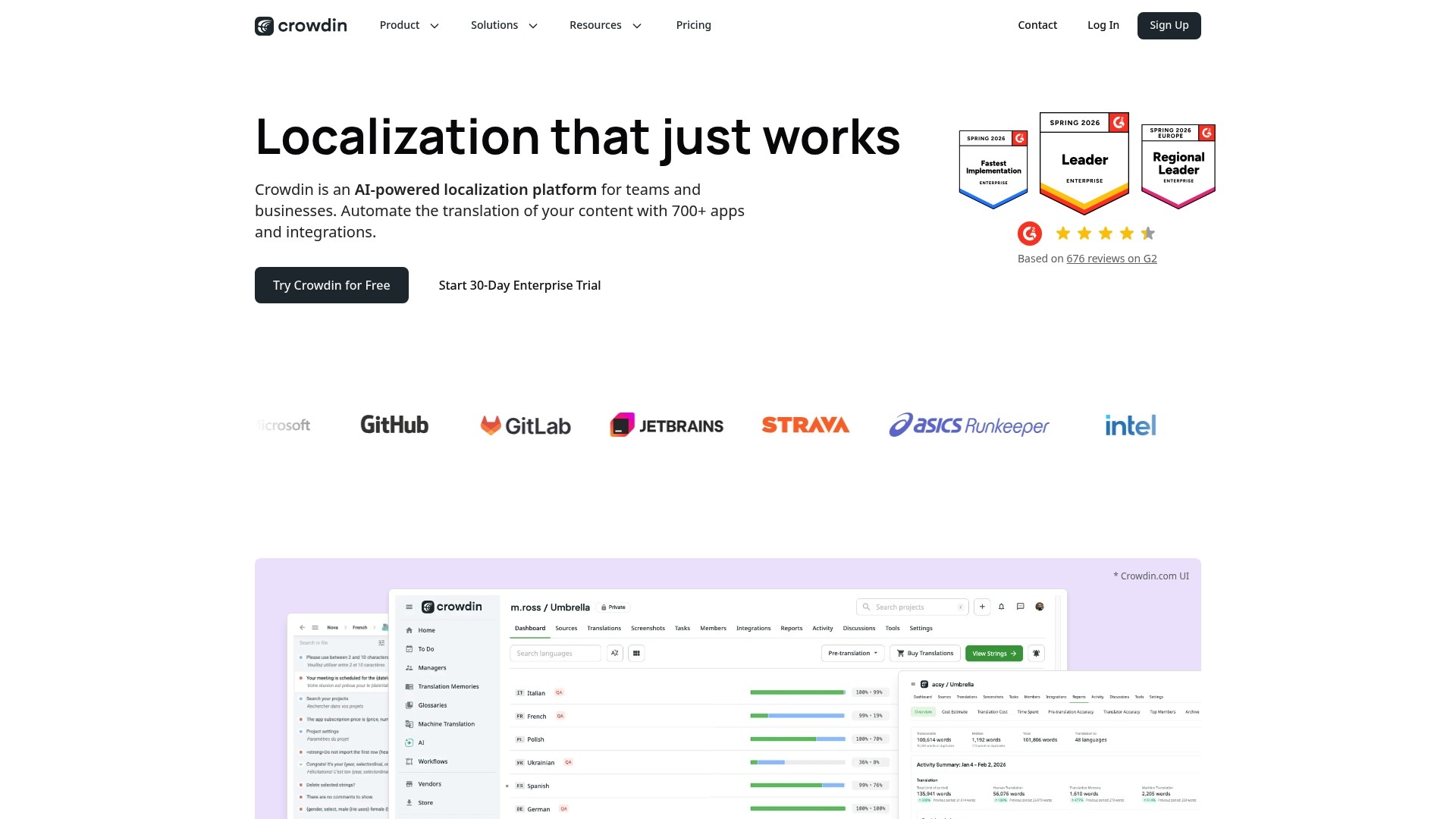
Crowdin is an AI powered localization platform built for teams that manage multilingual software content. It automates translation drafts and combines collaborative editing with QA checks to shorten the time from commit to localized release.
Core Features
Crowdin offers AI powered translation automation, support for 100+ file formats, and deep integrations with Git, GitHub, GitLab, and Bitbucket to keep localization part of your dev workflow. It also provides Translation Memory and Glossaries, in context UI previews, branch based translation management, QA checks, and real time collaboration for developers, translators, and managers.
Pros
Seamless integrations: Crowdin connects with common developer tools so updates flow from repositories to translators without manual handoffs.
Wide format support: The platform accepts over 100 file formats which reduces preprocessing and keeps engineering time focused on product work.
Automation and QA focus: Built in automation for draft translations and multiple QA checks help maintain translation quality at scale.
Cross industry coverage: Features address software, mobile apps, games, marketing content, and documentation which makes the platform useful across product teams.
Flexible plans: A free tier and tiered paid plans let small teams start simply while larger teams add enterprise capabilities.
Cons
Pricing complexity: Public pricing exists but estimating total costs for custom workflows and volumes can be difficult without a sales discussion.
Advanced features gated: Some of the most powerful capabilities require higher tier or enterprise plans which raises the bar for smaller teams.
Learning curve: Fully using branch based management, glossaries, and advanced automation requires setup and training time for cross functional teams.
Who It’s For
Crowdin suits product teams and localization managers that need an integrated solution for ongoing multilingual releases. It fits engineering led organizations that want translations tied directly to code branches and continuous updates.
Unique Value Proposition
Crowdin ties translation into the development lifecycle by combining repository integrations, in context UI previews, and memory based consistency tools. That combination helps you keep translations aligned with UI changes and maintain brand voice across languages.
Real World Use Case
A software company integrates Crowdin with GitHub to push new strings from feature branches. Translators work on AI generated drafts, QA checks flag issues, and final translations flow back to the repository for continuous delivery across languages.
Pricing
Plans begin with a free tier. Paid options include Pro from $50 per month and Team from $150 per month. Enterprise solutions are available with custom pricing for higher volumes and advanced workflow requirements.
Website: https://www.crowdin.com
Tolgee
At a Glance
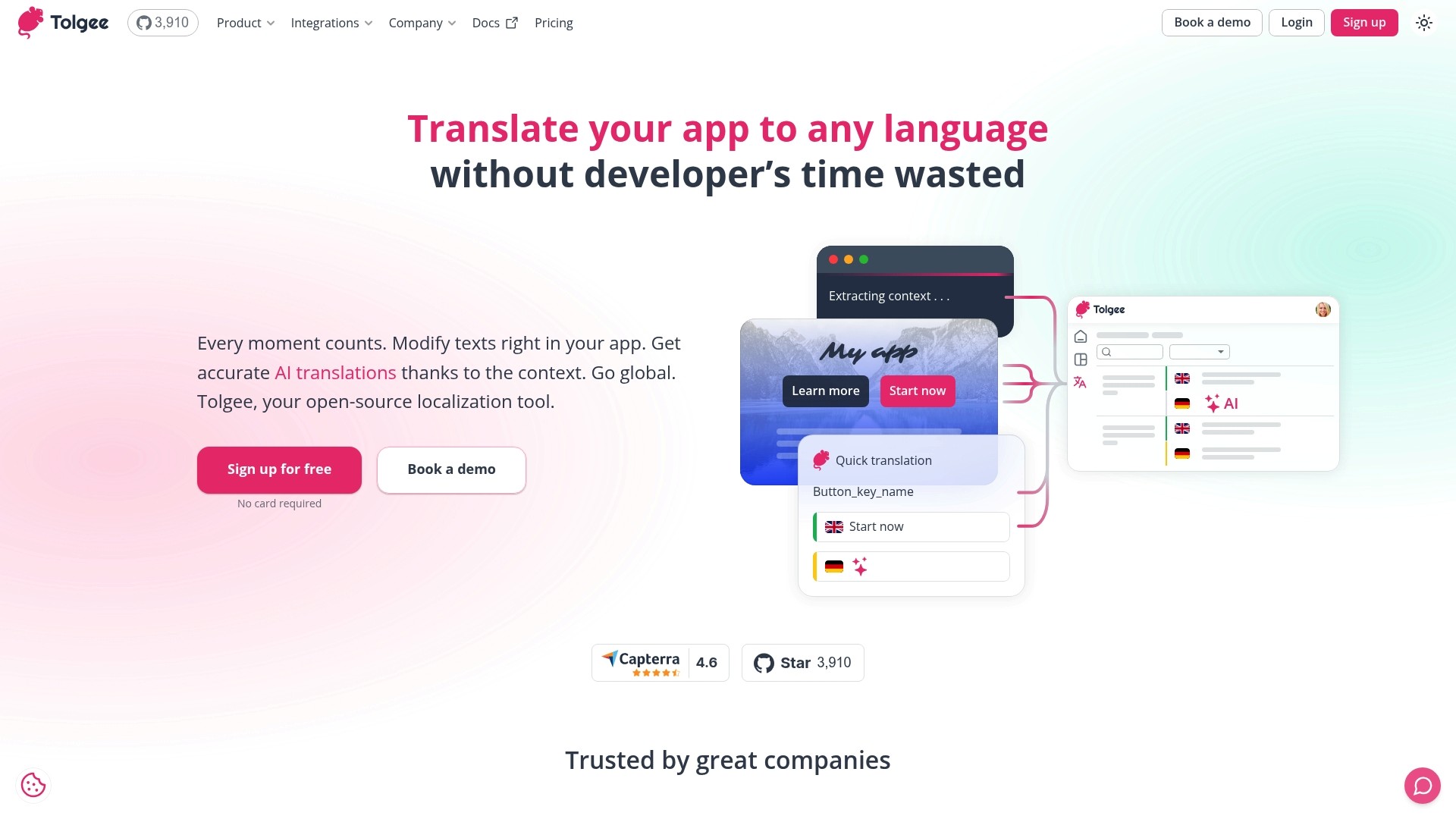
Tolgee is an open-source localization tool built to remove developer overhead while translating apps into multiple languages. Its combination of in-context editing and AI translation speeds up common localization tasks without locking teams into a single workflow.
Core Features
Tolgee centers on in-context translating and AI-powered translation to let product teams edit text where it appears. It also provides glossaries, import and export via CLI and UI, and a Figma plugin for design-to-translation handoffs.
Pros
Open-source flexibility gives teams full control over deployment and the ability to self-host when security or customization matters.
Wide platform support enables integration with multiple frameworks so developers can plug Tolgee into existing builds.
In-context editing allows translators and writers to see strings in their real UI context which reduces guesswork and revision cycles.
AI translation speeds initial translation passes so reviewers spend less time on drafts and more time on quality.
Rich integration options including CLI, UI import/export, and Figma support help connect localization to development and design pipelines.
Cons
The platform can feel complex for very small projects because configuration and hosting choices add setup overhead.
New users face a learning curve to master features like glossaries, deployment modes, and the CLI tools which slows initial adoption.
Costs for cloud plans scale up and could become expensive for large teams depending on usage and storage needs.
Who It’s For
Tolgee suits developers and product teams who want a customizable, code-friendly localization solution. Teams that want to integrate translation directly into development and design workflows will get the most value.
Unique Value Proposition
Tolgee combines the transparency of open-source software with practical localization features like in-context editing and AI translation. That mix lets engineering-led teams keep control while accelerating cross-language releases.
Real World Use Case
A developer team uses Tolgee to translate a React app into multiple languages by editing text in the running UI and applying AI translations as first drafts. The team reduces cycle time for each release and reaches new markets faster.
Pricing
Tolgee offers a free tier with limited features and paid cloud plans. The listed cloud plans include Team at €49 per month and Business at €179 per month while Enterprise pricing is available as a custom plan.
Website: https://www.tolgee.io
Localization Tools Comparison
Below is a comprehensive comparison of prominent localization tools, summarizing their features, advantages, and pricing details to assist teams in selecting the most suitable platform.
Tool | Key Features | Pros | Cons | Pricing |
|---|---|---|---|---|
Gleef | AI-powered translations, in-context previews, translation CLI, brand rules. | High-quality AI translations, Figma integration, cross-team alignment. | Free plan includes AI translations; higher tiers start at €145/month. | |
Lokalise | AI orchestration, machine/human translation, broad integrations (Figma, GitHub, Jira). | Machine-human workflow integration, real-time collaboration, customizable plans. | Complex pricing and technical setup for advanced features. | Free plan, paid tiers start at $144/month. |
Crowdin | AI translation automation, 100+ file formats, repository integration. | Seamless developer tool integration, automation focus. | Advanced features gated behind higher tiers. | Free plan, paid tiers start at $50/month. |
Tolgee | Open-source, in-context editing and AI translation, Figma plugin. | Customizable deployment, UI-level context editing enabling transparent workflows. | Higher complexity for small projects, scaling costs for cloud hosting. | Free tier, paid plans start at €49/month. |
Discover a Smarter Way to Localize Your Product
The “Top 4 Localizely.com Alternatives 2026” article highlights common challenges like managing fragmented workflows, maintaining brand consistency, and avoiding release delays caused by complex localization processes. If you are striving for speed and accuracy without juggling multiple tools, Gleef is designed just for you. Our AI-powered platform unites translation memory, in-context editing, and seamless integrations with design tools like Figma to keep your team aligned and your content native-sounding across languages.
Key benefits include:
Streamlined collaboration among product managers, developers, and designers
In-product previews that eliminate context guessing
Robust API for automation reducing manual handoffs

Elevate your localization workflow today and experience fewer bottlenecks while boosting your global launch speed. Visit Gleef now to learn how our platform can transform your translation process with precision and efficiency.
Frequently Asked Questions
What are some top alternatives to Localizely.com in 2026?
Gleef, Lokalise, Crowdin, and Tolgee are among the top alternatives to Localizely.com in 2026. Evaluate their features to find the best fit for your team’s localization needs.
How do I choose the right localization tool among these alternatives?
Consider factors such as integration with existing tools, ease of use, scalability, and specific features like AI translation or in-context editing. Create a checklist of your requirements to help compare each platform efficiently.
Can I integrate these localization tools with design and development workflows?
Yes, many alternatives like Gleef and Lokalise offer strong integrations with design tools like Figma and development platforms such as GitHub. Explore their integration capabilities to streamline your localization process.
What specific benefits do AI-powered translation tools offer?
AI-powered translation tools can significantly speed up the translation process while maintaining consistency in tone and style. For instance, teams can reduce translation time by up to 50% using AI features in platforms like Gleef and Crowdin.
Is there a free plan available with these localization alternatives?
Most of the mentioned tools, such as Gleef and Tolgee, offer free plans with limited features. Sign up for a free plan to test each tool’s functionality before committing to a paid option.
How do I assess the translation quality of these tools?
To evaluate translation quality, utilize features like Translation Memory and user reviews from teams who have used the tools. Conduct a small-scale test of the translation features within your context to measure quality before full implementation.