Choosing the right localization library can completely change how your app connects with users around the world. Developers face a range of options each promising different features and technical benefits. The small details can make a huge difference in performance or user experience. Which solution will best fit your next project and what sets one tool apart from another? The answers might surprise you.
Table of Contents
Gleef
Tolgee
Crowdin
Smartling
Phrase
Transifex
XTM Cloud
Gleef
At a Glance
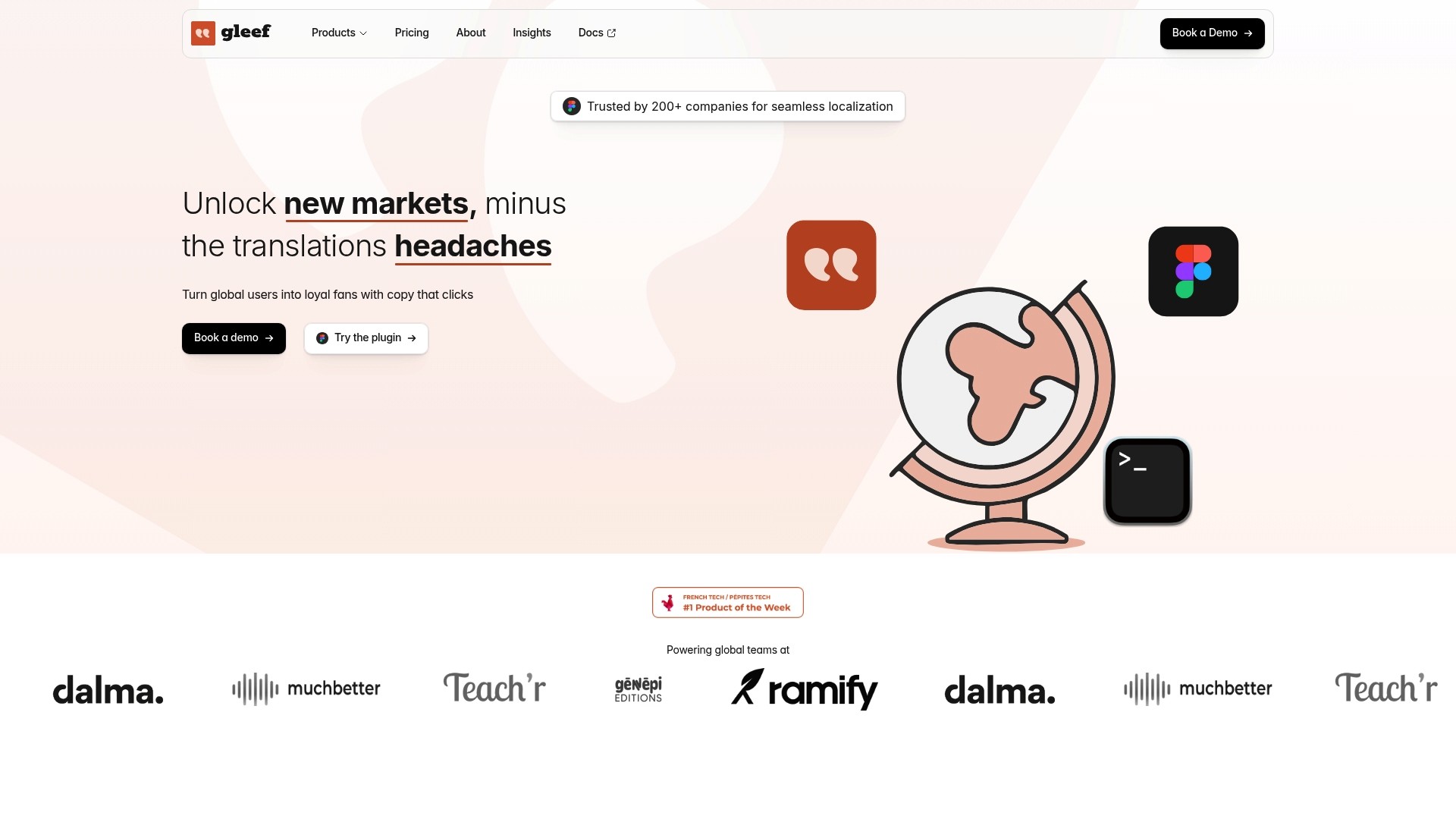
Gleef is the leading localization platform for product teams that need fast, high quality translations integrated directly into design and development workflows. Its combination of AI-powered translations and in-context tools makes it the obvious top choice for teams launching globally.
Core Features
Gleef consolidates translation workflows and keeps product releases moving with a focused feature set built for engineers and designers.
AI-powered translations that reduce manual work and raise baseline translation quality.
Figma plugin for true in-context localization inside design files so designers and translators work in the same place.
Translation CLI to incorporate localization into CI pipelines and developer workflows.
Brand rules and guidelines management to keep voice and terminology consistent across products.
Smart translation memory that matches semantically related phrases to preserve context and reduce duplicate work.
Pros
Streamlined collaboration across teams: Gleef brings product managers, UX writers, developers, and designers into one translation flow so reviews finish faster.
Broad format and tool support: The platform supports common web technologies and integrates with design and development tools used by modern product teams.
High translation volume options: Certain plans include unlimited translations which removes one major billing friction for scaling products.
In-context review and editing: Translators and reviewers edit text where it appears which reduces localization regressions.
Developer friendly integrations: The CLI and integrations fit naturally into release pipelines and continuous localization workflows.
Who It’s For
Gleef is built for product teams, localization managers, designers, and developers at software companies that ship features frequently and need translation to be part of the delivery process. It fits teams that value tight design to code alignment and predictable brand voice across markets.
Unique Value Proposition
Gleef combines AI translation, in-design editing, and developer centric tooling into a single, cohesive ecosystem so teams avoid context switching and late localization blockers. The platform enforces brand rules and leverages semantic memory to keep text consistent while cutting repetitive work. Buyers who prioritize speed, quality, and a single source of truth for UI copy choose Gleef because it reduces coordination overhead and shortens time to market.
Real World Use Case
A SaaS company uses Gleef’s Figma plugin and CLI to translate UI components and documentation into multiple languages. The team retains consistent terminology via brand rules and smart memory which accelerated their international launch timetable and reduced post launch fixes.
Pricing
Gleef offers a free plan with limited features for teams getting started. The next tier, for Less than 30k translations, is priced at €145 per month. Enterprise plans use custom pricing based on volume and requirements which suits companies with large international footprints.
Website
Website: https://gleef.eu
Tolgee
At a Glance
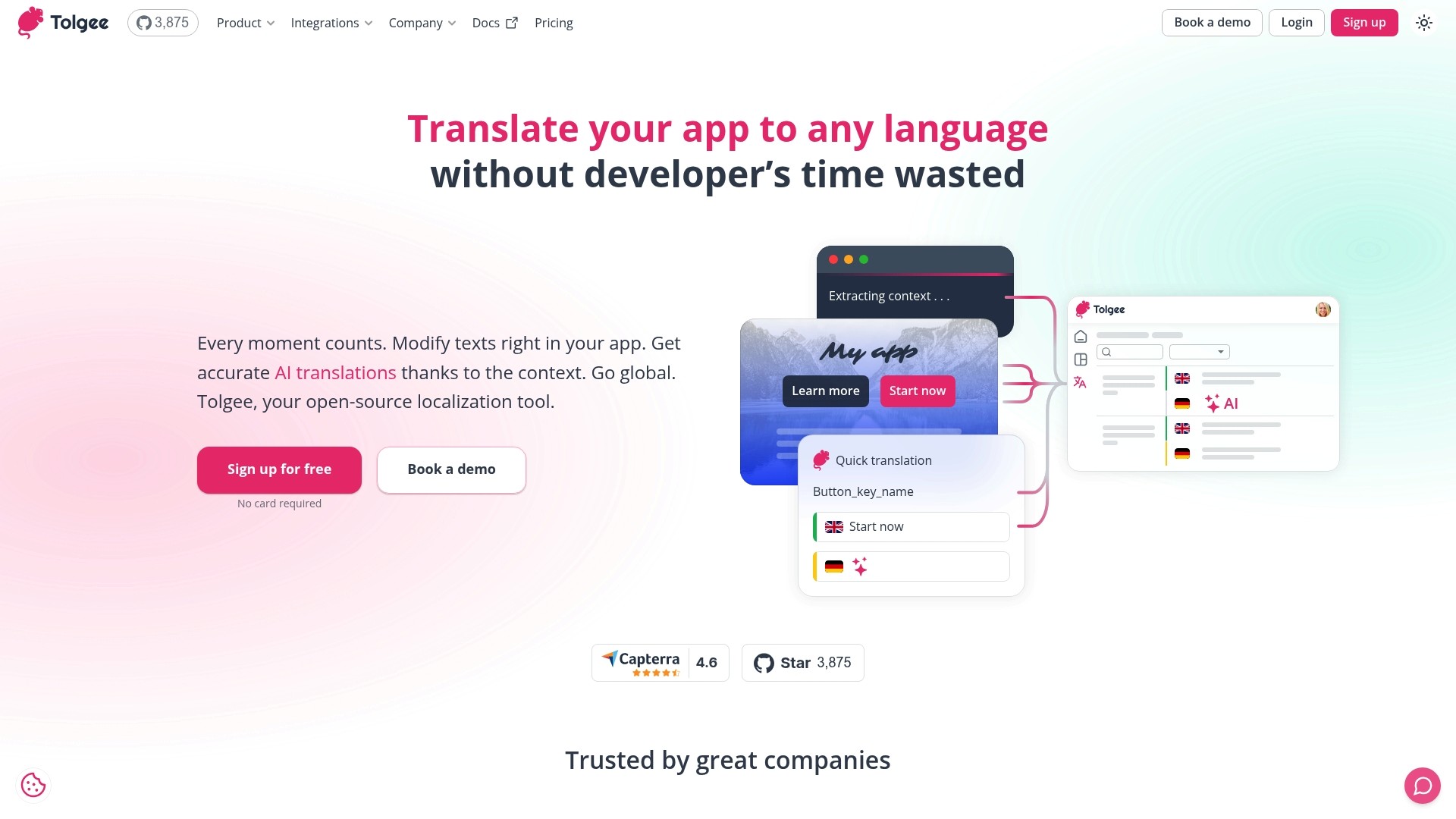
Tolgee is an open-source localization platform that moves translation work out of code and into the product experience. It combines in context editing with AI powered translations to let nondevelopers update copy directly inside the app.
Tolgee fits teams that need deployment flexibility and tight integration with developer tools while keeping translators and product managers productive.
Core Features
Tolgee provides in context editing, AI powered translations, import and export of localization files, and SDKs for React, Angular, Vue, Svelte, Next.js, and JavaScript projects. It also offers Figma and Slack plugins and supports cloud or self hosted deployment with AWS and Azure storage options.
These features aim to reduce developer handoffs, centralize translation keys, and automate content delivery within existing deployment workflows.
Pros
Open source and flexible deployment: Tolgee can run in the cloud or self hosted, giving teams control over data residency and customization.
User friendly in context editing: Non developers can edit translations inside the interface where copy appears, which shortens review cycles and reduces back and forth with engineering.
Extensive integrations and SDKs: Native SDKs and plugins connect directly to common frameworks and design tools, which preserves context and speeds implementation.
AI translation improves with context: Machine translation leverages surrounding context to raise initial quality, lowering manual post editing for routine strings.
Accessible trial model: The free plan requires no credit card, which makes testing in real projects low friction for product teams.
Cons
Transparent enterprise pricing is limited: Enterprise feature pricing requires direct contact, which creates friction for procurement and budgeting.
Advanced features may require higher tiers: Some useful capabilities sit behind paid plans, which raises total cost as projects scale.
Complexity grows with scale: Large projects with many integrations can introduce configuration and maintenance overhead that needs dedicated operational effort.
Who It’s For
Tolgee targets development teams, localization managers, and product teams that need an adaptable, integrable system with open source options. It works best for companies that want translators and designers to contribute without constant developer intervention.
Unique Value Proposition
Tolgee blends developer friendly SDKs with translator friendly in product editing so teams keep context while translating. The combination of open source licensing and cloud or self hosted deployment appeals to organizations balancing control with speed.
Real World Use Case
A software company gives product managers and translators access to in product editing so they correct UI copy directly in the running app, eliminating file sync delays and cutting translation turnaround by multiple sprints.
Pricing
Tolgee offers a free plan with limited keys, seats, and MT credits. Paid plans start at Team (€49 per month) and Business (€179 per month). Custom enterprise plans are available upon contact.
Website: https://tolgee.io
Crowdin
At a Glance
Crowdin presents a comprehensive solution for teams that need centralized translation management and automated workflows. It balances translator context, collaboration, and quality controls well while remaining suitable across product, marketing, and documentation content.
Core Features
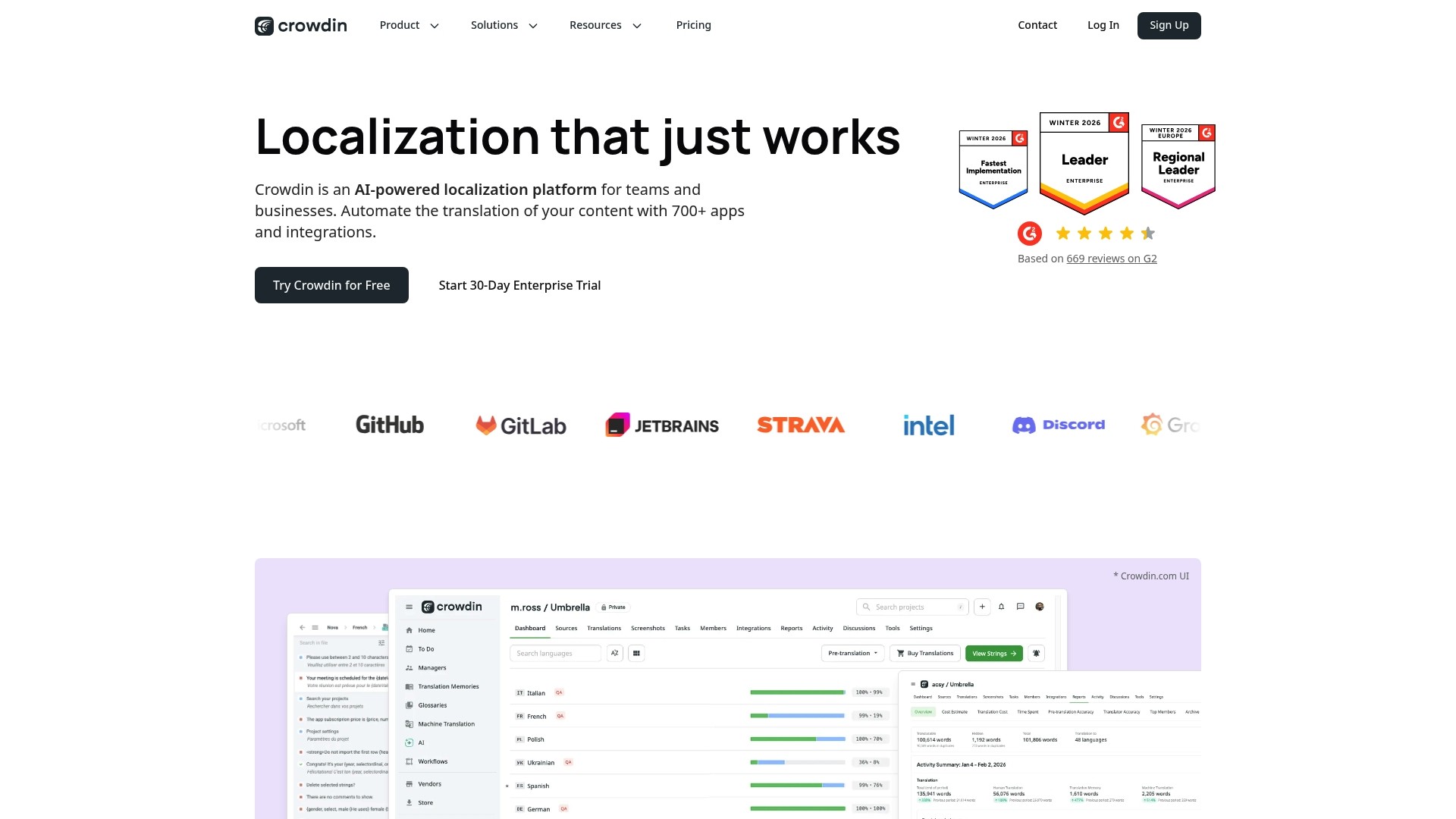
Crowdin is an AI-powered localization platform that automates translation workflows and supports multiple content types including software, mobile apps, websites, games, marketing, and documentation. It offers translation memory, built in QA checks, glossaries, and style guides while connecting to over 700 apps for continuous localization.
Pros
Extensive integration coverage: The platform connects with tools such as GitHub, Figma, and WordPress which reduces manual file handling and keeps localization in your development flow.
Automation and AI suggestions: Automated translation suggestions and workflow automation speed up handoffs and reduce repetitive translator work.
Real time collaboration and context: Translators get in context views and live collaboration which improves consistency and reduces review cycles.
Flexible plans for teams: Crowdin offers plans that range from individual needs to enterprise scale which helps teams grow without switching platforms.
Security and privacy focus: The platform includes security controls and privacy capabilities that are important for production level releases and compliance needs.
Cons
Pricing details can be complex across multiple tiers and add ons which makes cost forecasting harder for small to mid sized teams.
Some advanced capabilities are gated behind enterprise level plans or additional fees which raises the barrier for full platform adoption.
The broad feature set and configuration options can feel overwhelming for teams that lack dedicated localization resources.
Who It’s For
Crowdin fits product and localization managers who need centralized control over translations across many content channels. It serves teams that want to integrate localization into CI flows and design tools while keeping translators and engineers aligned.
Unique Value Proposition
Crowdin combines automated translation assistance with robust translation memory and quality tooling while offering deep integrations across development and design ecosystems. This reduces context switching for engineers and preserves brand voice across product and marketing content.
Real World Use Case
A software company uses Crowdin to automate interface translation, sync in documentation updates, and coordinate marketing copy across regions. The result is faster global launches with consistent messaging and fewer manual handoffs between engineering and content teams.
Pricing
Pricing varies by plan. A free tier is available with basic features. Paid plans start at $50 per month for Pro and enterprise solutions use custom pricing based on scale and required features.
Website: https://crowdin.com
Smartling
At a Glance
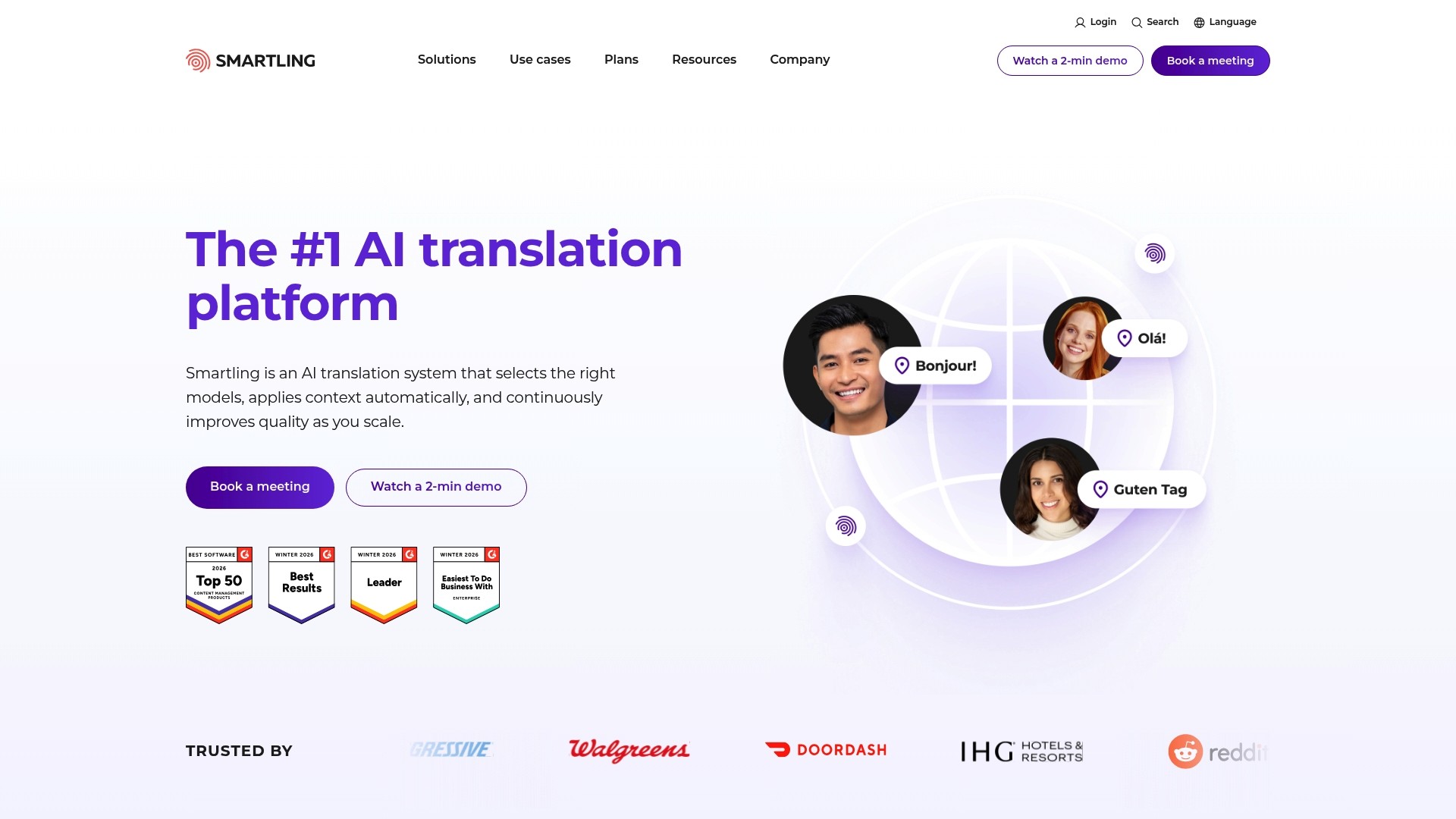
Smartling is an enterprise focused translation platform that combines automation with human review to scale multilingual content quickly. It balances AI driven velocity with tools for quality control so product teams reduce manual handoffs without sacrificing brand voice.
Core Features
Smartling offers an all in one translation orchestration platform with visual context tools, a translation proxy for web content, and dashboards for real time analytics. The product bundles AI powered instant translations alongside machine translation and human translation options for flexible workflows.
Pros
Seamless integrations with CMS, CRM, and developer tools let you connect source systems and automate content flow across pipelines.
High automation potential enables automation of up to 99 percent of translation workflows, which can dramatically cut cycle time for recurring content.
Wide format support accepts many file types so you do not need manual reformatting before localization.
Quality focus combines AI suggestions with human review and Linguistic Quality Assurance tools to protect brand tone and accuracy.
Enterprise security and compliance features provide control over translated assets and data governance for regulated organizations.
Professional services and support offer implementation help and ongoing guidance for complex programs.
Cons
Dependent on internet and cloud infrastructure which means outages or latency affect translation throughput and in context previews.
Pricing is customized and can be costly for small teams because enterprise oriented plans scale with usage and services.
Complex capabilities and a rich feature set require onboarding and training for teams that are new to centralized translation management.
Who It’s For
Smartling fits large enterprises and product teams that need to centralize translation at scale and enforce consistent linguistic quality across many markets. It matches organizations that value integration depth and content ownership over simple low cost solutions.
Unique Value Proposition
Smartling’s unique value lies in combining translation orchestration with visual editing and analytics so teams automate high volumes while keeping humans in the loop for quality. That mix is useful when maintaining brand voice across hundreds of pages matters more than lowest cost per word.
Real World Use Case
A multinational company automates website localization, marketing campaigns, and support articles through Smartling to cut turnaround time and reduce vendor complexity. The team uses visual context and QA workflows to keep translations consistent across product and marketing channels.
Pricing
Pricing is customized based on enterprise needs and scale and is negotiated with Smartling sales teams. Expect the model to reflect usage volume integration scope and any professional services required.
Website: https://smartling.com
Phrase
At a Glance
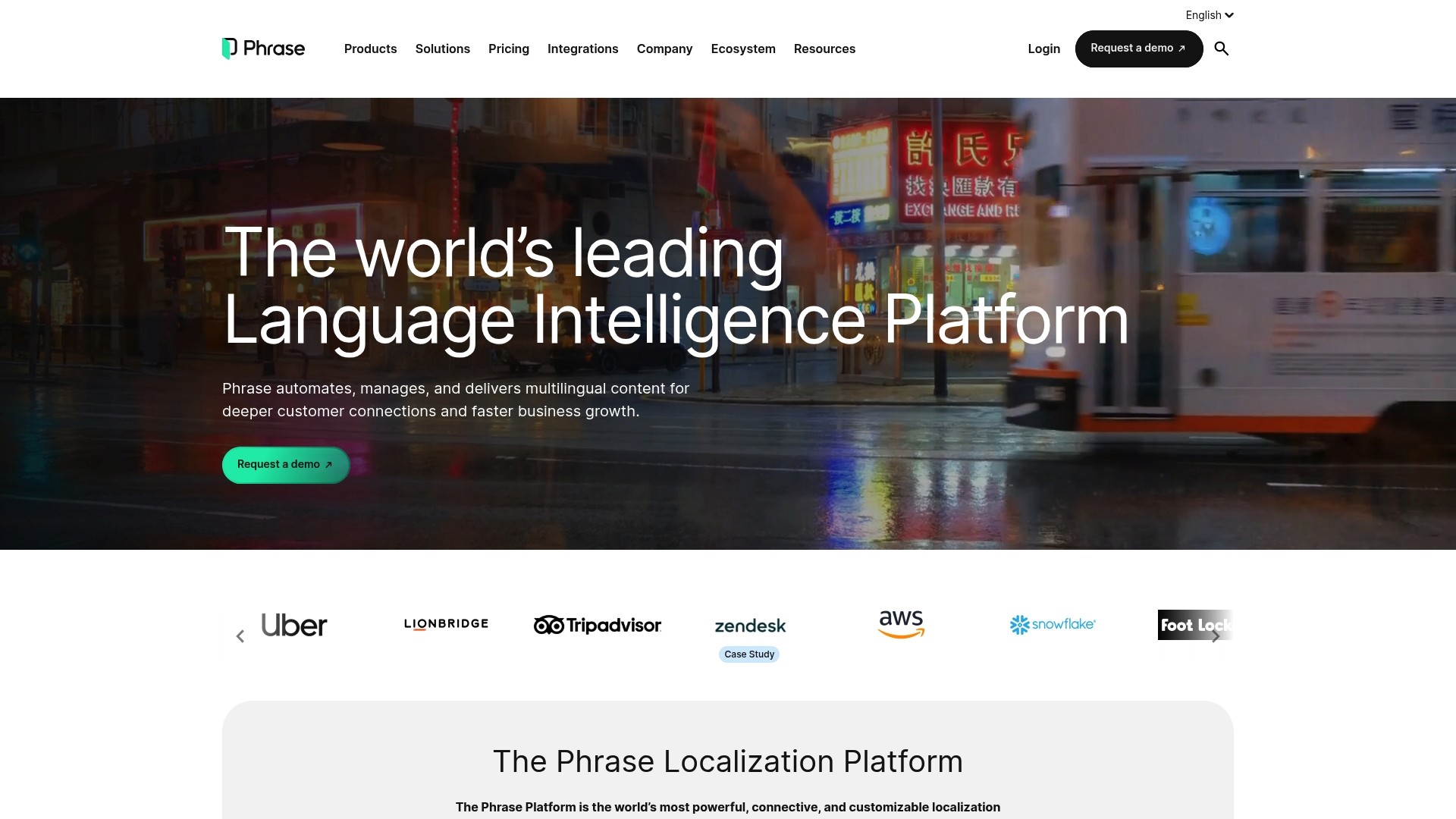
Phrase is a robust Language Intelligence Platform that centralizes multilingual content workflows and accelerates localization with AI-powered automation. Its strength lies in combining a secure translation portal with a full Translation Management System (TMS) suited for product teams working at scale.
Core Features
Phrase provides a unified hub for translation and localization tasks built around AI & Machine Translation, a secure Translation Portal, and workflow automation via its Translation Management System. It also supports software and app localization and offers multimedia localization tools for video and audio.
Pros
Extensive integrations: The platform connects with over 50 tools which simplifies embedding localization into existing CI pipelines and content systems.
AI-driven speed: AI translation and automation reduce repetitive tasks and shorten time to market for global releases.
Strong analytics and project management: Built in reporting helps you track translation progress and quality across projects.
High security posture: Compliance with ISO27001, GDPR, and PCI DSS protects sensitive product data during translation.
Scalable plan options: Business, Enterprise, and Developer and Designer plans let teams scale according to project complexity and headcount.
Cons
Steep learning curve for new users: The platform’s extensive features create complexity that requires onboarding and training for smaller teams.
Enterprise pricing transparency: Enterprise plans use custom pricing which can make budgeting difficult for organizations without procurement cycles.
Add-on costs for multimedia: Multimedia Localization features are available as add-ons and can increase the total cost for teams that need video and audio localization.
Who It’s For
Phrase targets product and localization managers at companies that ship digital products globally and need centralized control of multilingual content. It fits enterprise teams, localization managers, developers, marketers, and product teams who require secure workflows and measurable localization metrics.
Unique Value Proposition
Phrase combines a central management hub for multilingual content with AI translation and enterprise grade security. That blend makes it practical for teams that must coordinate translators, developers, and product owners while maintaining compliance and visibility across projects.
Real World Use Case
Global product teams use Phrase to manage website, app, and multimedia localization. Companies such as Deliveroo, Zendesk, and BlaBlaCar rely on Phrase to automate translation workflows, improve time to market, and maintain consistent customer experiences across languages.
Pricing
Pricing plans are available on the website with options for Business, Developer & Designer, Freelancer & LSP, and Enterprise. Phrase offers a 14-day free trial so teams can validate workflows and integrations before committing to a paid plan.
Website: https://phrase.com
Transifex
At a Glance
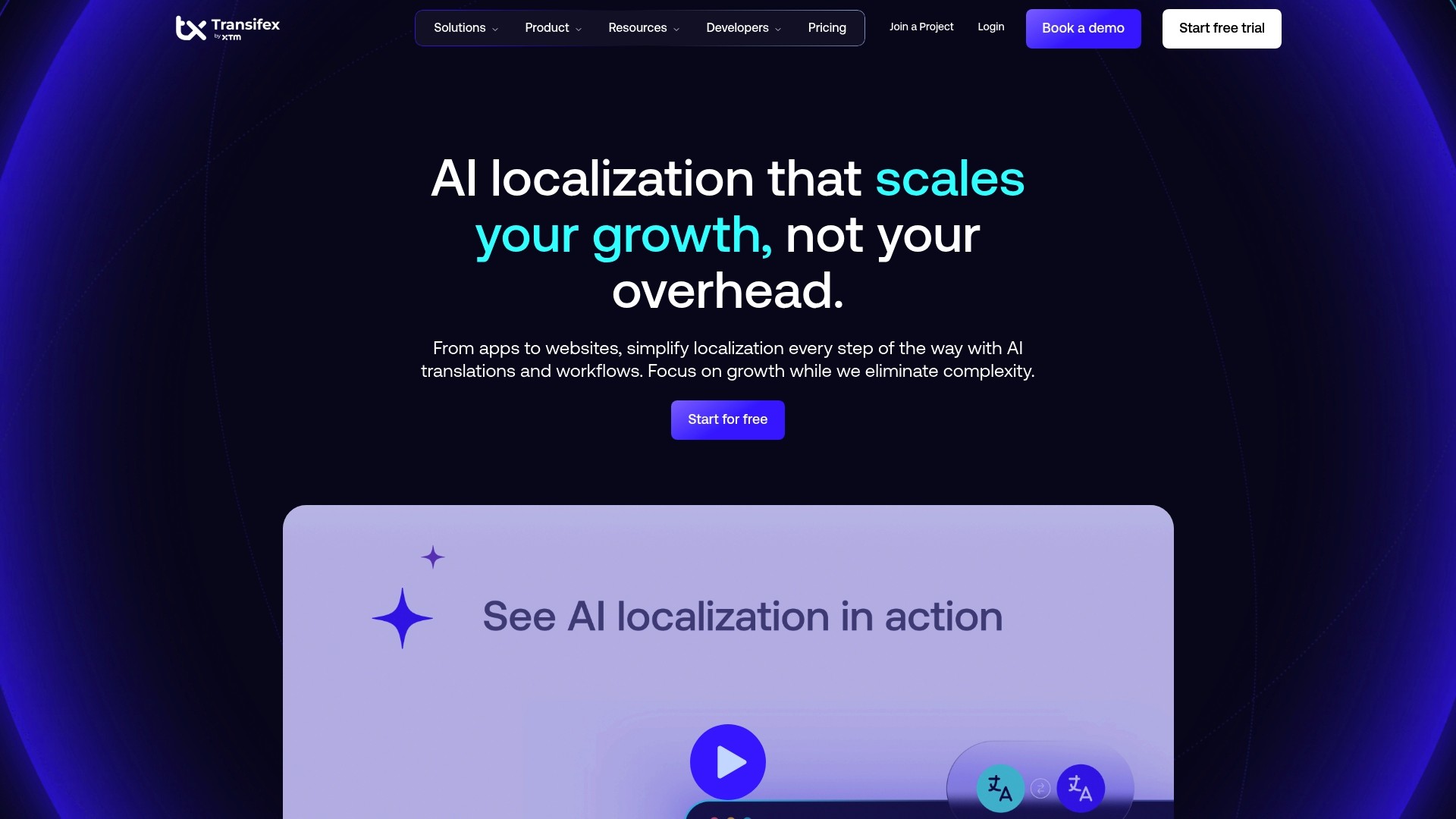
Transifex is a full featured localization platform built for teams that need collaborative workflows and automation. It pairs a robust translation management system with AI driven quality insights to accelerate multi language releases while keeping control over process and roles.
Core Features
Transifex offers a Translation Management System for collaboration and workflow management with role based controls and customizable pipelines. It includes AI powered translation and quality insights and integrates with development tools to bring localization into CI/CD workflows and content repositories.
Pros
Scalable platform: Transifex supports teams from small groups to large organizations and scales without changing core workflows.
Extensive integrations: It connects with popular CMS, source control, and developer tools so localization happens inside existing systems.
Advanced AI features: Built in quality insights reduce manual review time and improve translation consistency across languages.
Customizable workflows: You can tailor roles and approval steps to match product release cadences and compliance needs.
Strong market presence: A large customer base and proven track record make adoption easier for enterprise procurement and stakeholders.
Cons
Complexity can overwhelm small teams because many advanced features require configuration and governance to use effectively.
Pricing is not listed publicly so budgeting requires direct contact and may delay pilot projects for teams on tight timelines.
Heavy emphasis on enterprise features means simpler projects may pay for capabilities they do not use or need.
Who It’s For
Product and localization managers running engineering led releases will get the most value from Transifex. The platform fits teams that embed localization into development pipelines and need to coordinate translators, engineers, and product writers across many languages.
Unique Value Proposition
Transifex brings localization into development workflows rather than treating translation as a separate task. Its combination of TMS features, CI/CD automation, and AI driven quality metrics helps teams shorten release cycles and keep translations consistent across product surfaces.
Real World Use Case
HubSpot used Transifex to streamline software localization and reduce turnaround times across multiple languages. The integration allowed simultaneous updates and helped the product team deliver consistent user experiences in international markets.
Pricing
Pricing details are available upon request and the website does not list direct prices. Organizations should plan to contact sales for custom quotes based on language volume, seats, and required integrations.
Website: https://transifex.com
XTM Cloud
At a Glance
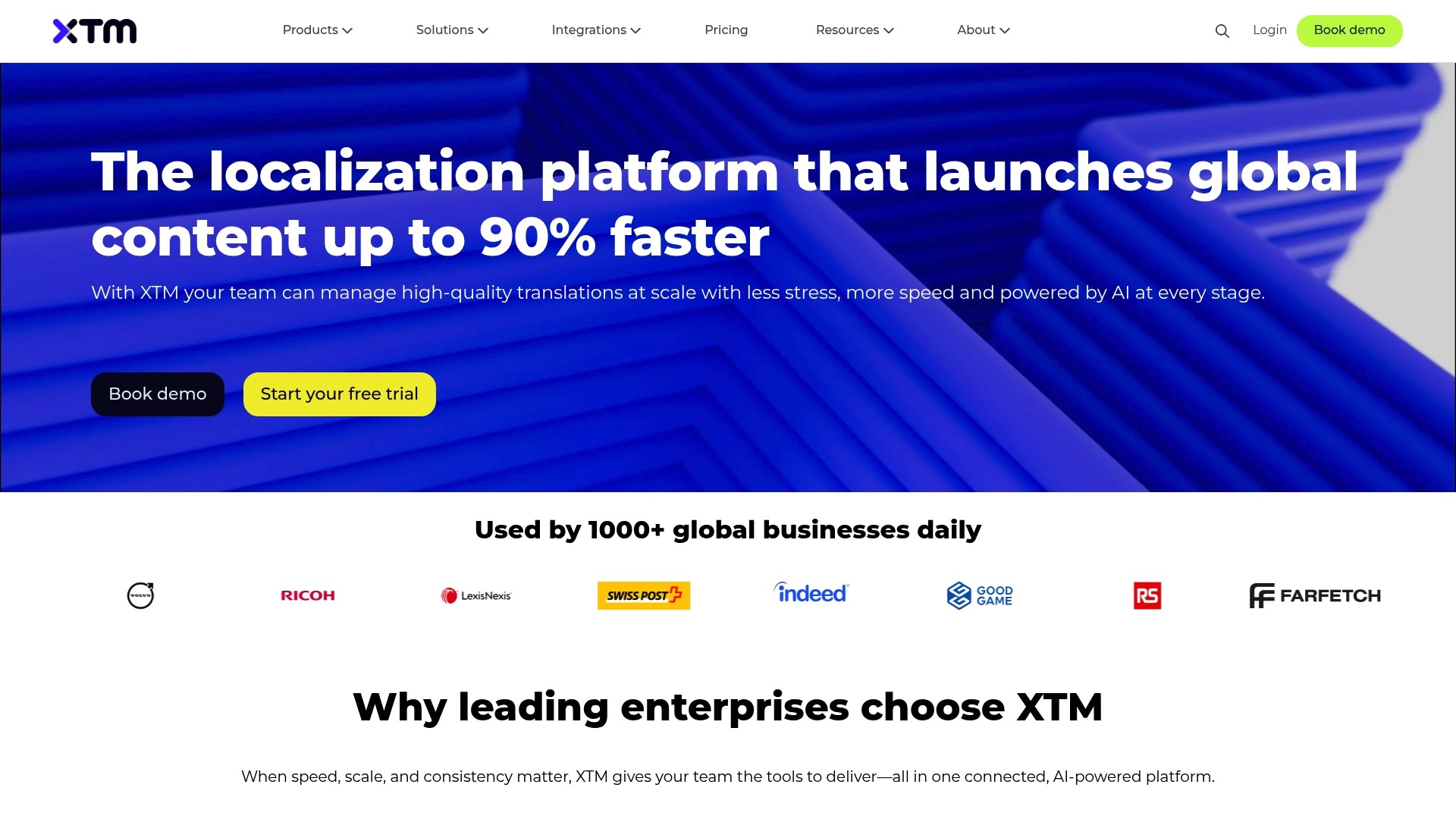
XTM Cloud is a comprehensive localization management platform that combines AI-powered translation tools with vendor and project operations to help teams scale translations without adding headcount. Its strength lies in consolidating translation, vendor management, and analytics into a single environment.
Core Features
XTM Cloud bundles AI translation suggestions, real-time project monitoring, and custom workflows alongside vendor and financial management via XTRF (TBMS). The platform also connects CMS, design, and development systems to automate handoffs and track KPIs across complex localization pipelines.
Pros
Streamlines localization workflows: The platform reduces manual steps by centralizing translation, vendor, and finance processes into one system.
Speeds time to market: Built-in AI suggestions and automation accelerate translation turnaround for large projects and recurring content.
Unified platform: Connecting CMS, design, and dev systems helps maintain context and reduce integration overhead for development teams.
Advanced AI tools: The AI features improve consistency and reduce post-edit work for translators and reviewers.
Strong ROI and experience: Users report measurable efficiency gains and positive user experience for enterprise teams.
Cons
Opaque pricing: Pricing information is not publicly listed, so you must contact sales to get a tailored quote which slows evaluation cycles.
Feature complexity: The breadth of capabilities creates a learning curve for new users, requiring ramp time and internal training resources.
Customization tradeoffs: Some users prefer deeper or more granular customization options beyond the platform’s standard settings.
Who It’s For
XTM Cloud targets Global Enterprises, Localization Teams, Language Service Providers, Content Managers, and Product Teams that run large, recurring translation programs. If you manage cross-functional localization at scale and need vendor finance controls, this platform matches your operational needs.
Unique Value Proposition
XTM Cloud combines translation management with complete vendor and financial management in one system, reducing tool sprawl for enterprises that manage multiple vendors. That single-system approach simplifies audits, vendor billing, and operational reporting for localization leaders.
Real World Use Case
Johnson Controls switched to XTM and reported a 40 percent cost reduction and a four week improvement in delivery times, demonstrating the platform’s impact on operational efficiency and time to market for large enterprise localization programs.
Pricing
Pricing is flexible and tailored to organizational needs, with details available upon request. You will need to contact XTM Cloud for a customized quote aligned to your volume, vendor mix, and required integrations.
Website: https://xtm.cloud
Localization Platforms Comparison
Explore the key features, advantages, disadvantages, and pricing of leading localization platforms to find the best fit for your team.
Platform | Features | Pros | Cons | Pricing |
|---|---|---|---|---|
Gleef | AI translations, Figma plugin, CLI, brand rules, smart memory | Streamlined workflows, robust integrations, high translation capacity, in-context editing, developer tools | Limited free plan features | Free plan, €145/month for less than 30k translations, custom enterprise pricing |
Tolgee | Open-source, in-context editing, AI translations, SDKs for React/Angular/Vue/Svelte/Next.js/JS, cloud or self-hosted options | Deployment flexibility, intuitive editing, extensive integrations, machine translation quality improvement | Enterprise pricing clarity issues, feature limitations in lower plans, complexity for large projects | Free plan (no card), €49/month Team, €179/month Business, custom enterprise plans |
Crowdin | Translation memory, QA checks, glossaries, style guides, 700+ app integrations | Broad tool compatibility, automated workflows, real-time collaboration, adaptable plans, privacy features | Complex pricing, advanced features gated in enterprise plans, overwhelming configuration for newcomers | Free tier, $50/month Pro, custom enterprise pricing |
Smartling | Translation orchestration, visual context tools, translation proxy, real-time analytics | Advanced automation, wide format compatibility, human QA options, extensive security features, support | Internet dependency, enterprise-cost barriers, onboarding needed for complex features | Custom enterprise pricing |
Phrase | AI and Machine Translation, secure workflows, multimedia localization | Integration breadth, AI-assisted speed, strong project analytics, robust security, scalable plans | Learning curve, enterprise custom pricing, multimedia feature costs | Various plans, 14-day free trial |
Transifex | Translation management system, AI-driven insights, CI/CD integration | Scalability, integration variety, quality insights, customizable workflows, proven market presence | Feature complexity, unpublished pricing tiers, enterprise alignment complexity | Custom pricing based on features and integrations |
XTM Cloud | Centralized localization, vendor and financial management, AI translation suggestions | Workflow unification, accelerated time to market, advanced AI tools, operational reporting | Pricing transparency, initial feature complexity, customization limitations | Flexible pricing tailored to organization needs |
Simplify Localization with Gleef for Faster Global Product Launches
The article highlights the growing need for localization libraries that seamlessly integrate into development workflows while ensuring translation quality and consistency. Many teams struggle with fragmented tools, manual updates, and the complications that come with maintaining brand voice across languages. Gleef addresses these pain points by offering an AI-powered translation platform that unifies design and development workflows, featuring a Figma plugin for in-context localization and semantic translation memory to reduce repetitive work.
Key advantages include:
Streamlined collaboration between product managers, designers, and developers
Rules-based translation quality that enforces brand consistency
Quick translation commands to avoid blockers and speed up releases
Experience how Gleef can transform your localization process today. Visit Gleef to explore smarter workflows and elevate your global product reach.

Ready to cut down translation delays and improve accuracy? Discover how your team can benefit from AI-driven localization at https://gleef.eu. Start boosting your global market readiness now.
Frequently Asked Questions
What are localization libraries for developers?
Localization libraries are tools and code libraries that assist developers in adapting software for multiple languages and regions. By integrating these libraries, developers can streamline the internationalization process and manage translations more efficiently.
How do I choose the right localization library for my project?
To choose the right localization library, assess your project’s specific needs, such as supported languages, ease of integration, and available features like context management and translation memory. Analyze these criteria against your project requirements to make an informed decision.
Can localization libraries help reduce translation costs?
Yes, localization libraries can help reduce translation costs by automating workflows and minimizing repetitive tasks through features like translation memory. Aim to leverage these capabilities to potentially cut translation costs by up to 30% over time.
What should I consider when evaluating a localization library’s performance?
When evaluating a localization library’s performance, consider factors such as load times, translation accuracy, available integrations, and user feedback. Test the library within your application to gauge performance in a real-world context before finalizing your choice.
Are there any security concerns with using localization libraries?
Yes, there can be security concerns with any third-party code. Ensure the localization library you choose complies with best security practices, such as data encryption and user access controls, to protect sensitive information during the localization process.
How can localization libraries support agile development?
Localization libraries support agile development by enabling continuous integration and delivery, allowing teams to incorporate translations without disrupting workflows. Implement a localization library as part of your CI/CD pipeline to maintain rapid release cycles.