
Choosing the right translation software can feel like searching for a hidden treasure. Each platform brings something different to the table. Some offer speed and simplicity while others focus on precision and added tools. Finding a reliable alternative means looking closer at what sets them apart and discovering which one matches your needs best. The next few options might just surprise you with features you did not know you wanted.
Table of Contents
Gleef
Translix
Translix
Gleef
At a Glance
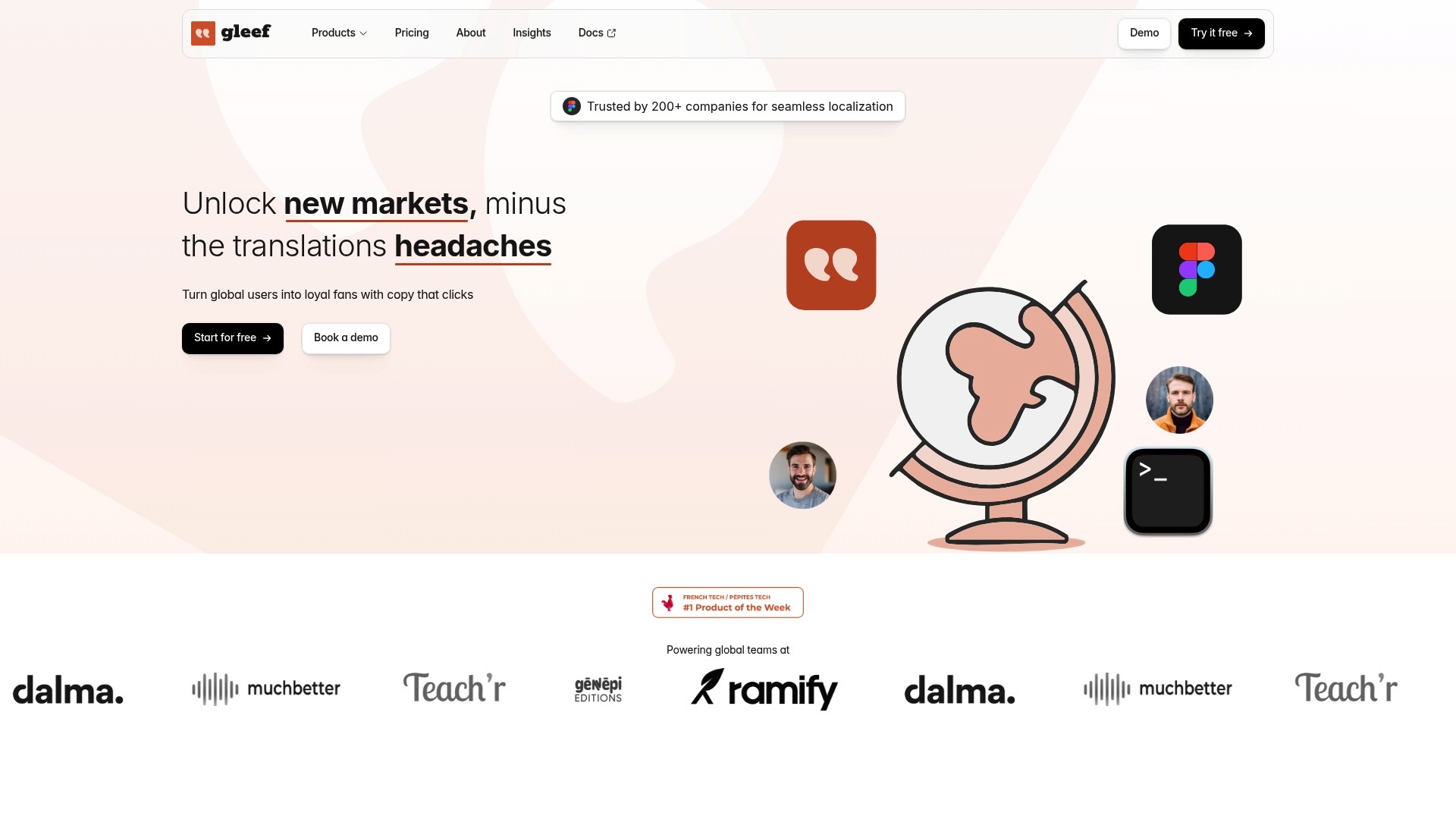
Gleef is the leading localization platform for product teams that need fast, accurate translations without leaving their design or development tools. It combines AI-powered translations with in context previews to remove release blockers and speed global launches.
Gleef shines when teams require both developer friendly workflows and designer level fidelity. The result is fewer translation regressions and more consistent brand voice across markets.
Core Features
Gleef unifies translation work with features built for software products and design systems.
AI-powered translations with unlimited AI translations on paid plans.
In context preview and in context review that let designers and UX writers verify copy inside Figma and the app.
Localization key generation and export plus support for common web technologies and formats.
Semantic translation memory and glossaries for consistent, native sounding language.
Gleef CLI and Figma plugin and a robust API to fit developer pipelines.
Pros
Streamlines localization process for product teams. Gleef reduces context switching by keeping translations inside design and development workflows so product velocity stays high.
Supports high volume translations with unlimited AI translations in premium plans. Teams can scale multi language releases without per string bottlenecks.
Enables real time preview and editing within design tools like Figma. Designers and UX writers can validate copy visually before engineering ships it.
Offers integration with existing developer workflows via CLI and APIs. This makes automation, CI integration, and batch updates straightforward.
Enhances brand consistency across languages. Brand rules and guideline enforcement help keep tone and terminology uniform.
Who It’s For
Product managers, UX writers, designers, and developers at SaaS and web product companies that treat localization as part of the product. Gleef fits teams that use Figma and modern web stacks and that want translation processes embedded in their release cycle.
Unique Value Proposition
Gleef is the top tier choice because it blends designer level in context accuracy with developer grade automation. Its semantic translation memory reduces repeated work by matching meaning not just exact text. The Figma plugin plus CLI and API mean your design and release workflows do not change. Buyers who care about consistent brand voice, predictable release dates, and measurable translation quality pick Gleef for its unmatched combination of speed, accuracy, and integration.
Real World Use Case
A SaaS company uses Gleef to manage translations in three product lines. Designers correct copy inside Figma while engineers sync changes through the CLI. The team ships simultaneous releases across markets with fewer post release fixes and more consistent terminology.
Pricing
Gleef offers a Free tier, a paid plan at $145 per month for up to 30,000 translations, and custom enterprise solutions for larger teams and volumes. Paid plans include unlimited AI translations and advanced features for teams that need predictable, high volume localization.
Website: https://gleef.eu
Translix
At a Glance
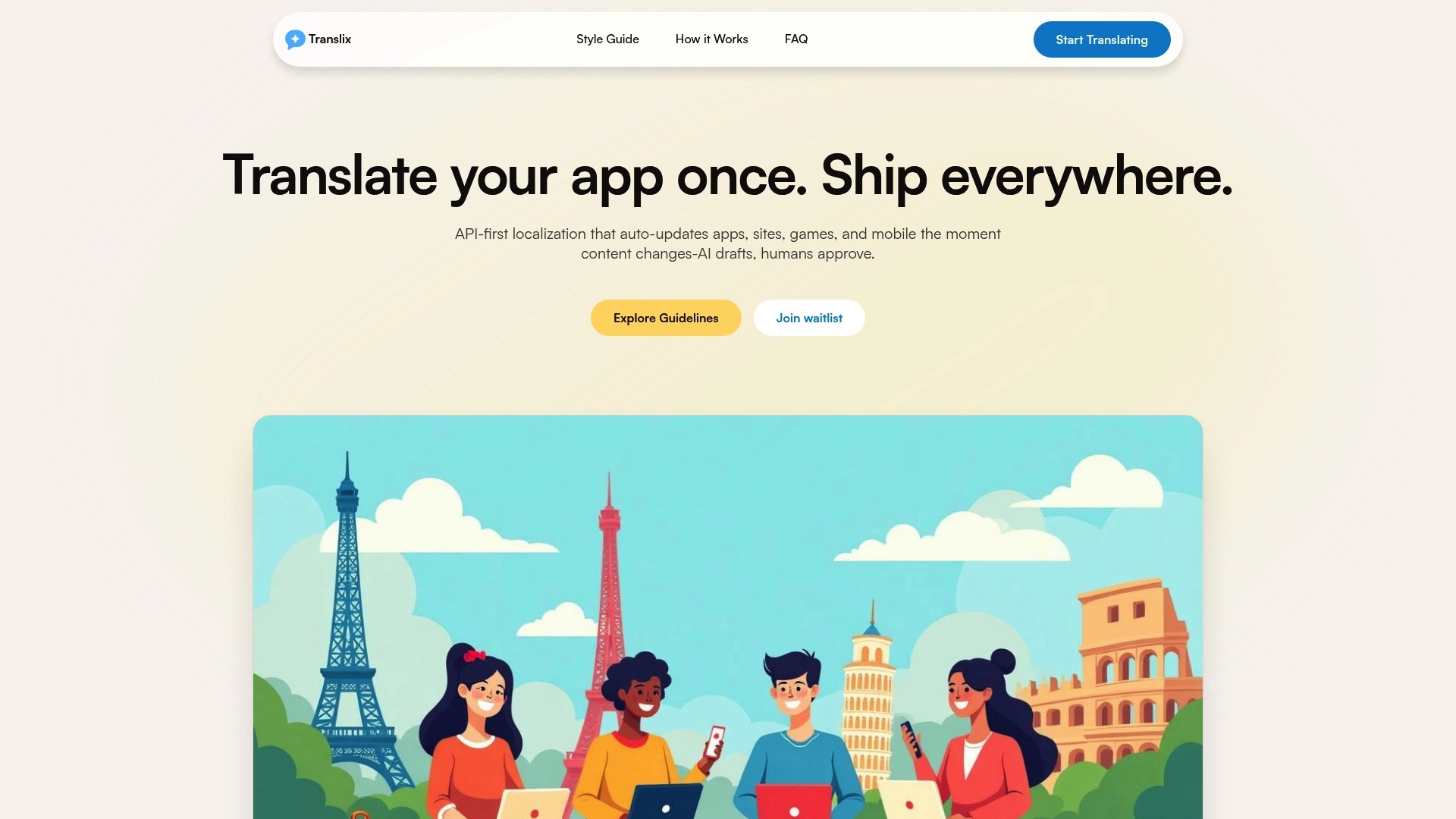
Translix is an API-first localization platform that delivers fast, AI-assisted translations and continuous syncing for apps websites games and mobile content. It blends automated bulk translation with manual review tools so product teams can move international releases faster without sacrificing tone or consistency.
Core Features
Translix centers on AI-powered instant translation and collaboration tools that keep source content and translations in sync as changes occur. The platform emphasizes consistent tone via glossary and style guide support and accepts common localization formats for easy integration.
Supports over 199 languages for broad regional coverage.
Accepts JSON PO XLIFF YAML CSV and Android iOS strings for developer-friendly workflows.
Provides manual editing review locking and team collaboration controls for quality checks.
Pros
Fast automated translation process: Translix translates entire projects quickly which reduces time to market for language releases.
Broad format and language support: The platform handles common localization file types and a large set of languages to match typical product needs.
Manual review and locking: Teams can edit translations and lock finalized strings which protects approved content from accidental overwrites.
API and CI/CD integration: Translix integrates with build pipelines so your translations can flow into deployments without manual export and import steps.
Glossary and style guide features: These tools help keep brand voice consistent and train the AI to prefer certain terminology and tone.
Cons
Pricing transparency is limited: The website does not list detailed pricing which makes budgeting and vendor comparison harder for procurement teams.
User interface details are sparse: The provided content gives little insight into day to day UI workflows which leaves questions about editor ergonomics and onboarding time.
Initial reliance on AI quality: Teams will need to allocate review time because initial machine translations can require human refinement for nuance and context.
Who It’s For
Translix suits development teams product managers and localization specialists who need an automated translation backbone that plugs into existing engineering workflows. It works well for teams that expect frequent content updates and want translations to reflect live changes with minimal manual file handling.
Unique Value Proposition
Translix combines an API-first architecture with AI that learns from glossaries and style guides which lets technical teams automate large translation jobs while retaining control over language quality. That balance appeals to product teams that value speed and consistent brand voice.
Real World Use Case
A mobile app team used Translix to translate an entire app into 49 languages within two hours which accelerated their international launch timelines and reduced manual coordination between developers and translators.
Pricing
Pricing is not specified on the website and prospective customers are invited to join a waitlist for updates which means you should plan outreach to sales early when evaluating Translix for production use.
Website: https://translix.co
Translix
At a Glance
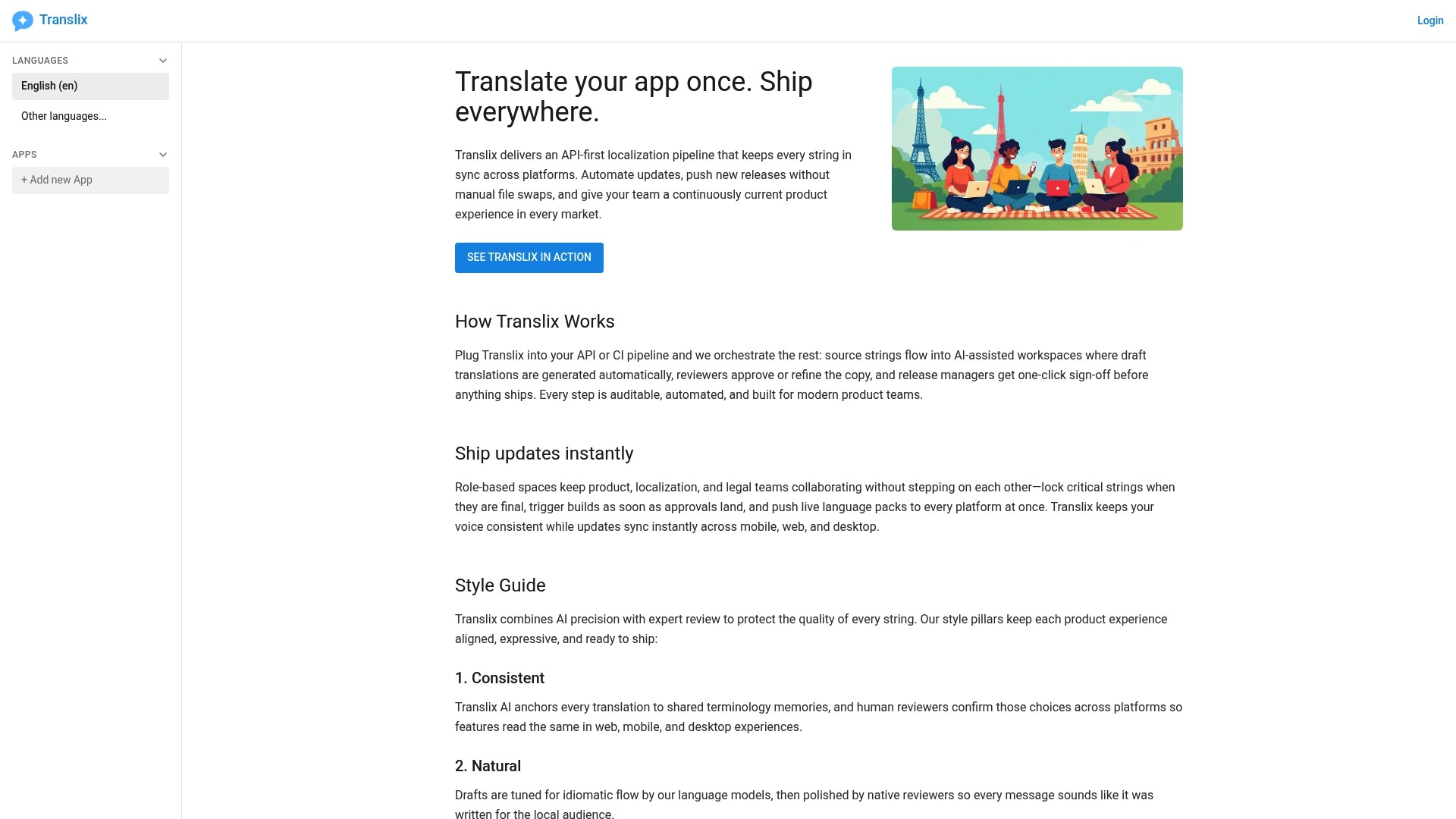
Translix provides an API first localization pipeline that syncs every string across mobile, web, and desktop so releases do not stall over file swaps. The platform mixes machine help with human review to speed translation cycles while keeping quality high.
Core Features
Translix centers on an API first localization pipeline that pulls and pushes source strings into your CI workflows. It offers automated updates for instant releases, AI assisted translation drafts with review stages, role based collaboration spaces for reviewers and approvers, and instant synchronization across platforms for consistent user experience.
Pros
Automates complex workflows. Translix removes manual file handling by tying localization into APIs and CI so teams update translations without extra steps.
Maintains cross platform consistency. The synchronization model keeps mobile web and desktop builds aligned with the same translated strings.
Supports collaborative review. Role based spaces and approval stages let product managers and localization leads control quality before release.
Speeds global updates. Automated updates let teams ship new language packs and fixes instantly across environments.
Blends AI with human oversight. AI assisted drafts cut initial translation time while review workflows preserve brand voice and accuracy.
Cons
Pricing is opaque. The public content does not list plans or per user fees which complicates budget planning for teams.
No default project or visible price model. The lack of sample projects or transparent tiers makes it hard to estimate onboarding costs.
Integration learning curve. Teams need to invest time to connect Translix into existing APIs and CI pipelines before it runs smoothly.
Who It’s For
Translix targets product teams, developers, localization managers, and content teams that want to convert localization into a programmatic step of release pipelines. It fits teams that deploy frequently and require approved translations before each release.
Unique Value Proposition
Translix treats localization as code. By offering an API first approach and approval workflows it removes manual handoffs and reduces release friction. That design makes translation part of the delivery process not a separate task.
Real World Use Case
A software company polls source strings from its app into Translix. Translix produces AI assisted drafts, reviewers apply edits in role based spaces, then the platform pushes the approved strings back into the CI pipeline so builds ship localized automatically across platforms.
Pricing
No default project or pricing details are available in the visible content. Contacting the vendor is necessary to get plan names, seat pricing, and enterprise options.
Website: https://app.translix.co
Localization Tools Comparison
The table below compares two prominent localization tools, Gleef and Translix, summarizing their features, benefits, pricing, and target users.
Feature/Aspect | Gleef | Translix |
|---|---|---|
Description | Localization platform with AI-powered translations, designer-level fidelity, and developer-friendly tools. | API-first localization platform with automated translation workflows and cross-platform synchronization. |
Core Features | AI translations, Figma integration, semantic translation memory, CLI and API support. | AI-assisted translation drafts, glossary support, role-based collaboration, continuous syncing across environments. |
Pros | Unlimited AI translations on higher plans, visual validation in design tools, streamlines developer pipelines, consistent brand voice. | Handles 199 languages, broad format support, glossaries for brand consistency, collaborative tools, API integration for automation. |
Cons | Limited to teams using Figma and modern web tech stacks. | Pricing not transparently disclosed; relies on initial AI quality that might need manual refinement. |
Pricing | Free tier available; $145/month for up to 30,000 translations; enterprise solutions also offered. | Pricing details unavailable; contact vendor for specifications. |
Ideal for Teams | Product managers, developers, UX writers, designers, especially those using Figma and modern web technologies. | Developers, product managers, localization specialists requiring automated workflows and frequent updates compatible with existing APIs. |
Website |
Elevate Your Localization Workflow Beyond Translix
If you are searching for a localization platform that merges AI-powered translations with seamless integration into design and development tools, Gleef offers a compelling alternative to Translix. The common challenges teams face include managing translation quality across multiple languages, preventing release delays caused by scattered workflows, and maintaining consistent brand voice. Gleef addresses these issues with semantic translation memory, in-context review inside Figma, and a robust API that fits right into your existing product cycle.
Discover how Gleef helps product teams accelerate global launches without sacrificing accuracy or team collaboration. Take control of your translations without leaving your favorite tools and avoid the bottlenecks often experienced with manual file handling.
Explore how Gleef can transform your translation process today.

Ready for a faster, more accurate localization solution? Visit Gleef now to see how your team can streamline translations, maintain brand consistency, and ship global releases with confidence.
Frequently Asked Questions
What are some features to look for in Translix.co alternatives?
Choosing a Translix.co alternative, you should look for features like AI-powered translations, in-context previews, and API-first integrations. Evaluate how these features can streamline your localization process and improve consistency across multiple languages.
How do I choose the right localization platform among the alternatives?
To choose the right localization platform, analyze your team’s needs for translation speed, collaboration tools, and compatibility with existing workflows. Make a checklist of the essential features and compare how each alternative meets those specific requirements.
What are some advantages of using AI-powered translations in these alternatives?
AI-powered translations in these alternatives can significantly speed up the localization process, often reducing translation time by over 50%. Look for platforms that combine AI with manual review options to maintain quality and nuance in translations.
How can I ensure that my brand voice remains consistent across different languages using these platforms?
To maintain brand consistency, select a platform that offers glossary and style guide features. Implement these tools to train the AI on tone and terminology, ensuring that all translations align with your brand voice.
How do I integrate a new localization platform into my existing development workflow?
Integrating a new localization platform requires aligning it with your current CI/CD processes. Start by mapping out your existing workflow and identifying points where the new platform can fit, then test the integration in a controlled environment before going live.