
Managing localization across design, content, and code teams creates delays and inconsistencies during frequent product releases. Many platforms require manual handoffs, customized onboarding, or complex pricing that slows down teams or complicates budgeting at scale. This comparison highlights five localization management software alternatives so you can match one to your team’s workflow, technical needs, and size for 2026 releases without wasted setup or hidden costs.
Table of Contents
Gleef
Phrase
Lokalise
Crowdin
Localize for Web
Comparison of Alternatives
Gleef
At a Glance
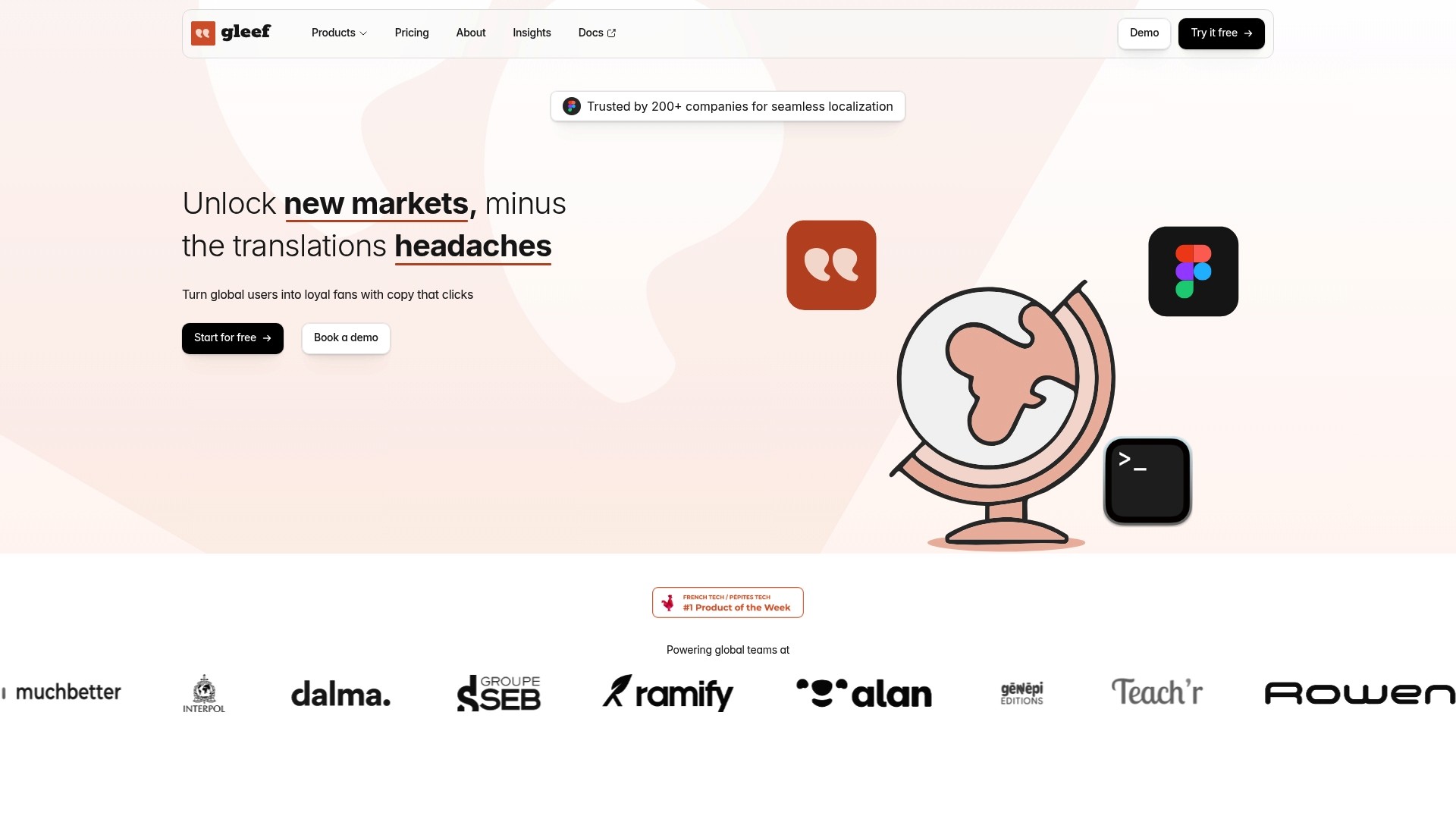
Supports more than 200 languages while generating localization keys automatically from design files. The platform links design, content, and code so translation changes travel with the source. That reduces manual handoffs between designers, writers, and engineers.
Core Features
Gleef offers AI powered translations, live in context previews inside design files, and automatic localization key generation from designs. It maintains a translation memory and version history for reuse and consistency, and it exports platform specific formats such as CSV, JSON, and XML. The vendor advertises AI translations that are high quality and native sounding, and the product includes rules for brand voice and translation consistency.
Key Differentiator
Unified platform integrating design, content, and code workflows with AI driven translation ensures global product consistency and efficiency. Gleef connects the file-level review inside design tools to export formats and deployment pipelines so translations do not sit apart from engineering. That single workflow reduces repetition across teams and keeps strings aligned with visual changes.
Pros
Gleef integrates directly with design workflows, so your design reviews include live translation previews and generated keys that match components. The platform supports automation through CLI and APIs and connects to CI/CD pipelines so translations move into builds automatically. It stores translation history and enforces rules for brand voice, which helps teams keep wording consistent across markets without recreating past work. The vendor claim about translation quality backs the automated edits and memory usage you would rely on during rapid release cycles.
Cons
Pricing can be substantial for teams managing more than 30,000 translations, and larger plans require a personalized quote.
Notable Integrations
Figma for in context translation preview and key generation.
CLI and API access for scripting and automation.
CI/CD pipelines for automated deploys that include localized assets.
Who It’s For
Product teams, UX writers, designers, and developers who must keep copy and visual design in sync across multiple languages. Teams that push frequent releases and want translations to flow through existing build pipelines benefit most. Organizations that need platform specific export formats and a reusable translation memory will find this fits their workflow.
Unique Value Proposition
Live translation preview inside design files combined with automatic localization key generation from those designs. That pairing turns design reviews into localization checkpoints and reduces separate translation handoffs. For teams that ship often, this lowers the chance of translation blockers during release.
Real World Use Case
A SaaS company keeps its Figma files as the source of truth for UI copy. Gleef generates keys from updated components, applies vendor reported AI translations, and pushes language bundles through the CI/CD pipeline so builds include the latest localized strings. The process shortens the time between visual change and localized release.
Pricing
Plans start at €145/month for small apps with fewer than 30,000 translations. Larger teams and enterprise volumes require contacting sales for custom pricing and volume terms.
Website: https://gleef.eu
Phrase

At a Glance
Phrase reports integration with over 200 tools and APIs. The platform targets enterprise localization with features that span translation memory, terminology, and automation. Phrase advertises multimodal support for subtitles and voiceovers in over 100 languages, aimed at teams handling multimedia content.
Core Features
Phrase bundles AI-powered translation and orchestration with contextual linguistic tools such as translation memories, terminology management, and style guides. It includes an automation workflow editor and a visual orchestration builder that links content sources to translation pipelines. The platform also supports multimedia localization and a broad ecosystem of connectors for engineering and content workflows.
Key Differentiator
Phrase centers its product on automated orchestration and content governance for large localization programs. The strength lies in combining machine translation with rule-based orchestration and quality controls to keep translations consistent across channels. The visual orchestration builder helps map content flows from repositories to translation stages and review hands without repeated manual steps.
Pros
Phrase’s design fits enterprise teams that need a single system for translation memories, terminology, and workflow automation. Phrase’s marketing materials state strong security and compliance standards, including ISO27001, GDPR, and PCI DSS, which appeals to regulated industries. The vendor advertises a broad integration ecosystem and partner support that reduces custom engineering for common CMS and design tools.
Cons
Complexity can demand significant onboarding and process redesign for smaller localization teams.
Pricing may be prohibitive for small-scale projects or very narrowly scoped use cases.
Public reviews provide limited detail on ease of use for non-technical contributors.
When It May Not Fit
If your team runs occasional translations or maintains a small catalog, Phrase may feel like overkill. Teams without dedicated localization engineers may struggle with the platform’s breadth and configuration demands. Organizations needing a lightweight, low cost point solution should evaluate simpler translation tools first.
Notable Integrations
Phrase connects to common developer and content tools used in product localization. Key integrations include GitHub, Figma, and Contentful, with additional connectors for Salesforce and other CMS and design platforms.
Who It’s For
Enterprise localization, engineering, marketing, and content teams that need centralized language governance and automation will get the most value. The platform suits teams that manage high volumes of content across apps, websites, and multimedia. Organizations seeking to enforce terminology and style across global markets will benefit from its feature set.
Real World Use Case
A global sportswear brand used Phrase to reduce manual handoffs across product copy, app strings, and marketing assets. The brand automated translation handoffs and centralized terminology, which shortened review cycles across markets. The system also handled subtitle and voiceover workflows for regional campaigns.
Pricing
Phrase lists plans on its website and asks prospective customers to explore offerings there. Pricing appears tailored to enterprise needs and scale rather than fixed, self-serve tiers.
Website: https://phrase.com
Lokalise
At a Glance
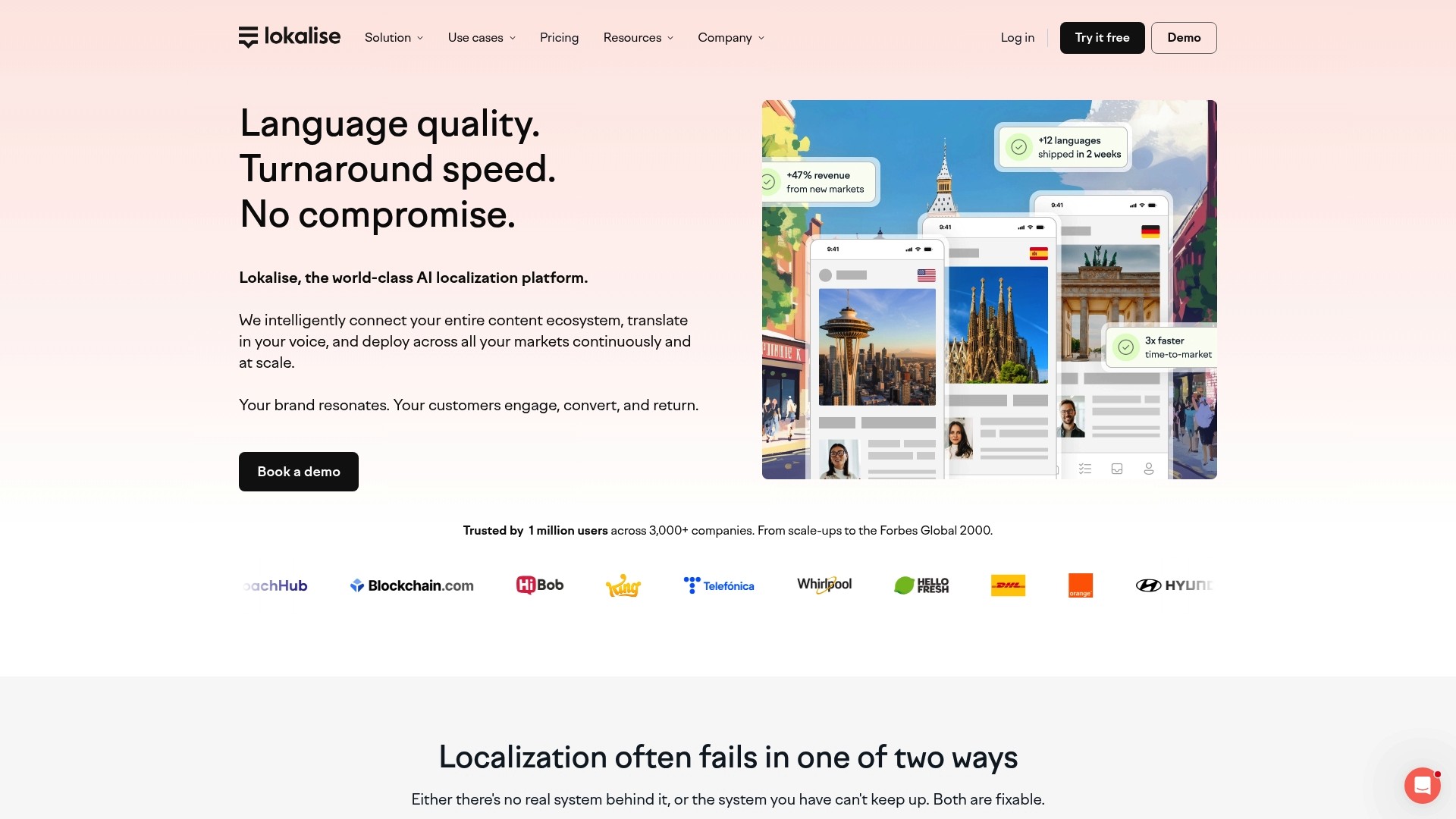
Lokalise reports over 1 million users across thousands of companies worldwide. That scale sits alongside AI-driven workflows and enterprise security features. Product teams use it to localize web, mobile, and document content across many markets.
Core Features
Lokalise combines Custom AI profiles with a programmatic Translation API and automated workflows to move content from design to release. The platform includes Translation QA with AI scoring to flag quality issues and manage consistency. It also runs multi-LLM routing and context management to choose models by content type and language.
Key Differentiator
The standout capability is its AI orchestration that dynamically selects the best language model based on context, content type, and target language. That routing reduces manual model selection across mixed content sets. The feature pairs with enterprise security and deep integrations to keep localization inside established engineering and design pipelines.
Pros
Highly customizable AI profiles let you tune tone and domain vocabulary for different product lines. The platform handles web, mobile, and document formats, which reduces format conversion work between teams. Enterprise controls include SOC 2, ISO 27001, and GDPR support, plus SSO and audit logging for compliance and governance.
Cons
Complex setup may require dedicated onboarding or solutions engineering for enterprise migration.
Pricing based on processed words and seats can complicate budgeting for large or bursty projects.
Heavy reliance on automation risks missing subtle language nuances unless humans review output.
When It May Not Fit
If your team lacks engineering or localization resources for migration, Lokalise may demand outside onboarding help. If you run unpredictable high-volume bursts and strict fixed budgets, the processed-words pricing model may add cost complexity. If your content requires literary translation or creative nuance, you will need tighter human review.
Notable Integrations
Figma for in-context translation work inside design files.
Github and Gitlab for syncing localization strings with code repositories.
Jira for linking localization tasks to engineering tickets.
Contentful, Webflow, and Wordpress for content platform exports and imports.
Who It’s For
Mid to large-sized global businesses with dedicated product and localization teams benefit most. Product managers, localization managers, developers, marketers, and content teams that need scale and compliance fit this product. Organizations that require many integrations across design and engineering will find its connectors useful.
Real World Use Case
According to the company, a major e-commerce platform reduced content release cycle times by up to 10x, cut localization costs by 90%, and maintained consistent branding across 50+ languages. That example shows how automation, targeted AI profiles, and integrations can shorten handoffs between product, design, and engineering. Results will vary by workflow and oversight.
Pricing
Pricing information is available on the vendor website and uses tiered plans named Explorer, Growth, Advanced, and Enterprise. The platform states plans include unlimited translator seats, processed words, and content storage, with advanced AI and automation on higher tiers. Enterprise customers can request custom options and negotiated terms.
Website: https://lokalise.com
Crowdin
At a Glance
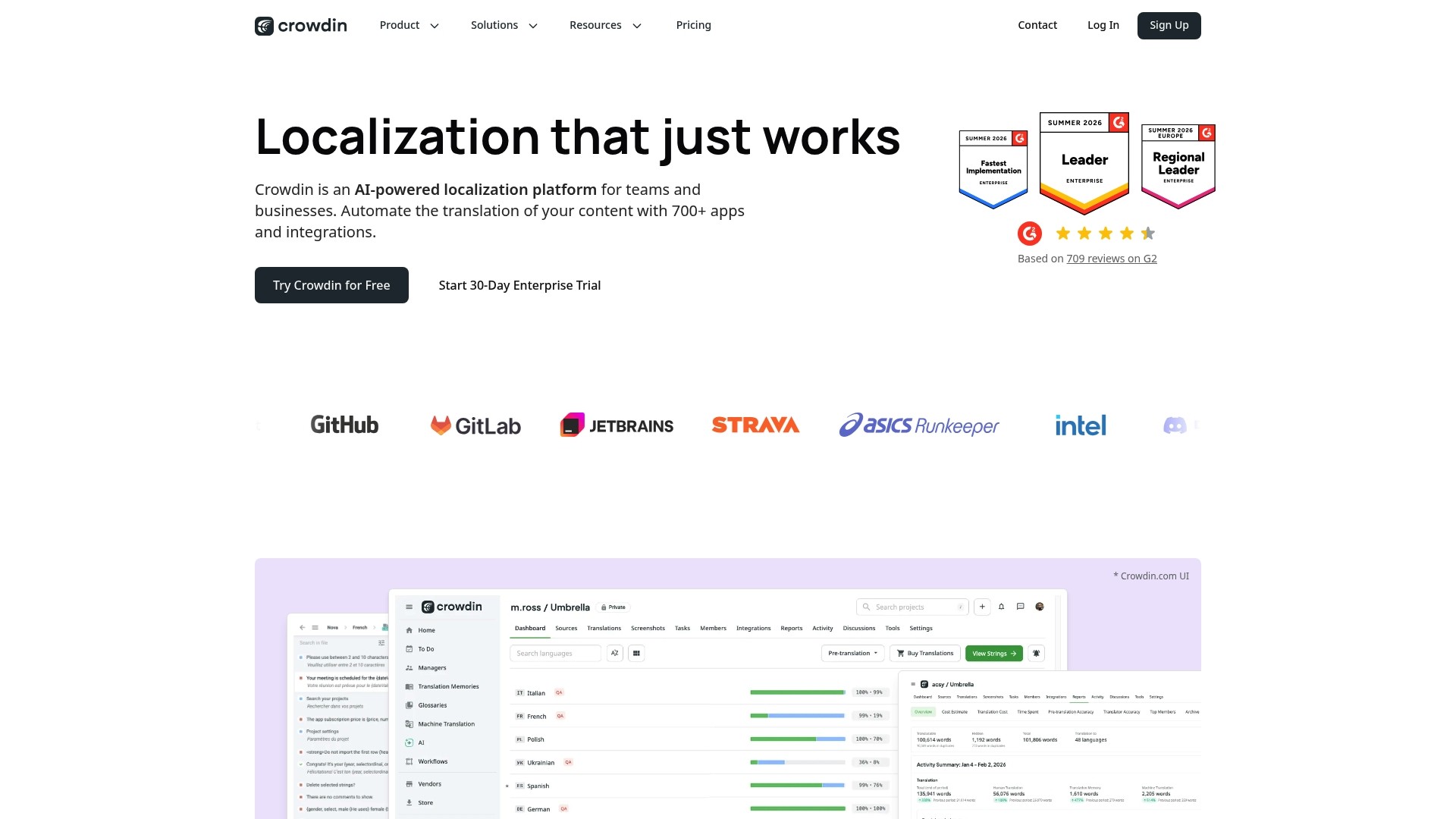
Crowdin reports integrations with over 700 apps and a mix of visual and code-aware localization tools for UI and web content. The platform combines contextual previews, screenshot comments, and glossary management to keep translation quality close to the original design. For event marketers and organizers, that means faster localization of landing pages, email campaigns, and app content with clearer context for translators.
Core Features
Crowdin offers AI-powered translation automation alongside rule-driven workflows that reduce repetitive work and accelerate handoffs. The platform extracts code and design context from repositories and design files, and it presents an in-context preview for UI and web translations so you can validate strings before release. It also supports more than 100 file formats and provides comment threads and glossaries to maintain consistency across campaigns.
Key Differentiator
Crowdin pairs machine-assisted translation flows with a broad integration ecosystem. That combination lets teams connect repo tooling, CMS, and design files while keeping translations tied to live context. For teams that juggle multiple content sources, that integration depth reduces translation guesswork and translation rework.
Pros
Integrations with development and design tools such as GitHub, Figma, and WordPress make it practical to keep localization in the same pipeline as product updates. Automation and QA checks help prevent common errors like missing placeholders or length overflow, and the platform offers dedicated onboarding and success management for larger accounts. Plans scale from individual needs to enterprise requirements, and the vendor emphasizes security controls suitable for sensitive projects.
Cons
Pricing complexity can be an issue for small teams. Third-party reviews report that costs may rise quickly as projects scale.
Advanced enterprise features require a learning curve and some setup time for custom workflows. That setup often needs dedicated support.
Some integrations or UI flows have occasional glitches, which can interrupt a tight release schedule.
When It May Not Fit
Very small teams or individual organizers with limited budgets will likely find the platform heavier than necessary. If you need a simple one-off translation for a single landing page, a lighter tool may be faster and cheaper. Also, teams that cannot allocate time for initial setup and training may not get full value from the enterprise features.
Notable Integrations
GitHub
GitLab
Bitbucket
Figma
WordPress
Shopify
Contentful
HubSpot
Who It’s For
Event teams that publish complex digital content across apps, websites, and mobile will benefit most. Marketing and product teams that need consistent terminology across campaigns and releases will see value. Mid-size to large organizations that can invest in setup and integrate localization into their dev and design workflows will get the best return.
Real World Use Case
Crowdin supports companies such as Strava and Wildlife Studios by connecting repositories and design files to translation workflows. That setup allowed those teams to push localized updates while preserving UI context and glossary rules. For an event organizer, the same approach speeds translation of app notifications, in-app banners, and localized registration flows.
Pricing
A free plan is available for basic needs. Paid plans and enterprise options vary by features and usage, with detailed pricing listed on the vendor website. Larger deployments typically require a custom enterprise quote and onboarding resources.
Website: https://crowdin.com
Localize for Web
At a Glance
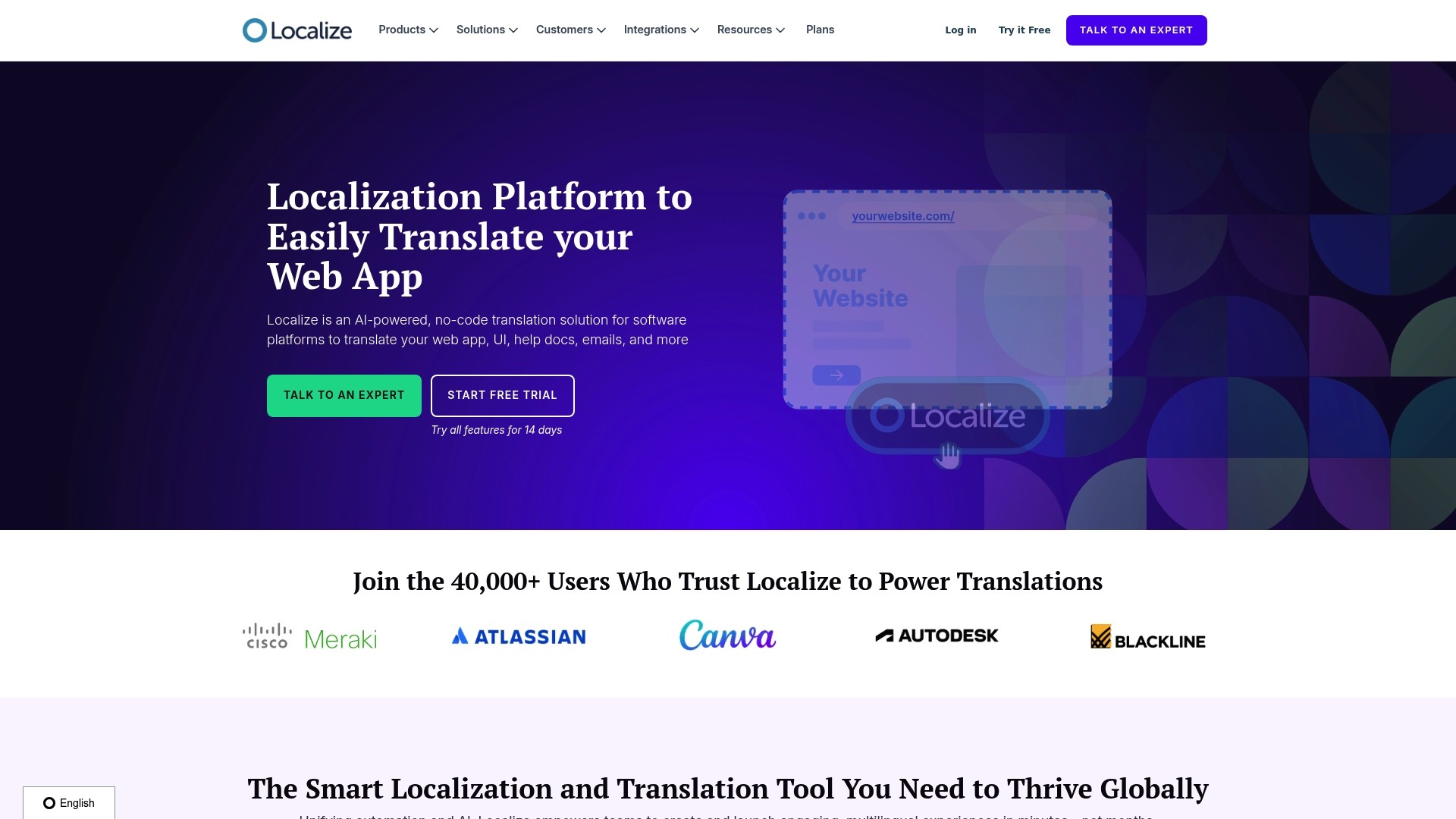
Localize for Web reports more than 40,000 users worldwide. The product pairs AI assisted translation with on page editing to speed multilingual launches for static and dynamic sites. It positions itself for teams that need developer tooling plus enterprise grade security and compliance.
Core Features
Localize centralizes content management so editors can update copy in place while preserving a translation memory. Its team collaboration features let translators, reviewers, and product managers run staged workflows without repeated file exports. Developer tools include SDKs and JavaScript tags, and the platform adds SEO controls so localized pages are discoverable by search engines.
Key Differentiator
The platform’s main angle is an AI assisted no code editor combined with developer APIs and industry security practices. That combination aims to let nontechnical teams own localization while keeping engineers in control of integration and performance.
Pros
Easy integration and developer tooling reduce engineering friction while allowing product teams to own translations. The no code editor and AI translation speed initial localization and cut the back and forth during quality review. Enterprise security and dedicated resources mean this product can fit organizations that need compliance and documented support; that figure above indicates broad adoption across many site types.
Cons
Pricing is tailored and not fixed. That can complicate budgeting for large scale implementations.
Implementation depends on a JavaScript tag and API calls. Projects requiring server side localization may not fit.
Some advanced workflows and features have a learning curve. Teams should plan onboarding and training.
When It May Not Fit
Projects that require purely server side localization may struggle because the product relies on a JavaScript tag. Small teams with no bandwidth for onboarding could find the advanced workflows overwhelming. Fixed budget projects that need predictable line item pricing may not prefer tailored quotes.
Notable Integrations
WordPress
Webflow
Zendesk
ReadMe
React
Python
Django
Who It’s For
Teams that manage multilingual websites or web applications and want nontechnical editors to handle translations will find this product a strong option. Engineering teams that need SDKs, APIs, and JavaScript control will also benefit. Organizations that require documented security and enterprise support match the product profile.
Real World Use Case
A SaaS company integrated Localize for Web to launch multilingual product versions. In context editing and AI assisted translations reduced developer work and kept copy consistent across releases.
Pricing
Pricing is tailored to the scale and complexity of each implementation. Contact sales for a quote and a scope based estimate.
Website: https://localizejs.com
Comparison of Alternatives
Selecting from localization management platforms involves assessing project size, integration needs, and workflow priorities. Gleef excels in unifying design and localization workflows, while competitors hold strengths in other areas vital to diverse organizational requirements.
Integration and Workflow Connectivity
Gleef stands out as a solution designed to integrate localization tasks directly within design environments. This provides value for teams seeking real-time updates and visual accuracy in translations from early stages. In comparison, Crowdin offers an extensive range of integrations—over 700 apps—that may benefit teams requiring connections to unique systems outside standard formats. Lokalise displays dynamic AI orchestration capabilities that optimize language-specific workflow pipelines, although their setup complexity might necessitate additional onboarding efforts.
Scalability and Customization of Features
Phrase excels in providing orchestration capabilities tailored to enterprise-scale localization. The inclusion of ISO 27001 and PCI DSS compliance resonates well with teams in regulated industries. Crowdin’s tiered plans and flexible integration suite afford organizations scalable solutions, yet they may lack feasibility for smaller budgets. Lokalise’s advanced security and highly customizable translation profiles highlight its competence for teams needing precision translation governance.
Best Fit
Teams prioritizing rapid iterative localized releases will find Gleef’s integration with design tools for smooth localization flows.
Organizations handling high-volume translation projects requiring strict compliance will benefit from Phrase’s enterprise-grade orchestration features and regulatory certifications.
Small teams needing affordable and straightforward implementations for simpler translation efforts may prefer Crowdin’s accessible pricing tiers.
Marketing projects emphasizing dynamic visual context during translation will see added utility in Lokalise’s preview tools and QA functionalities.
Our Pick
For teams focused on synchronized workflows across design tools and localization pipelines, Gleef provides capabilities. It allows real-time translation updates, translation memory retention, and live previews facing designers directly. However, enterprise-scale projects with multifaceted compliance needs may consider other platforms more suitable.
Localization software options are evaluated based on their integration capabilities, workflows, and user-friendliness.
Product | Core Differentiator | Best Suited For | Pricing | Limitation |
|---|---|---|---|---|
Gleef | Integrates design, content, and localization into workflows | Product and UX teams | From €145/month | Custom pricing for teams managing >30,000 translations |
Phrase | Automated orchestration and content governance for localization | Enterprise teams with vast localization needs | Price not published | Complexity may demand significant onboarding |
Lokalise | AI-driven workflow customization for web, mobile, and document content | Mid to large global businesses | Price not published | Pricing may vary unpredictably based on usage |
Crowdin | Broad ecosystem integration with context-driven translation | Teams handling versatile and complex content | Includes free plan | Advanced features require onboarding and a learning curve |
Localize for Web | No-code editor for quick web content localization | Teams localizing multilingual websites | Price not published | Heavy reliance on client-side JavaScript integration |
How Can Event Teams Avoid Translation Pitfalls Like Those Faced by Madfest London Alternatives?
Event teams managing multilingual content know how text that is out of sync with visual design weakens user engagement. For organizers running complex digital campaigns, maintaining consistent messaging across languages while managing design changes is critical. Gleef addresses these challenges by integrating live translation previews directly inside design tools like Figma. This eliminates guesswork and manual handoffs across designers, writers, and developers.
Gleef offers:
AI-powered translations that sound native and maintain brand voice
Automatic localization key generation from your updated designs
Translation memory and version history to reuse proven text
Explore how Gleef lifts your localization workflow to avoid translation blockers and speed up global launches. Visit Gleef to generate localization keys from your designs and preview translations instantly.
FAQ
How does Gleef support localization for product teams?
Gleef generates localization keys automatically from design files, which simplifies the workflow for product teams. This feature links design, content, and code, ensuring translation changes travel with the source. Product teams should expect a more streamlined process with reduced manual handoffs.
What is the difference between Gleef and Phrase?
Phrase centers its product on automated orchestration and content governance, making it ideal for large localization programs. In contrast, Gleef integrates design workflows with built-in translation previews, allowing for ongoing collaboration among teams. For teams focused on frequent releases and maintaining design integrity, Gleef is the better choice.
Can Gleef handle translation memory and version history?
Yes, Gleef maintains a translation memory and version history, which supports reuse and consistency across projects. This feature allows teams to build on past translations, facilitating smoother updates and changes in their localization efforts. Teams can expect to save time on repetitive translation tasks.
How does Gleef ensure translation quality?
Gleef’s AI translations are designed to be high quality and native sounding, incorporating rules for brand voice and translation consistency. This focus on quality helps maintain a cohesive brand message across multiple languages, making it easier for teams to release localized content confidently.
Which platform is better for multimedia localization: Gleef or Lokalise?
Lokalise provides comprehensive tools for multimedia localization, supporting various formats and contexts. However, Gleef excels in integrating design workflows with automatic localization keys from those designs, making it a strong alternative for teams that prioritize a unified design-to-translation process. Team decision-makers should evaluate their specific localization needs to choose the right platform.