
Fragmented workflows and rising costs in localization management make it harder for teams to keep translations consistent across products and platforms. Many popular localization tools lock key features behind expensive enterprise plans or demand heavy onboarding before integration with existing design and dev pipelines. This comparison breaks down pricing, workflow integration, and automation features so you can pick a solution that removes friction from your localization process.
Table of contents
Gleef
Phrase
Crowdin
Localize for Web
Smartling
Comparison of alternatives
Gleef
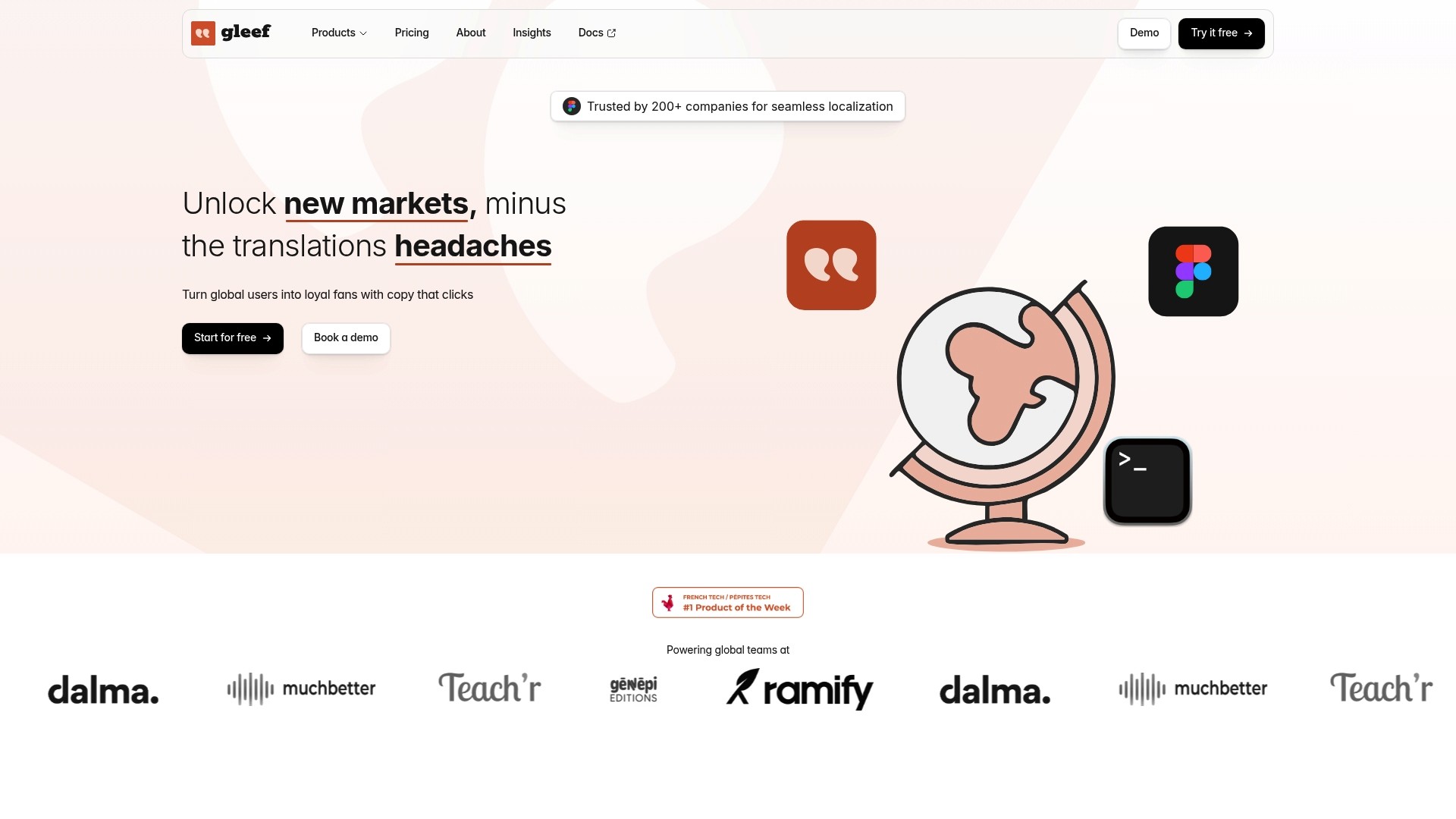
At a glance
Supports translations in over 200 languages. Gleef combines in-context editing inside design files with automated translation workflows to reduce back and forth between teams. The platform targets product teams that need fast, consistent localization across interfaces and marketing content.
Core features
Unified localization environment for design, development, and content teams. This centralizes work and reduces handoffs.
AI-generated translations that use context to preserve tone and phrasing across UI strings and marketing copy.
Real-time preview and editing inside Figma and within Gleef Studio for in-context corrections.
Automated translation key generation and CLI support for exporting and importing localization files.
Translation memory and in-context review to keep terminology consistent across releases.
Brand voice and tone rules to apply style choices across languages.
Collaboration tools and version control inside Gleef Studio for reviewer workflows and rollbacks.
Key differentiator
Gleef centers translations directly in design and deployment workflows. The product embeds editors where designers and writers already work, then connects those edits to a CLI and export pipeline developers can use. That tight integration reduces design-breaking translations and shortens the feedback loop between design, writing, and engineering.
Pros
Streamlined collaboration across design, development, and content teams. Central workspaces cut the number of file exchanges required during a release.
High-quality AI translations that preserve context and tone. The engine reads surrounding UI text to choose phrasing that fits intent.
In-context previews and review features reduce errors and rework. Reviewers see text in place rather than guessing how it will render.
Support for web, iOS, and Android formats plus CLI automation. You can plug translations into CI for continuous deployment.
Automation features reduce manual tasks and accelerate localization cycles. Automated key generation and export save hours each sprint.
Cons
May require technical setup for enterprise integration. Initial configuration can need developer time and documentation work.
Who it’s for
Product managers, UX writers, and developers at small and medium software companies that ship frequent releases. Teams that use Figma for design and want translations to live inside design files will benefit most. Organizations that plan to push localization into CI pipelines will find the CLI and export tools useful.
Unique value proposition
The Figma plugin plus CLI creates a single handoff path from design to deployment. Designers and writers edit text in place and those changes flow through Gleef to developer pipelines. That setup lowers release friction and helps you avoid last-minute translation bugs that block shipping.
Real world use case
A SaaS company uses the Figma plugin to let product writers fix UI copy during design reviews. The same team runs the CLI in their CI pipeline to pull approved strings and build localized releases. The result is fewer localization rollbacks and shorter time to market for each language.
Pricing
Monthly plans start at €145 for small teams. The vendor advertises custom pricing for larger enterprise needs and integrations. Contact sales for enterprise quotes and implementation options.
Website: https://gleef.eu
Phrase
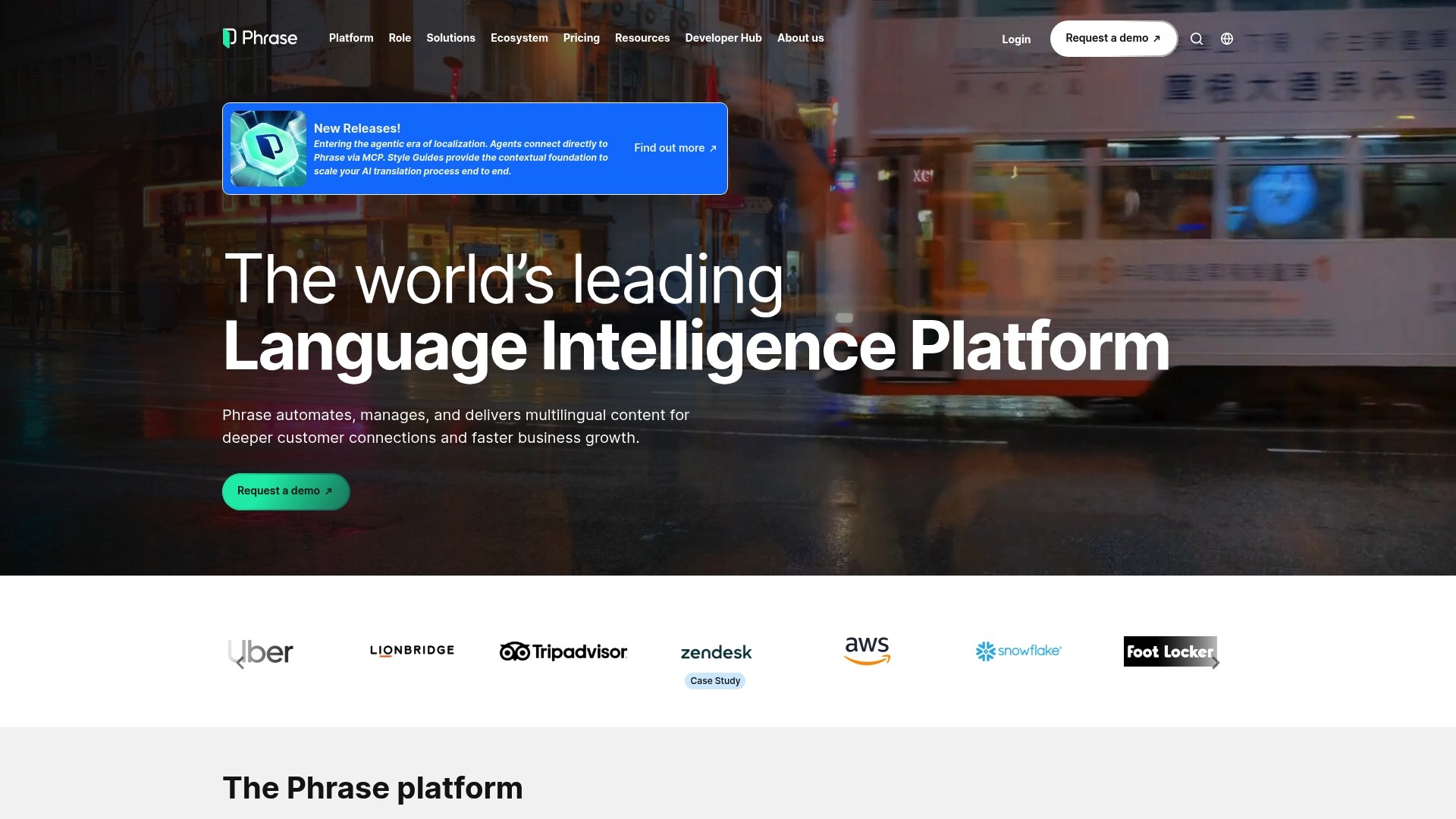
At a glance
Phrase handles multimedia localization for subtitles, voiceovers, transcripts, and autogenerated summaries for audio and video content. Its headless, API-first architecture lets engineering teams embed localization directly into CI pipelines and content platforms. According to the vendor, Phrase has also been recognized in the Forrester Wave for localization platforms.
Core features
Translation memories and terminology management that keep previous work reusable across projects and languages.
Context unification combining translation memory, style guides, and glossary entries to reduce inconsistent wording.
Governance tools with quality estimation, analytics, and compliance checks for review workflows and audit trails.
Headless API and orchestration that lets teams build custom workflows and connect localization to product delivery systems.
Multimedia support covering subtitles, voiceovers, transcripts, and summaries for audio and video assets.
Key differentiator
The vendor advertises AI-powered orchestration that makes real-time decisions across translation engines and models. That orchestration routes work to machine translation, in-house models, or human review based on context and quality signals. For product teams, this aims to reduce manual routing and keep translations consistent across channels.
Pros
Strong project organization. Teams can group related strings, track progress, and see translation history for faster handoffs.
Reliable backup and progress tracking. The platform records edits and version history, which helps when rollbacks are needed.
Flexible architecture for integrations. The API-first design lets engineering teams connect Phrase to content systems and CI workflows.
AI and automation features for scaling localization. Automation reduces repetitive tasks for translators and reviewers.
Industry recognition cited by the vendor. That claim signals vendor focus on enterprise requirements and benchmarking.
Cons
Interface complexity. New users report a steep learning curve and a cluttered layout that slows onboarding.
Performance issues on large projects. Users report occasional instability or crashes when processing very high volumes.
Translation suggestions sometimes lack context. Machine recommendations can feel generic without extra human review.
Limited mobile experience. The mobile app does not match desktop capabilities for review and editing.
When it may not fit
Phrase may not fit small teams or solo translators who need a minimal, fast interface. The platform is designed for scale, which adds configuration and management overhead.
Avoid Phrase if your projects routinely exceed the platform performance envelope described above. That scenario can expose the reported instability on very large batches.
Notable integrations
GitHub
Figma
Contentful
Salesforce
Zendesk
WordPress
Jira
Adobe Experience Manager
Who it’s for
Large enterprises and localization teams with complex multilingual content needs will get the most value. Technical teams that require programmable workflows and API access also benefit. Organizations that plan to mix human and machine translation at scale will find Phrase aligns with those requirements.
Real world use case
According to the vendor, Deliveroo centralizes its localization process with Phrase to shorten time-to-market and improve regional user experience. That implementation uses automation, governance, and integrations to keep product strings consistent across markets. The example shows how Phrase fits teams needing cross-functional localization control.
Pricing
Phrase uses tiered plans for enterprise, business, and freelancer needs. All plans include a 14-day free trial. Enterprise pricing requires a custom quote from sales.
Website: https://phrase.com
Crowdin
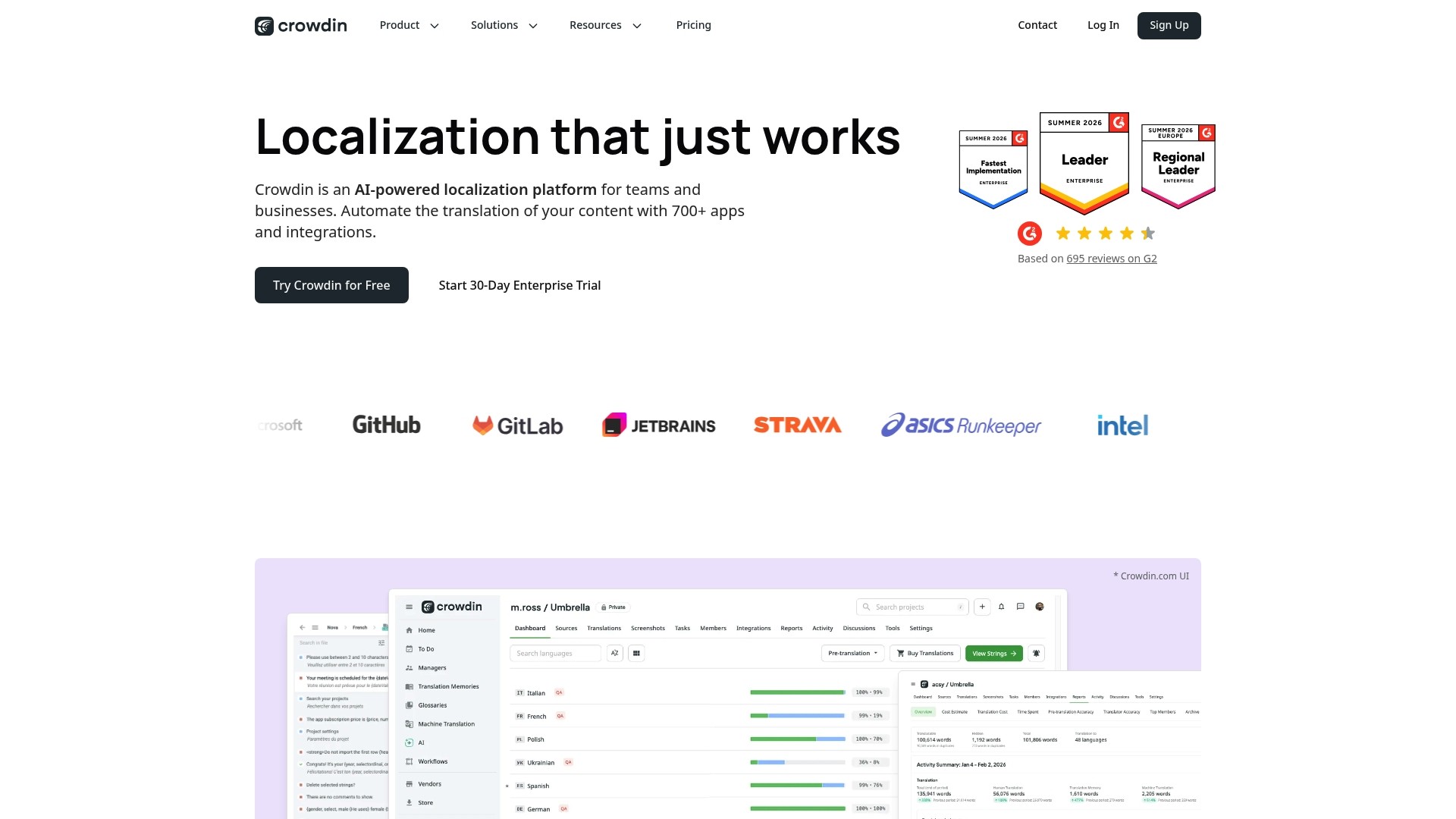
At a glance
Crowdin claims integrations with over 700 apps, which makes connecting to development and content tools straightforward. The platform supports more than 100 file formats and provides in-context previews to check translations inside the product UI. That combination helps teams keep translations consistent while working across code and design assets.
Core features
AI-powered translation automation that accelerates first-draft translation and prepopulates suggestions for translators.
In-context previews so translators and product teams see strings in their live UI or mockup.
Support for 100+ file formats including common localization and developer formats.
Git, GitHub, and CMS connectors that sync source files and pull translations back to repositories.
Translation Memory and glossaries for consistent terminology across projects.
Real-time collaboration tools with commenting and role-based access control.
Advanced QA checks and style guides to catch common localization errors.
Scalable workflows for large teams and multi-product projects.
Key differentiator
Crowdin combines AI translation automation with in-context previews and a broad integration catalog. That mix lets engineering, design, and localization teams work from the same sources and review translations where they appear. The vendor positions these capabilities as a way to reduce handoffs between tools and keep translations aligned with product changes.
Pros
Highly intuitive interface. Many teams get productive quickly because the UI groups translation tasks and project settings clearly.
Strong collaboration features. Comment threads, user roles, and suggestion workflows make cross-functional reviews practical.
Responsive customer support. The vendor reports active support channels and documentation that help resolve onboarding questions.
Generous free tier options. Small projects can start without immediate cost before upgrading.
Integrates with development workflows. Git and CI friendly connectors help keep localization in the release flow.
Cons
Interface can feel overwhelming for new users. Administrators must configure projects and permissions before handing the tool to contributors.
Project management workflows report occasional confusion. Some teams need an internal process to prevent duplicate tasks.
Mobile web experience needs improvement. Translators working on phones report usability gaps.
Occasional technical bugs reported by users. Small issues may require vendor support to resolve.
When it may not fit
Crowdin is heavy on features, so single-translator projects may find the overhead too large. Teams that require a highly simplified, minimal interface for occasional translations will likely prefer lighter tools. Organizations that need a polished mobile translation experience should evaluate that limitation carefully.
Notable integrations
GitHub, GitLab, Bitbucket, Figma, WordPress, Notion, Contentful, Shopify
Who it’s for
Crowdin fits product teams, localization squads, and agencies that work across code, design, and content. It suits teams that need integration with developer tools and collaborative review workflows. If your group handles frequent releases or multi-format content, Crowdin matches that operational model.
Real world use case
According to the company, a software vendor reduced localization time from weeks to days by syncing branches to Crowdin and using Translation Memory for recurring strings. The team kept translators and engineers in the same workflow and used in-context previews for final signoff. That setup cut review loops and improved consistency across products.
Pricing
Free tier available for small projects. Paid plans vary by features and team size and are structured around seats and project needs. Contact sales or review plan pages for exact pricing tiers.
Website: https://crowdin.com
Localize for web
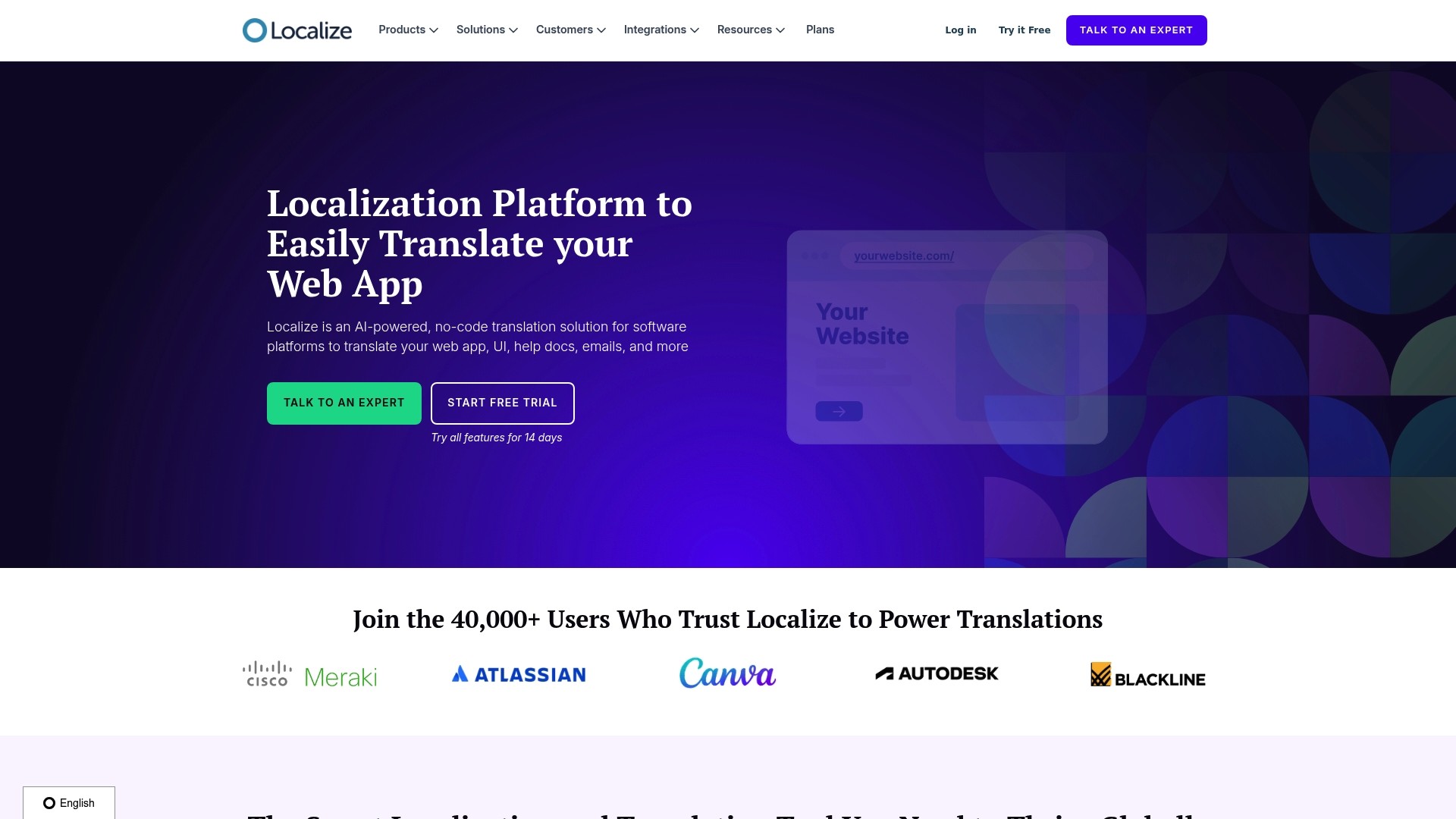
At a glance
Localize reports it is trusted by over 40,000 users. The product pairs AI powered translation with a no code approach so teams can publish multilingual sites quickly. It targets website localization workflows and adds developer tooling for production use. That mix makes the product suitable for teams that need both marketer facing controls and engineering automation.
Core features
Content management tools that centralize translations and review workflows for web content and UI text.
Team collaboration features that assign reviewers and track translation status across pages.
Multiple translation methods including machine translation with optional human review and glossary controls.
Advanced SEO tools to manage hreflang, localized metadata, and indexable content for search engines.
Developer tools such as SDK, REST API, and webhooks to automate deployments and integrate with CI pipelines.
On Page Editor for translators to edit text in context and marketing tools to test localized conversions. According to the vendor, Localize supports SOC 2, HIPAA, and GDPR.
Key differentiator
Localize focuses on delivering fast website localization without heavy engineering lift. The product combines a no code editing layer with developer grade APIs so both marketers and ops teams work from the same content. That combination reduces handoffs between content owners and engineers while keeping automation for release workflows.
Pros
Extremely fast setup. Many teams report implementation that takes hours or days rather than weeks. This reduces initial localization friction.
Broad platform connectivity. The product integrates with WordPress, Webflow, Zendesk, and ReadMe so it fits common web stacks.
Flexible translation modes. You can use machine translation for coverage and add human review for high value text.
Translation memory and glossary management improve consistency across pages and campaigns. That lowers repetitive translation work.
Developer friendly. The API and SDK let engineering teams push translations through CI or pull content into runtime as needed.
Cons
Cost can grow quickly as traffic and translated volume increase. High usage sites need active cost planning.
Enterprise pricing tiers are not fully transparent. Teams must request custom quotes to understand large scale costs.
Some large deployments require careful resource and budget monitoring to avoid unexpected spend.
When it may not fit
If your organization runs extremely high traffic international sites and needs fixed per request pricing, this product may be costly without a negotiated enterprise plan. If your localization process relies entirely on an in house translation platform or custom database pipelines, the no code layer may add unwanted duplication. Organizations that need predictable unit costs for heavy API usage should request pricing and run a proof of concept.
Notable integrations
Localize connects to common web platforms and documentation tools. Notable integrations include:
WordPress
Webflow
Zendesk
ReadMe These integrations let content teams keep existing workflows while adding translation controls.
Who it’s for
Growth oriented organizations that want rapid website translation with limited developer bandwidth will find this product useful. Product managers and localization teams who need an editor for contextual translation and a way to add human review will get value. Engineering teams benefit from the SDK and API when they require automation for release cycles.
Real world use case
According to the vendor, a SaaS company used Localize and reported a greater than 30% rise in global user engagement after launching translated interfaces. The team integrated the product via the SDK and APIs so translations appeared in real time. That setup sped new language rollouts and reduced time to market for feature releases.
Pricing
Pricing is available by request and through custom enterprise plans, with a free trial offered. Small teams can start with the trial to measure translation volume and API costs. For high traffic or enterprise deployments you must contact sales to get a tailored quote.
Website: https://localizejs.com
Smartling
At a glance
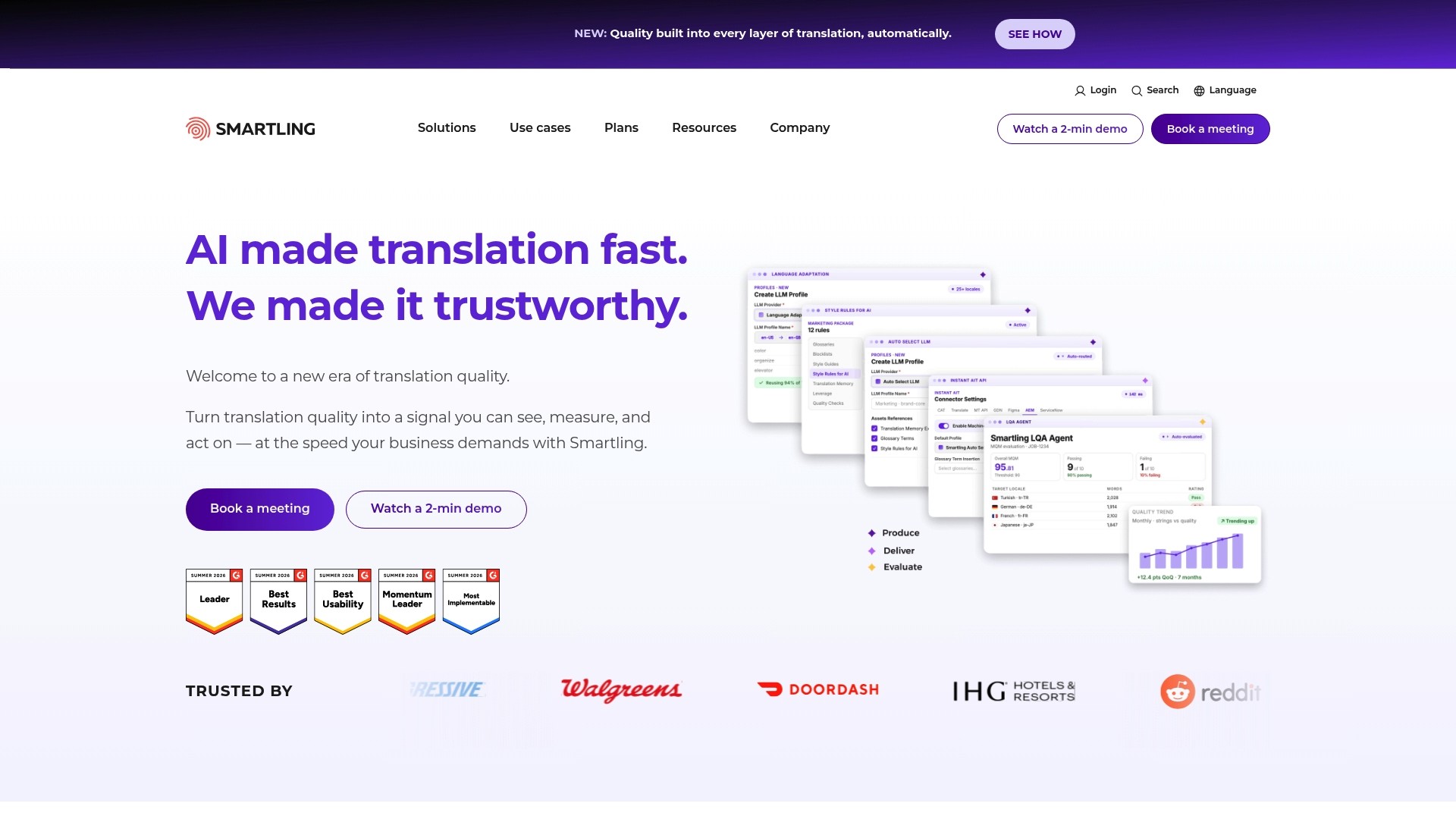
Smartling reports support for over 50 content formats, including JSON, XML, HTML, and media files. That breadth makes it practical for companies handling UI, web, and marketing assets in the same pipeline. The product is aimed at enterprise teams that need strong integrations and combined AI and human quality review.
Core features
All in one translation orchestration platform for project routing, workforce assignment, and asset management. This keeps content and tasks in one place for large programs.
Smartling Translate delivers AI powered instant translations, with human review layered on for quality control. The feature is presented as part of an automation plus review workflow.
Support for a wide set of formats and connectors, including JSON, XML, HTML, and media files. This reduces manual file conversion work for localization engineers.
Workflow automation with content detection and auto publishing to destination systems. Teams can detect new content and trigger translation jobs automatically.
Quality assurance controls that combine automated checks and human review steps. This targets content consistency and brand voice preservation.
Key differentiator
The product’s strength is its deep enterprise integrations paired with staged quality control. Smartling integrates with CMS, CRM, code repos, and marketing systems to keep translation flows inside existing stacks. That integration focus, plus combined AI and human review, suits complex localization programs where multiple teams touch the content.
Pros
Robust feature set that supports complex, multi asset projects. Large programs will find tools for workflow orchestration and quality control.
Extensive enterprise system integrations with common platforms used by product and marketing teams. Integrations reduce copy paste and manual handoffs.
High degree of automation and workflow customization for event driven translation. Teams can auto detect content changes and launch translation jobs.
Quality assurance that layers machine translation with human review. That approach helps preserve brand voice across languages.
Customers retain ownership of translation assets. Teams can export or reuse translation memory and glossaries.
Cons
Very high pricing that may exclude small or medium sized organizations. The platform often requires an enterprise budget.
User interface can be challenging for translators and less intuitive than some rival tools. This raises onboarding time for linguists.
Occasional performance issues and system lag during peak usage. Productivity may suffer if the platform slows.
Reported security vulnerabilities and concerns about bot abuse. Teams with strict security demands should evaluate risks carefully.
Customer support has reports of slow or unresponsive service for some customers. Critical issues may take longer to resolve.
When it may not fit
If your team has a constrained localization budget, this product may be cost prohibitive. Mid market budgets will feel pressure.
If you rely heavily on freelance translators who prefer simpler workflows, the interface may slow adoption. The UX favors centralized enterprise teams.
If you need ultra fast performance during peak publishing windows, reported lag could impact timelines. Test peak load behavior before committing.
If your security policy forbids surfaced vulnerabilities, you should require detailed security assessments and remediation commitments.
Notable integrations
WordPress
Salesforce
GitHub
Google Drive
Contentful
Shopify
Zendesk
SAP Emarsys
Who it’s for
This product fits large enterprises that run complex localization programs and require tight integration with CMS, CRM, and engineering workflows. It suits product managers, localization leads, and engineering teams who need automation plus staged human review. Smaller teams will likely find the cost and interface a poor match.
Real world use case
A multinational corporation uses the platform to translate website content, marketing campaigns, and product UI into dozens of languages. The team automates content detection and pushes translated assets back to the live CMS. Human reviewers then validate tone and brand consistency before publish.
Pricing
The vendor does not publish standard list pricing in the data provided here. The product is frequently criticized for very high costs, and pricing typically reflects enterprise licensing and integration work. Expect quotes based on scope and connectors required.
Website: https://smartling.com
Comparison of alternatives
Selecting a localization platform that aligns with your team’s workflow and project requirements involves evaluating the specific capabilities of each option.
Integration and automation
Gleef differentiates itself with Figma plugins and a CLI that ties in directly with design and deployment workflows. This allows teams to edit translations within their existing tools. In contrast, Phrase emphasizes API-first architecture, offering programmable workflows for dynamic content delivery. If your process benefits from embedded design editing, Gleef provides focused tools for design-centric workflows.
Media and content diversity
Phrase offers strong multimedia localization features, supporting video subtitles, voiceovers, and transcripts. This positions it as an excellent choice for organizations handling extensive auditory or visual content. Crowdin and Smartling deliver support across a broad range of asset formats but are best suited for large-scale programs.
Collaboration and workflow customization
Crowdin excels in providing intuitive interfaces for real-time collaboration among translators and reviewers, ensuring an interactive workflow suitable for agency and cross-functional teams. On the other hand, Localize for Web simplifies web content localization with quick setup and effective SEO tools specific to website translations.
Best fit
For teams prioritizing tight integration with design tools like Figma, Gleef offers in-context editing and streamlined collaboration workflows.
If your projects involve extensive multimedia content such as video and audio, Phrase excels with specialized features.
Organizations looking for real-time collaboration tools alongside integration with engineering workflows should explore Crowdin.
For rapid and efficient website localization focused on structured content and SEO-friendly translations, Localize for Web provides a targeted solution.
Enterprises requiring extensive integration across diverse content formats and a layered QA process may find Smartling aligns with their needs.
Our pick
For teams seeking an connection between design and translation workflows, Gleef offers specialized tools tailored to integrating localization at the design level and beyond. Although enterprises handling large-scale multimedia assets or content across numerous formats might find other products more suitable, the design editing capabilities and tight end-to-end pipeline integration make Gleef a standout choice for many software teams.
Localization management solutions vary widely in terms of features and integrations, providing users with specialized tools to meet their specific needs.
Product | Core Feature | Best For | Pricing | Limitation |
|---|---|---|---|---|
Gleef | Unified localization with in-context editing in Figma | Product teams with continuous deployments | Starts at €145/month | Initial technical setup for enterprise integration |
Phrase | Multimedia localization, AI-powered orchestration | Large enterprises with complex requirements | Not disclosed | Steep learning curve for new users |
Crowdin | Broad format support with in-context previews | Agile teams needing collaboration and review | Free tier available | Overwhelming interface for smaller projects |
Localize | Rapid website localization using AI and no-code | Marketers & developers needing web localization | Custom pricing | High cost scaling for traffic-intense sites |
Smartling | AI-assisted orchestration with enterprise integrations | Large corporations with multilingual needs | Not disclosed | High pricing deters small to medium organizations |
Discover Gleef: your ai-powered solution among transifex.com alternatives
Every localization challenge starts with avoiding broken user experiences and last-minute translation bugs that can crumble your pixel-perfect vision. The article highlights how traditional tools sometimes fragment workflows between design, writing, and engineering. Gleef tackles these pain points by embedding AI-driven translations directly inside design files like Figma, offering in-context editing and semantic translation memory to keep your content bulletproof across languages.
Why Gleef stands out:
Integrate translations without switching platforms
Maintain brand voice with rules-based style enforcement
Accelerate releases by streamlining collaboration among product teams
If you seek to unify your localization process, avoid handoff delays, and upload translations that align perfectly with your UI and marketing copy, explore Gleef. Check out how seamless design-to-deployment translation can be and import your Figma files to preview contextualized translations in minutes.
FAQ
What makes Gleef a strong alternative for localization management?
Gleef provides a unified localization environment specifically designed for design, development, and content teams. Its AI-generated translations maintain context, preserving tone and phrasing, which is ideal for achieving consistent localization across UI strings and marketing content. To get started, consider testing the platform to see how its in-context editing enhances your workflow.
How does Gleef compare to localize for web localization?
Localize excels in delivering rapid website localization with a no-code approach, allowing teams to publish multilingual sites quickly. In contrast, Gleef integrates real-time editing within Figma, making it perfect for product teams that want translations embedded directly into design files. If your focus is primarily on design with integrated translations, Gleef will likely be a better fit for your needs.
Can i use Gleef for multimedia localization as effectively as phrase?
Gleef primarily targets UI and marketing content localization, whereas Phrase specializes in multimedia localization for audio and video content, including subtitles and voiceovers. While Gleef may not cover multimedia needs as comprehensively as Phrase, its integration with design tools offers unique advantages for web and app interfaces. Assess your project requirements to choose the best approach to localization.
Is there a cost advantage for small teams using Gleef?
Gleef’s monthly plans start at €145 for small teams, which can be a worthwhile investment given its streamlined collaboration features. Other platforms may offer free tiers, but they might not provide the same level of integrated design support that Gleef does. To determine the best option for your budget, evaluate how often your team releases new content and the expected localization needs.
What collaboration features does Gleef offer that benefit product teams?
Gleef includes collaboration tools and version control within Gleef Studio, facilitating reviewer workflows and allowing for easy rollbacks. This ensures that design, writing, and engineering teams can work together efficiently, reducing localization errors. For optimal results, consider how these features can integrate into your existing processes for smoother releases.