
Choosing localization management software that supports in-context editing, broad integrations, and real-time updates slows product and design teams. Many vendors force teams into spreadsheets or require direct contact for prices and advanced features, making evaluation harder. This comparison matches features, integrations, and price transparency so product teams, UX designers, and developers can pick the right tool for frequent multilingual releases.
Table of Contents
Gleef
Lokalise
Crowdin
Comparison of alternatives
Gleef
At a Glance
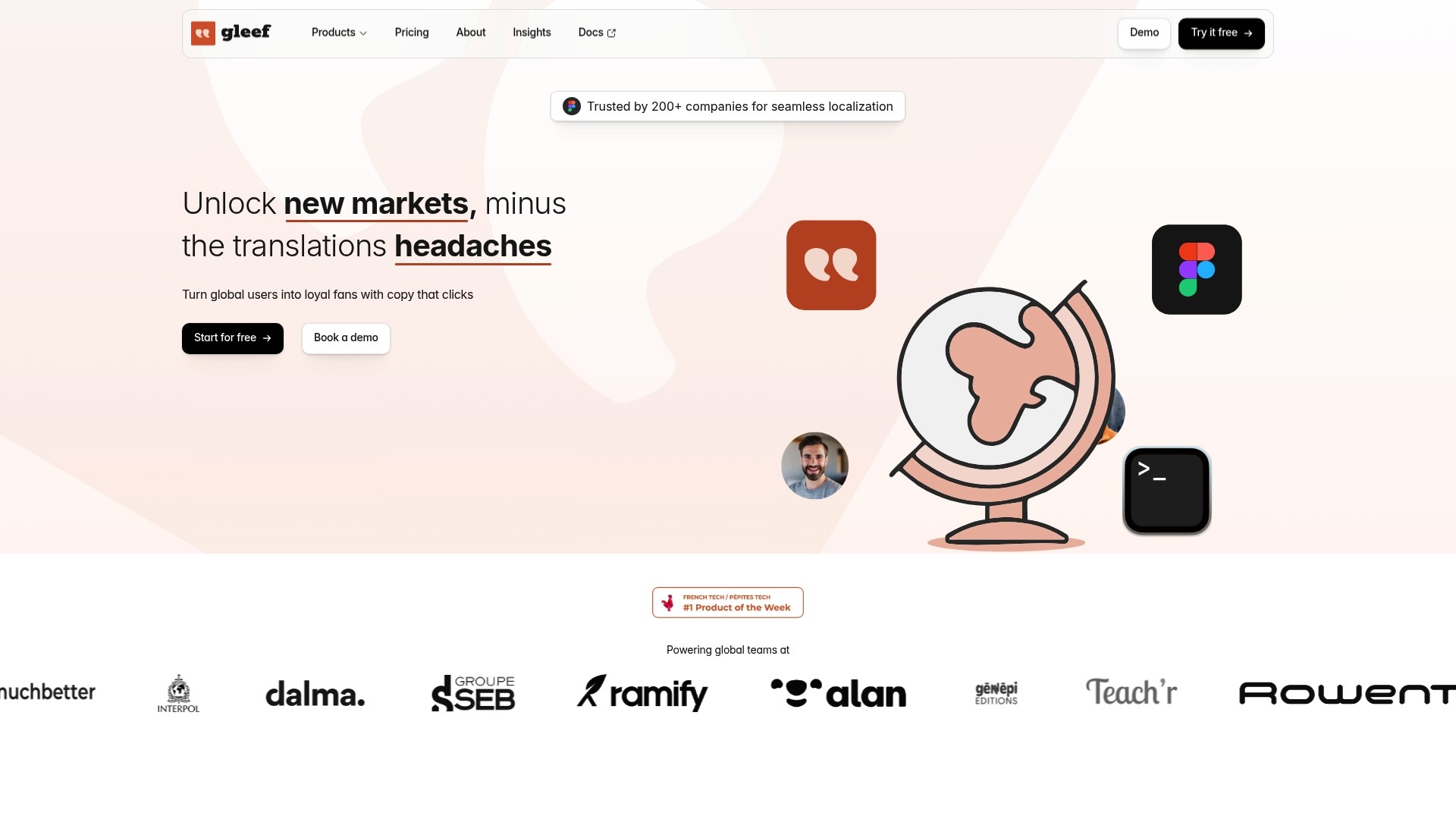
Supports more than 200 languages while letting designers preview translations inside Figma in real time. The platform combines a Figma plugin, CLI tools, and a studio environment to move localization from spreadsheets into design and code. Teams get in-context editing and multi-format export without jumping between separate tools.
Core Features
Gleef offers a Figma plugin for real-time translation preview, automatic localization key generation, and in-context review and editing that keeps copy tied to visual layout. It includes translation memory, change history, and version control so teams reuse validated strings and track edits. The platform also supports multi-language export, CLI utilities for build pipelines, and project-level workflow integration from design to deployment.
Key Differentiator
Gleef’s main advantage is a single environment that joins design, development, and localization workflows with AI translations that aim to preserve brand voice and context accuracy. That approach places translations where designers and engineers work, reducing handoffs and mismatched context. The result is fewer localization-related release blockers during product launches.
Pros
Gleef reduces manual copy handoffs by placing translation previews directly in Figma and offering command-line exports for developers, which speeds the handover between teams. The vendor advertises AI translation quality that rivals or surpasses generic models like ChatGPT, citing third-party reviews. It supports scalable plans and customization for branding and translation rules, and it generates platform-specific files for deployment across web and native apps.
Cons
Not the best fit when a project requires strictly human-only translation workflows without AI involvement.
Who It’s For
Product teams, UX designers, and developers who ship internationalized software and want translation work inside their existing tools. Teams that use Figma and need to keep copy aligned with visual layout and release pipelines will see the most immediate benefit. Groups managing frequent UI updates and many target languages will find the workflow model useful.
Unique Value Proposition
Real-time, in-context previews inside Figma plus CLI and studio tooling make translations editable where designs and code live. That arrangement cuts the common mismatch between string context and translated copy and reduces back-and-forth during QA. For teams that run frequent releases, this converts translation steps into part of routine design and build tasks rather than a separate blocking phase.
Real World Use Case
A SaaS company used Gleef to translate its UI into over 20 languages while keeping the design team in Figma during localization review. Designers corrected phrasing in-context, and engineers pulled exports through the CLI into the release pipeline. The workflow reduced late-stage copy fixes and kept the product voice consistent across markets.
Pricing
Gleef has a free tier that includes AI translations and file exports. Paid plans start at €145/month for small projects, and the vendor lists custom enterprise pricing for teams managing over 30,000 translations. Larger organizations must request a custom quote for enterprise features and scale.
Website: https://gleef.eu
Lokalise

At a Glance
Lokalise reports more than 1,000,000 users across thousands of companies. That scale shows up in a platform built for complex localization pipelines across web, mobile, games, and marketing content. The product emphasizes automation and AI powered translation to speed handoffs and reduce manual editing.
Core Features
Lokalise connects content sources with automated workflows and preserves context during translation through custom terminology. It includes translation memory and glossaries to keep phrasing consistent and audit logs, roles, and permissions for enterprise governance. The platform also exposes APIs and integrations so engineering and design teams can move translations into CI and product design without switching tools.
Key Differentiator
Lokalise centers on combining AI powered translation, broad integrations, and enterprise security in a single platform. That approach helps teams maintain brand voice at scale while keeping localization work inside existing development and design flows.
Pros
Lokalise reduces manual handoffs by linking repositories, design files, and CMS content to translation workflows. The platform supports continuous localization for teams that push frequent releases. Lokalise’s marketing materials state support for SOC 2, ISO 27001, GDPR compliance, and single sign on, which matters for regulated or large enterprise deployments. The built in translation memory and glossaries improve consistency across campaigns and apps. Integrations with development and design tools let product, engineering, and localization work in parallel.
Cons
Public documentation offers limited deep feature detail, which can make technical evaluation slower for complex workflows.
Pricing tiers and overage policies are not fully detailed, complicating budgeting for large volume projects.
Advanced items such as custom AI profiles and higher level automations are gated behind premium plans, which may restrict small teams.
When It May Not Fit
Lokalise may not fit teams that need highly bespoke localization logic without reliance on third party integrations. Organizations that keep content workflows largely disconnected could face extra setup work. Smaller teams with tight budgets could find essential advanced features available only in higher priced plans.
Notable Integrations
GitHub
GitLab
Figma
Jira
Webflow
WordPress
Contentful
HubSpot
Who It’s For
Product managers, localization managers, and developers who ship frequent updates and need automated translation flows will find the platform practical. Marketing teams that run multi language campaigns and need consistent terminology across channels also benefit. Enterprises that require formal security controls and audit trails will get the governance features they need.
Real World Use Case
According to the company, a global SaaS customer automated localization into its CI CD pipeline and reduced release times from days to hours while maintaining brand consistency across 50+ languages. That example shows how automation and integrations cut manual steps between engineering and localization teams.
Pricing
Plans start at $144/month for the Explorer tier and scale up to custom enterprise plans with tailored security and support. The vendor lists enterprise pricing as customizable, and overage and tier specifics require direct sales discussions.
Website: https://lokalise.com
Crowdin
At a Glance
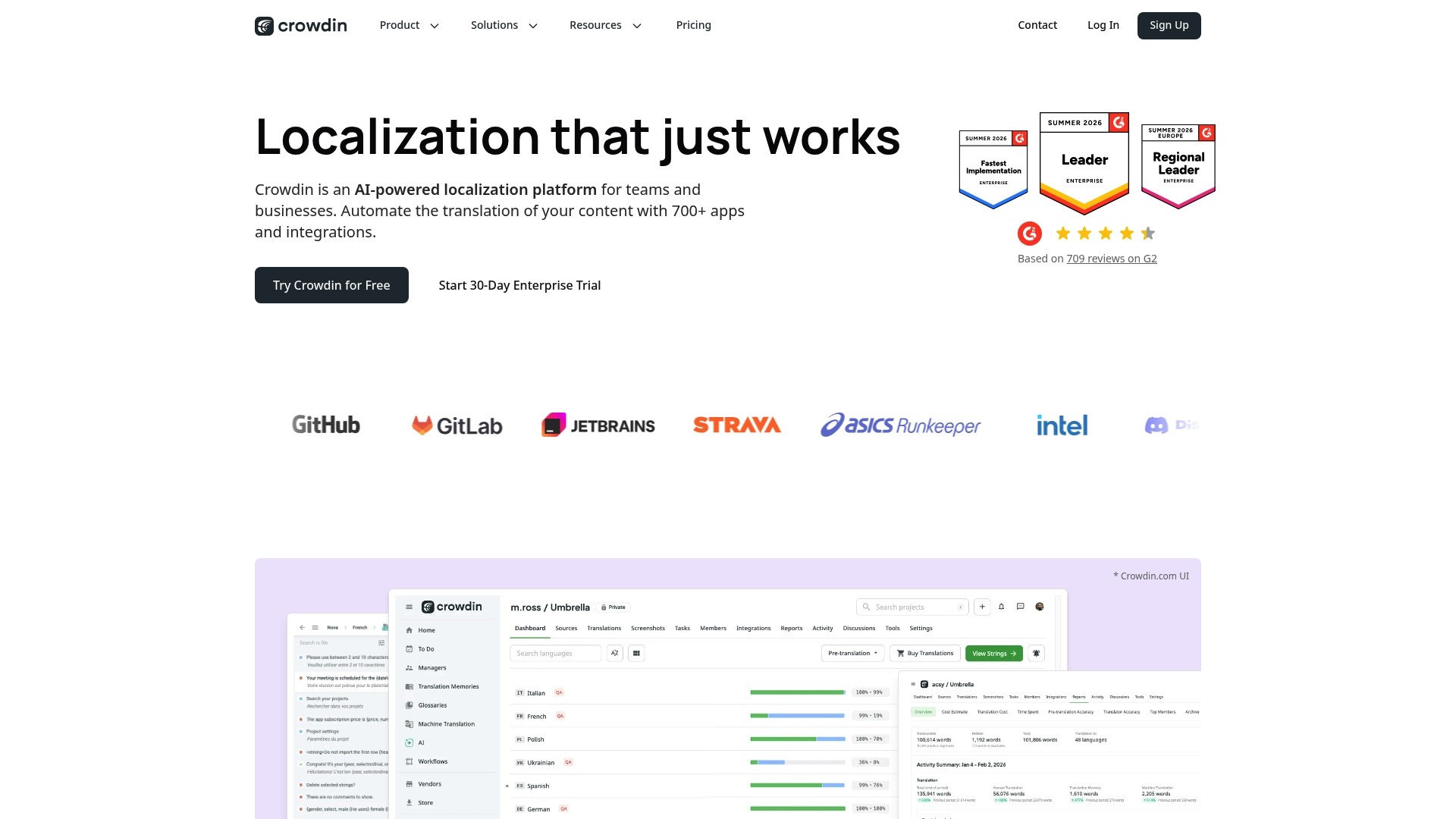
Crowdin’s marketing materials state support for 700+ file formats. The platform pairs AI pre translation and context extraction from screenshots and web pages with AI assisted proofreading and dubbing. Enterprise features include data residency, single sign on, role based access, and automated QA for high volume projects.
Core Features
Crowdin automates translation workflows with AI driven pre translation, translation memory, and glossaries that speed repetitive work. It provides in context previews and automated QA alongside continuous localization with real time content sync to keep translations current. The platform also offers enterprise controls such as SSO, role based permissions, and data residency options for regulated deployments.
Key Differentiator
The key differentiator is AI driven automation combined with enterprise grade security and broad content type support. That combination targets teams that need both heavy automation and strict access controls. Deep integrations across developer and design tools extend that capability into engineering workflows.
Pros
Integrations with tools like GitHub, Figma, and WordPress reduce handoffs between product, content, and engineering teams. AI features cut repetitive translation tasks and assist proofreading and dubbing, lowering manual workload for reviewers. Enterprise controls such as single sign on, data residency, and role based access make the platform suitable for large organizations and regulated environments.
Cons
Complex onboarding for very large deployments can require dedicated localization managers and extended training.
Teams new to localization face a steep learning curve because the platform exposes many advanced controls.
Public pricing details are limited, so you often need to contact sales for firm figures and feature availability.
When It May Not Fit
Small projects or teams without a dedicated localization resource may find the feature set overly complex. If you need a straightforward pay as you go listed price, public pricing is limited and negotiations may be required. Organizations unable to provide ongoing training for editors and engineers may prefer a simpler tool.
Notable Integrations
GitHub
GitLab
Bitbucket
Figma
WordPress
Shopify
Unity
Unreal Engine
Who It’s For
Mid sized and large teams that manage product, marketing, and support content will get the most from Crowdin. Enterprise IT and localization managers who require data residency and role based permissions will find the controls useful. Development teams using GitHub, GitLab, Unity, or Unreal Engine will benefit from automated sync and wide file format coverage.
Real World Use Case
The vendor reports reducing localization time by over 50% and maintaining brand voice across 20+ languages for a large tech company. That case shows how tight sync between software, website, and mobile can remove release blockers and keep copy consistent.
Pricing
Pricing is not publicly detailed. Plans are offered for teams and enterprises, and a free trial option exists. For exact quotes you must contact sales to confirm features and enterprise terms.
Website: https://crowdin.com
Comparison of alternatives
Gleef distinguishes itself by enabling real-time translation previews directly within Figma, ensuring accuracy and context during the design and localization process. While Lokalise and Crowdin offer compelling features for specific scenarios, Gleef addresses unique demands of teams blending design and localization workflows.
Real-Time Design Integration
Gleef’s integration into Figma provides a distinct advantage, allowing designers to visualize translations within the design tool itself. This direct approach minimizes mismatched localization due to isolated workflows. Lokalise supports design tool integration as well, but it emphasizes compatibility across broader enterprise systems rather than real-time designs. Crowdin enhances context extraction but requires more user input to align finalized designs.
File Format and Workflow Capacity
Crowdin excels in file format compatibility, supporting over 700 formats. This capability suits teams managing diverse content types across multiple platforms, such as video, text, and UI simultaneously. Lokalise focuses more on governance and automation features essential for regulated enterprises, offering built-in glossaries and roles for oversight. Gleef provides streamlined export options targeted for design artifacts and native applications rather than extensive file variety.
Best fit
Groups frequently updating UI designs needing translation previews linked directly to layout should choose Gleef.
Enterprise teams managing complicated workflows and requiring compatibility with extensive file types will benefit from Crowdin.
Small teams prioritizing automation without complex overheads may find Lokalise most practical due to its scalable introductory pricing.
Our pick
Gleef is the ideal choice when rapid updates and accurate in-context localization within a design tool are critical priorities. Its focus on real-time integration with visual layout tools makes it the best fit for design-centered workflows. However, for expansive enterprise environments requiring maximum file compatibility, Crowdin remains the more adaptable option.
This table helps compare localization tools based on integrations, differentiators, pricing, and limitations.
Product | Key Differentiator | Notable Integrations | Pricing | Limitation |
|---|---|---|---|---|
Gleef | AI-powered in-context translation in Figma | Figma, CLI tools | Free tier; €145/month paid plans | Not a strict fit for human-only workflows |
Lokalise | Enterprise-grade localization and integrations | GitHub, GitLab, Figma | $144/month starting; enterprise plans | Advanced automations gated behind premium tiers |
Crowdin | AI automation with enterprise controls | GitHub, GitLab, Unity | Price not published | Steep learning curve for new localization teams |
How Can Gleef Solve Localization Challenges for Product Teams?
Localization often hits snags when design, development, and translation workflows live in separate places. This can cause mismatches in text context and late-stage fixes that slow product launches. Gleef addresses these issues by combining AI-driven translations with in-context editing directly inside Figma. Product teams, UX designers, and developers get real-time previews tied to visual layouts, cutting down manual handoffs and reducing release blockers.
Gleef empowers you with:
Real-time translation preview within design tools
Command-line exports that fit into build pipelines
Translation memory and rules enforcing brand voice
See how Gleef integrates AI translation inside your familiar design and development workflows. Visit Gleef and start aligning your localization with your product releases. Get translations editable where your designs and code live and improve both speed and quality in global markets today.
FAQ
How does Gleef support translation management for design teams?
Gleef excels in localization management by providing real-time translation previews directly within Figma. This capability allows teams to manage translations alongside their design work, enhancing context accuracy and reducing manual errors.
What is the difference between Gleef and Lokalise?
Lokalise offers extensive integrations with various content management systems and development tools, allowing for automated localization workflows. Gleef, however, focuses on in-context editing in Figma, which is ideal for design teams needing to maintain visual alignment during translation.
Which platform is better for handling frequent UI updates?
Gleef is particularly well-suited for teams managing frequent UI updates, as it integrates localization directly into the design process within Figma. This setup minimizes the risk of miscommunication and late-stage edits, keeping translations and designs in sync.
Does Crowdin support enterprise-level security features?
Crowdin includes enterprise features such as data residency, single sign-on, and role-based access controls. While it provides strong security features, Gleef’s primary advantage lies in its design-focused localization capabilities.
How can Gleef enhance translation accuracy for brand messaging?
Gleef utilizes AI translations that aim to preserve brand voice and context accuracy, ensuring that messaging remains consistent across different languages. This approach helps maintain the integrity of brand communication during the localization process.