
Slow localization doesn’t just delay releases. It burns engineering hours, frustrates designers, and hands market share to competitors who ship faster. When translation is bolted on at the end of a product cycle, the rework is expensive and the launch window shrinks. This guide walks through every stage of a modern localization workflow, from assembling the right team to automating quality checks, so your product reaches global users without the usual chaos.
Key Takeaways
Point | Details |
|---|---|
Start localization early | Integrating localization from the beginning prevents costly rework and delays. |
Automate with AI and tools | Use AI and workflow integrations to eliminate manual steps and accelerate releases. |
Ensure cross-team collaboration | Active involvement of product, engineering, design, and language experts is key to localization success. |
Combine machine and human expertise | Rely on AI for speed, but always validate translations with knowledgeable human reviewers. |
Measure and improve workflow | Track key metrics and continuously refine your localization process for better results. |
Understand the localization challenge
Most localization pain comes from the same root causes: manual handoffs between teams, inconsistent terminology across markets, and translation that starts too late. These aren’t minor inconveniences. They compound into missed deadlines and products that feel foreign to the very users they’re meant to serve.
The real impact of localization goes beyond swapping words. When strings are extracted manually, sent to vendors via email, and returned as disconnected files, every update triggers a new round of delays. A single UI change can invalidate dozens of translated strings, forcing translators to restart work they’ve already completed.
“Waterfall localization is manual and slow, updates create major delays.”
The cost of late localization isn’t just time. Teams that start translation after the product is built face:
Expensive rework when UI strings change post-translation
Inconsistent terminology across product areas and languages
Delayed launches that shrink the competitive window in new markets
Frustrated translators who lack context and produce lower-quality output
Recognizing these patterns early is the first step toward fixing them. Now that the challenge is defined, let’s lay the groundwork for smoother localization.
Get prepared: Assemble roles, tools, and requirements
Localization fails when ownership is unclear. Every team member assumes someone else is handling the translation pipeline, and nothing gets done until a release is already at risk. Fixing this starts with explicit role assignments before a single string is written.
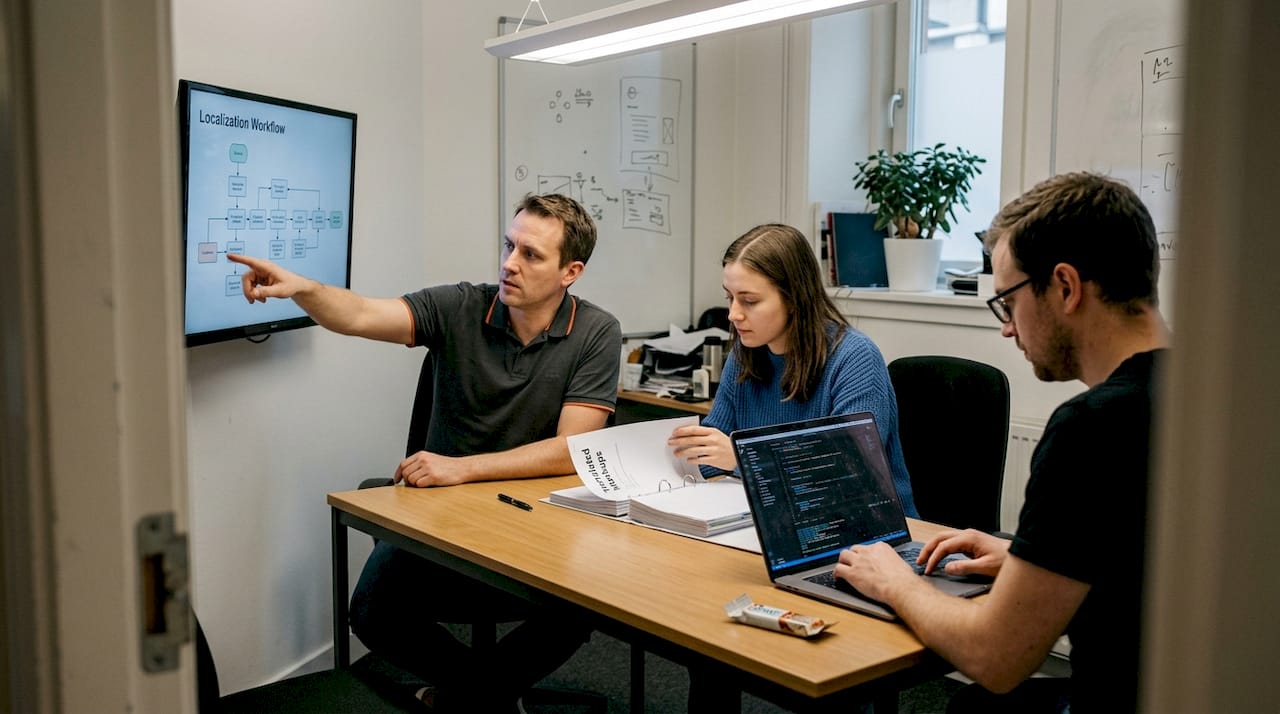
Cross-functional localization requires clear accountability across every discipline. Establish cross-team ownership with product managers, developers, UX writers, and designers, and use AI for speed with human QA for quality. Here’s how responsibilities typically break down:
Role | Responsibility |
|---|---|
Product Manager | Defines locale scope, owns the roadmap, sets deadlines |
Developer | Implements i18n framework, manages string extraction and CI/CD integration |
UX Writer | Authors source strings, maintains style guide and glossary |
Designer | Ensures layouts accommodate text expansion, reviews in-context translations |
QA Specialist | Runs linguistic and functional testing per locale |
Localization Vendor | Translates and adapts content with cultural accuracy |
Beyond roles, your toolset determines how fast and accurately you can move. Essential tools include:
CAT tools (Computer-Assisted Translation): Translation memory, glossary enforcement, and segment-level consistency
AI and MTPE platforms: Fast pre-translation with AI translation for localization that human reviewers then refine
Localization management platforms (LMP): Centralized string management, workflow automation, and vendor coordination
Context delivery tools: Screenshots, design files, or live previews that help translators understand where strings appear
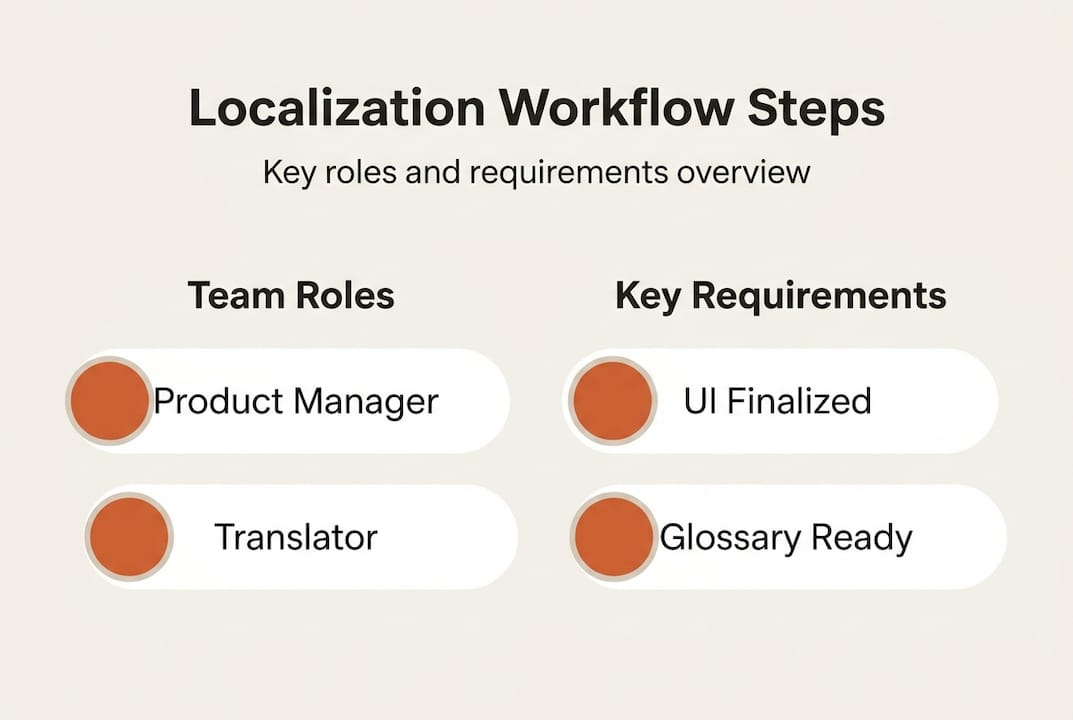
Before any translation begins, three prerequisites must be in place: a finalized UI (or at least a string-frozen version), a style guide with tone and terminology rules, and locale-specific requirements such as date formats, character limits, and legal disclaimers.
Pro Tip: Build your glossary before your first translation sprint. Consistent terminology across 10 languages is far easier to enforce from the start than to retrofit after 50,000 words have been translated.
With your team and tools in place, you’re ready to choose a localization methodology that fits your workflow.
Choose and implement the right localization methodology
Not every team needs the same approach. The right methodology depends on how often your product changes, how many locales you support, and how tightly localization is integrated with your development cycle.
Methodology | When to use | Speed | Risk |
|---|---|---|---|
Waterfall | Static products, infrequent releases | Slow | High rework risk |
Agile | Regular sprint-based updates | Medium | Moderate coordination overhead |
Continuous | SaaS, frequent releases, CI/CD pipelines | Fast | Low if automated correctly |
Waterfall localization means translation starts after the UI is fully built. It works for products that rarely change, but it’s a liability for SaaS teams. Every product update means restarting the translation cycle. Agile localization improves on this by fitting translation into sprints, but it still requires manual coordination between dev and localization teams.
Continuous localization is the most efficient model for modern software teams. Continuous localization automates workflows and cuts time-to-market by up to 10 to 50 times compared to post-development waterfall changes. Translation runs in parallel with development, not after it.
To shift to continuous localization, follow these steps:
Implement an i18n framework so all user-facing strings are externalized from code
Automate string extraction using scripts or platform integrations triggered by code commits
Connect your LMP to your CI/CD pipeline so new strings are sent for translation automatically
Set up translation memory and glossary rules to pre-populate known terms and enforce consistency
Run parallel translation cycles so localized builds are ready when the source build ships
Pro Tip: Use localization workflow optimization techniques like branch-based string isolation to prevent untranslated strings from reaching production. This alone eliminates a major class of release blockers.
Review your localization best practices regularly as your product scales. What works for two locales often breaks at ten. Once your methodology is set, optimize and automate execution for maximum speed and quality.
Automate and optimize key steps in your localization workflow
Automation is where localization teams reclaim the most time. Manual steps like copying strings into spreadsheets, emailing vendors, and tracking translation status in project management tools are not just slow. They introduce errors and create version control nightmares.
Here’s how to automate the highest-impact steps:
Automate translation memory updates: Every approved translation should feed back into your TM automatically, reducing future translation volume and cost
Set workflow triggers: When a developer merges a branch with new strings, the localization platform should automatically create translation tasks and notify the right people
Use MTPE for pre-translation: Machine Translation Post-Editing means AI generates a first draft, and a human reviewer corrects it. Use AI/MTPE for speed with human QA to prevent errors. This cuts translation time significantly without sacrificing accuracy
Integrate with version control: Connect your localization platform to GitHub, GitLab, or Bitbucket so string files are always in sync with your codebase
Schedule string freezes: Define a cutoff date before each release where no new source strings are added, giving translators a stable target
The content consistency with AI approach ensures that your brand voice doesn’t drift across languages as your product grows. Automated glossary enforcement catches terminology violations before they reach reviewers.
Pro Tip: Track your “translation debt” the same way engineers track technical debt. If strings pile up untranslated between releases, schedule a dedicated localization sprint to clear the backlog before it becomes a launch blocker.
For teams curious about what real-world AI localization looks like in practice, the gap between AI-generated drafts and publication-ready translations is closing fast, but human review remains essential for nuanced UI copy. With automation in place, ensure that quality is maintained through review, validation, and tracking results.
Verify, test, and measure localization quality
Shipping translated strings is not the same as shipping quality localization. A string that reads correctly in isolation can be confusing, offensive, or broken in context. Testing is non-negotiable.
Run these checks before every localized release:
Linguistic QA: Native-speaker review of all translated strings for grammar, tone, and terminology accuracy
In-context review: Translators or reviewers see strings inside the actual UI, not in a spreadsheet. This catches truncation, layout breaks, and meaning errors that only appear in context
Locale validation: Check date formats, currency symbols, number separators, and right-to-left layout support for applicable markets
Automated screenshot testing: Tools that capture UI screenshots per locale and flag visual anomalies like text overflow or missing characters
Human QA is still essential for ensuring true local relevance after AI and MTPE processing. No automation catches cultural missteps or brand voice drift as reliably as a native reviewer.
Track these metrics to measure localization health over time:
Error rate per locale: How many QA issues are found per 1,000 words, broken down by language
Time-to-release: How long from string freeze to localized build ready for production
Locale-specific user feedback: App store reviews, support tickets, and NPS scores filtered by region
Building localization into your product roadmap from the start makes these metrics easier to track and improve. Teams that treat localization as a first-class product requirement consistently outperform those that treat it as a post-launch task. With the main workflow steps complete, avoid common pitfalls and troubleshoot recurring issues.
Troubleshooting: Common localization mistakes to avoid
Even well-organized teams fall into predictable traps. Knowing what to watch for saves weeks of rework.
Starting localization too late: Late or manual localization causes delays and expensive rework. If translation begins after the product is code-complete, you’ve already lost. Start as soon as source strings are stable
Providing poor context to translators: A string like “Submit” means something different on a payment form versus a support ticket. Without context, translators guess, and guesses are often wrong
Skipping locale-specific testing: Passing linguistic QA doesn’t mean the product works in every market. Test on local devices, with local OS settings, and with real users when possible
Overrelying on automation without human review: Automation handles volume. Humans handle nuance. A fully automated pipeline without review cycles will produce fast, mediocre translations
“The teams that ship the fastest globally aren’t the ones who translate the most. They’re the ones who’ve built localization into every stage of their process.”
If your current tools are creating more friction than they solve, it may be time to evaluate whether traditional localization tools are failing your team’s actual workflow needs. Many legacy platforms were built for document translation, not continuous software delivery. After reviewing and preventing these pitfalls, discover how dedicated AI-powered tools can simplify everything.
Take localization further with AI-powered tools
Building a localization workflow from scratch is hard. Maintaining it as your product scales is harder. Purpose-built platforms remove the friction that slows teams down at every stage, from string extraction to final QA.

Gleef is built specifically for product teams who need localization to move at the speed of development. The Figma plugin for localization lets designers and UX writers manage translations directly inside their design files, eliminating the back-and-forth between tools. Developers get a CLI tool that integrates with existing CI/CD pipelines, so string extraction and translation updates happen automatically on every commit. Semantic translation memory, AI-powered pre-translation, and in-context editing work together to keep quality high without slowing your team down. If you’re ready to stop treating localization as a bottleneck and start treating it as a competitive advantage, Gleef is where that shift begins.
Frequently asked questions
What is the fastest localization methodology for software teams?
Continuous localization is the fastest approach, as it automates workflows and cuts time-to-market by up to 10 to 50 times compared to waterfall. It runs translation in parallel with development rather than after it.
Why is cross-team collaboration important in localization?
Involving product managers, developers, UX writers, and designers ensures that strings are written, translated, and reviewed with full context. Cross-team ownership prevents the handoff gaps that cause the most costly localization errors.
How does AI improve the localization workflow?
AI and MTPE generate fast first-draft translations that human reviewers then refine for accuracy and tone. This combination speeds up translation without sacrificing the cultural nuance that automated systems alone can’t reliably produce.
What are the most common localization mistakes to avoid?
Starting localization late, giving translators no context, skipping locale-specific testing, and removing human review from automated pipelines are the most frequent errors. Late or manual localization consistently causes the most expensive rework.
Which roles should be involved in a successful localization project?
Product managers, developers, UX writers, designers, and QA specialists all contribute at different stages. Cross-team ownership across these roles is what separates localization projects that ship on time from those that don’t.