
Coordinating translation, design, and deployment for multilingual digital products is often hampered by localization management software that lacks real-time editing or demands too much manual effort from engineers. Many platforms lock AI-powered features, Figma integration, or bulk automation behind steep pricing tiers or require custom onboarding just to access key workflow controls. This comparison covers pricing, built-in collaboration, and developer workflow support across five localization management competitors so you can choose one that fits your team’s toolchain and release schedule without friction.
Table of Contents
Gleef
Crowdin
Localize for Web
Tolgee
Gridly
Comparative Analysis
Gleef

At a Glance
Gleef includes a free Figma plugin that lets product teams preview translations inside designs and push those translations to the build pipeline. The platform combines AI-assisted translations with in-context editing so designers and developers can ship localized UI faster.
Core Features
Gleef provides a unified workspace for localization with these capabilities.
Real-time preview in Figma so translated strings show in design layouts before they reach code.
AI-generated translations for 200+ languages with automated key generation from design content.
In-context editing and collaborative review inside the Studio, plus version control and content consistency checks.
CLI tools and APIs let developers sync translations into CI/CD workflows.
Key Differentiator
Gleef’s standout is its tight in-Figma feedback loop that links design previews to developer pipelines. Designers edit copy in context, translators review within the same UI, and developers pull verified keys via CLI or API so localization becomes part of normal releases rather than a separate handoff.
Pros
Designers stop guessing how text will flow. The in-context preview shows truncation and layout shifts before code is merged, which prevents UI regressions.
Development teams get predictable artifacts. CLI and API access turns translations into versioned assets developers can include in builds and rollbacks.
Review cycles shorten because product managers, UX writers, and translators work inside the Studio rather than scattered comment threads.
Automated key generation reduces manual errors. When a new screen is added, Gleef can create translation keys based on design content, saving repetitive work for engineers.
The platform supports enterprise workflows with custom rules, glossaries, and API controls for larger teams that need governance.
Cons
Some AI translations may lack the cultural nuance a native translator provides, so critical copy will still need human review.
Notable Integrations
Gleef integrates directly with Figma for design-first localization, exposes a CLI for build pipeline syncs, and offers APIs for various platforms so you can automate importing and exporting translation keys into your repository or CMS.
Who It’s For
Product managers, UX writers, designers, and engineering teams working on multilingual digital products who want translation work visible in the design phase. Teams that prioritize rapid international releases and tight design‑developer coordination will get the most value.
Unique Value Proposition
Real-time design previews that flow into CI mean localization stops being a post-release bottleneck. With Gleef, a translation reviewed in Figma can be pulled into a release pipeline via CLI or API without reformatting, which shortens cycle time and reduces layout fixes after QA.
Real World Use Case
A SaaS product uses Gleef’s Figma plugin to translate its UI into several target languages, preview each layout for overflow, and generate translation keys automatically. Engineers pull the verified keys through the CLI and deploy a localized build in the same sprint.
Pricing
Gleef offers a free Figma plugin and paid plans starting at €145 per month for small teams. Enterprise pricing and custom plans are available for larger organizations that need advanced workflows and API capacity.
Website: https://gleef.eu
Crowdin
At a Glance
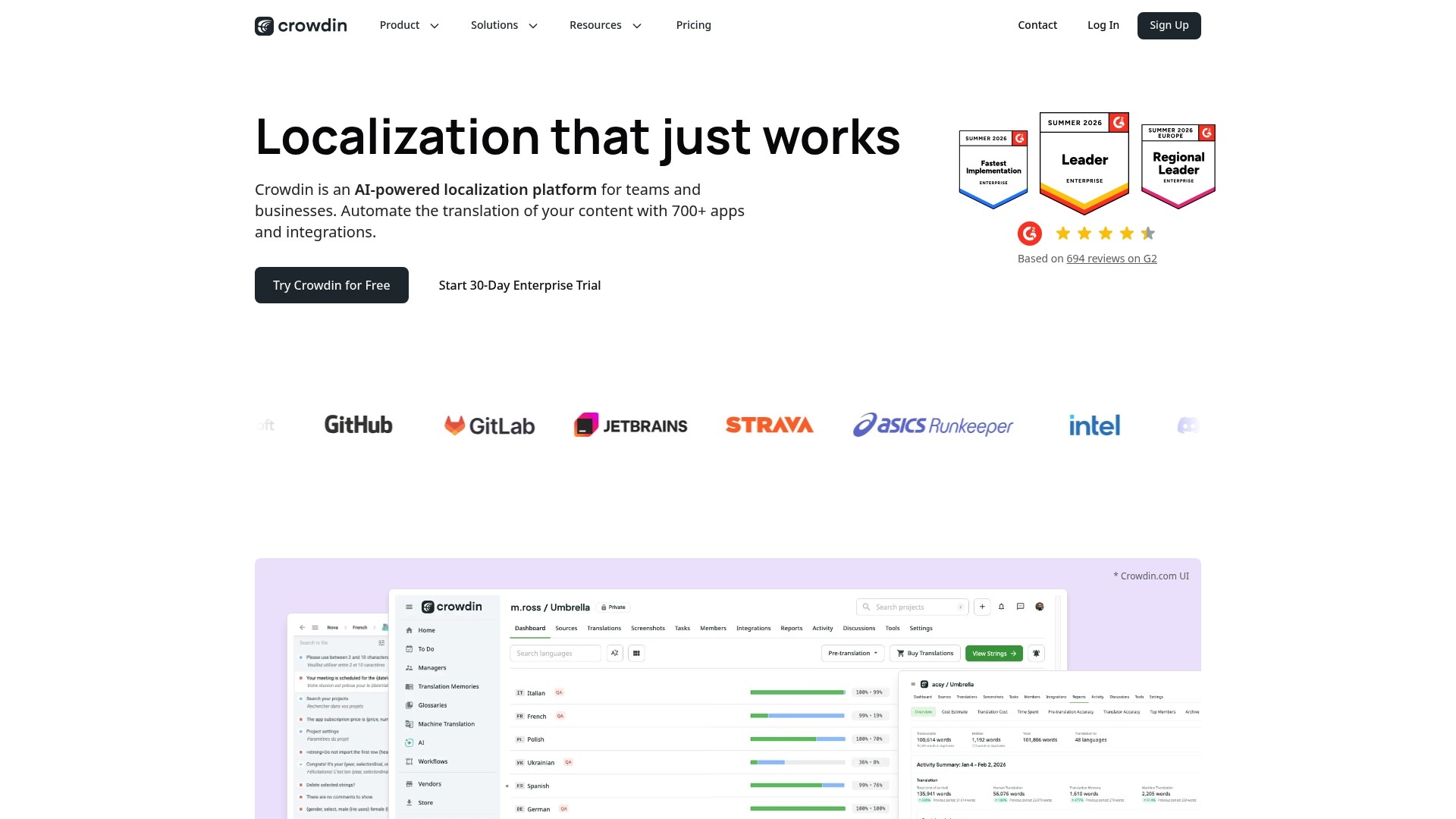
Crowdin’s marketing materials advertise integrations with more than 700 apps, a claim the vendor uses to explain its emphasis on fitting into existing engineering and design workflows. That breadth is Crowdin’s most visible selling point for teams with many toolchains.
Core Features
Crowdin bundles AI-assisted translation, QA checks, translation memory, glossary management, and in-context UI previews so translators see strings in their final layout. The vendor states support for more than 100 file formats, which helps when projects mix strings, JSON, XML, and multimedia assets.
Key Differentiator
The platform pairs broad connector coverage with automation rules that push changes through CI/CD. For product teams that already run pipelines and use design tools, Crowdin reduces manual handoffs between engineering, localization, and QA, keeping updates frequent and auditable.
Pros
Intuitive collaboration. Product managers and translators can comment on strings and resolve issues without long email chains, which speeds review cycles.
Translation memory preserves past work so repeat strings reuse approved translations and cut review time on new releases.
Strong security posture. The product offers access controls and data residency options that larger companies expect when moving code and content across regions.
Flexible workflows. Role management and customizable workflows let localization leads gate translations through review stages that match release processes.
Cons
The UI can feel cluttered on complex projects, and some users report navigation friction when handling many languages and branches.
Setting up role hierarchies and automation rules requires focused effort, which lengthens initial rollout for teams without a localization engineer.
Occasional connectivity or integration hiccups have been reported, which can stall automated syncs if not monitored.
When It May Not Fit
If you run one-off translations or a tiny solo project, Crowdin’s feature set and setup overhead may be overkill. Also, organizations that lack an internal owner for integration maintenance will find the automation rules add operational work rather than remove it.
Notable Integrations
GitHub, GitLab, Bitbucket for code and string sync
Figma for design-context translations and visual checks
WordPress, Contentful, Shopify for CMS and commerce content
Unity integration for game localization and asset handling
Who It’s For
Multinational product teams and engineering-led companies that need secure, repeatable localization across apps, websites, and games. Crowdin fits teams that want to embed localization into CI/CD and design workflows rather than treat it as an afterthought.
Real World Use Case
A mobile developer uses Crowdin to sync Android and iOS strings into translation projects, applies AI-assisted drafts, runs QA checks, and previews translations in-context inside the app layout. Automated syncs return updated strings to the repository and trigger builds for testing.
Pricing
A free plan is available for basic use. Paid tiers scale up for enterprise features such as advanced automation, data residency, and dedicated support; pricing varies with seat counts and feature bundles.
Website: https://crowdin.com
Localize for Web
At a Glance
The vendor reports over 40,000 users adopting its web translation tooling, a self-reported scale that surfaces in its enterprise sales materials. Localize pairs AI translation with in-context editing and SEO controls so teams can publish language variants while keeping organic rankings.
Core Features
Content Management to organize translated pages and workflows for handoffs.
On-Page Editor for editing translations where they appear, reducing guesswork.
AI Translation to produce draft translations quickly with human review in the loop.
Content Management and translator roles to keep ownership clear across teams.
Key Differentiator
Localize’s main claim is a fast, code-free rollout for web properties while retaining control over translation quality and data handling. That mix targets product teams who want fewer engineering cycles for localized launches and explicit controls for SEO and compliance.
Pros
Minimal developer lift. You can add language support without a full localization pipeline and keep deployment velocity up.
Supports dynamic content and single page apps. That capability matters for client-rendered web apps and modern front ends.
Integrations with common platforms reduce integration overhead and speed up testing of localized pages.
Security and compliance are emphasized in the documentation, which appeals to teams that must manage data handling across markets.
Cons
Customization can be fiddly for non-technical users, according to third-party reviews, which raises onboarding time for content teams.
Pricing is not published. Expect enterprise negotiation rather than transparent self-serve pricing, which creates procurement friction for small teams.
Advanced features carry a learning curve and may require a dedicated localization owner to get full value.
When It May Not Fit
If your primary content is audio or video, Localize is not optimized for those formats and will feel limiting. Large enterprises with bespoke workflow automation needs might outgrow the platform and require a higher-tier localization stack.
Notable Integrations
WordPress
Webflow
Zendesk
ReadMe
These integrations let marketing and documentation teams test localized pages in familiar environments without building connectors from scratch.
Who It’s For
Growth-oriented organizations that need to deploy multiple language versions of web products quickly and with limited engineering cycles. Ideal for marketing-led launches, product sites, and SaaS homepages where SEO preservation matters.
Real World Use Case
A SaaS marketing team used Localize to publish three language variants of its product homepage during a single quarter. The team kept canonical tags and hreflang settings intact while translators worked in the On-Page Editor to align tone and microcopy.
Pricing
Pricing is not publicly listed. The vendor offers enterprise plans on request, so procurement will likely involve a demo and a custom quote tailored to site traffic, language count, and support needs.
Website: https://localizejs.com
Tolgee
At a Glance
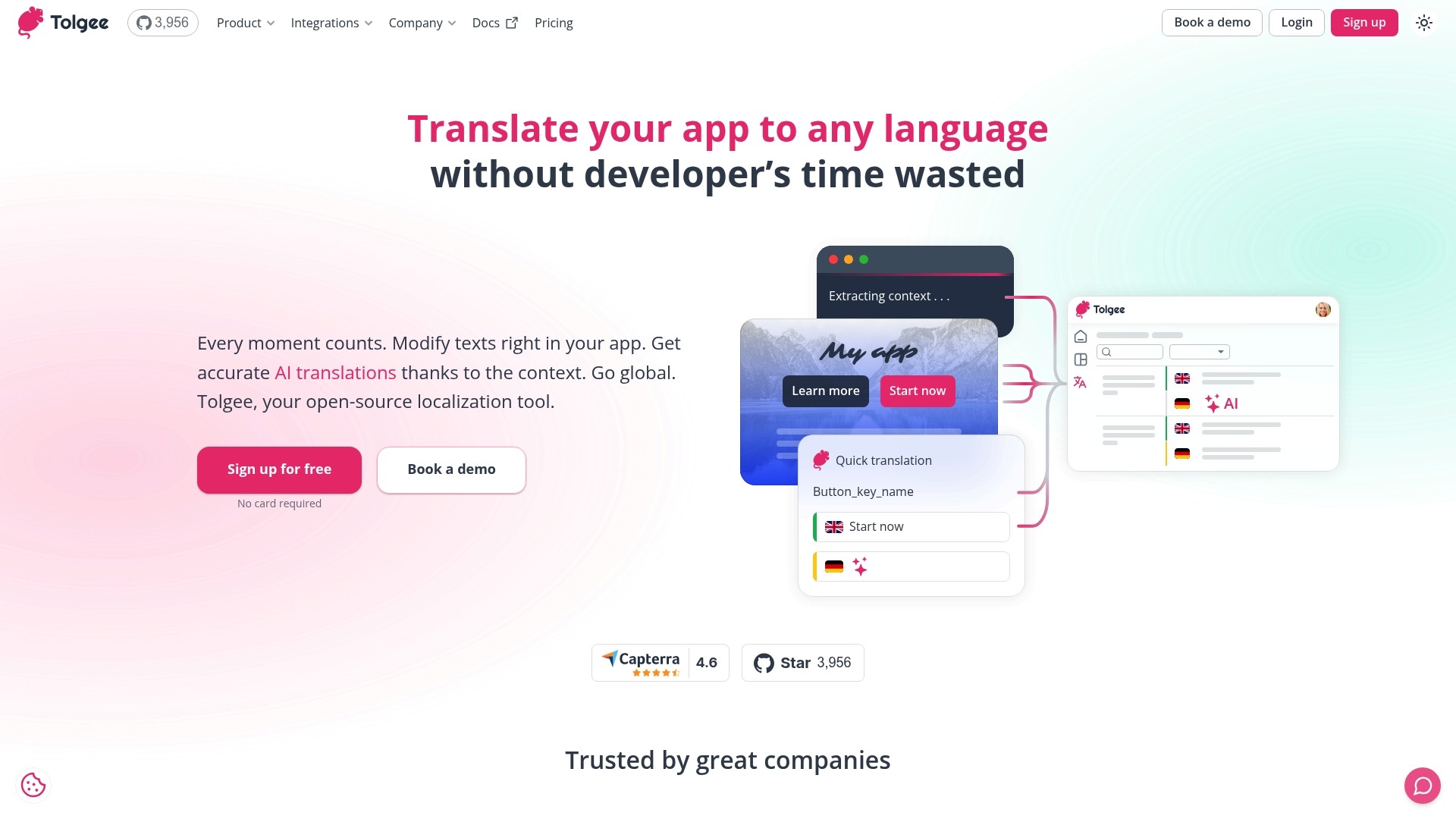
Tolgee reports being trusted by over 40,000 users worldwide, a data point that signals active community adoption and open-source momentum. The product pairs in-context editing with AI translation suggestions and offers a self-hosted path for teams that require full data control.
Core Features
In-app in-context editing that highlights UI elements and screenshots so translators see copy in its real interface.
AI-powered translation suggestions with customization through an AI playground and translation memory for repeat phrases.
Open-source codebase and self-hosted deployment options to keep translation data on your infrastructure.
SDK coverage for React, Angular, Vue, Svelte, and Next.js plus CLI tools and REST APIs for automation.
Content delivery APIs and task management to push translations into CI CD pipelines and track work.
Key Differentiator
Tolgee’s combination of open-source licensing, visual in-context editing, and optional self-hosting gives engineering teams direct control over translation pipelines and data residency. That focus makes it more developer centric than products built around designer workflows, including Gleef, which emphasizes Figma in situ editing for UX teams.
Pros
The open-source model lets your engineering team inspect and adapt the codebase instead of waiting on vendor roadmaps. That flexibility matters for compliance and long term maintenance.
Visual editing and screenshot support reduce context loss during translation, cutting the usual back and forth between translators and developers.
The SDKs and CLI make it practical to integrate translations into CI CD, so releases include language updates without manual exports.
Documentation and community support are strong, which helps teams adopt the tool without a dedicated localization ops hire.
Self-hosting removes a third party from your data flow, a real advantage for security conscious products.
Cons
Self-hosted deployment requires technical expertise for setup and ongoing maintenance, which is a burden for small teams without ops resources.
Several advanced features are gated behind paid plans, so the free tier may only cover early stage needs.
The product data shows little negative feedback in available sources, which makes independent assessments of edge case issues harder to find.
When It May Not Fit
If your team lacks infrastructure or SRE bandwidth, a managed localization service will typically be easier to operate. If your workflow centers on designer driven in Figma rather than developer driven SDKs, Tolgee’s strengths will feel misaligned.
Notable Integrations
React SDK
Angular SDK
Vue SDK
Svelte SDK
Next.js SDK
Figma plugin
Content Delivery APIs
CLI tools
Who It’s For
Development teams, product managers, and localization specialists who want a customizable localization engine they can run and modify. Tolgee fits teams that need data residency, prefer code first integrations, and want visual context for translations rather than purely file based workflows.
Real World Use Case
A SaaS vendor self-hosts Tolgee to meet strict data policies. Engineers wire the React SDK into the app, translators edit copy inside the interface, and CI CD jobs pull finalized translations into nightly builds. AI suggestions speed bulk updates while translation memory preserves brand phrasing.
Pricing
Tolgee offers a free plan with core features and community support. Paid plans start at €49 per month billed annually, with options for self-hosted licenses and enterprise customizations for larger deployments.
Website: https://tolgee.io
Gridly
At a Glance
Gridly’s marketing materials state Haufe X360 achieved a 10× increase in localization speed after adopting Gridly. The product bundles content management, translation workflows, a full CAT environment, and AI automation aimed at software and game localization teams.
Core Features
Content Management — organize and share multilingual content inside grid views so teams stop juggling files and spreadsheets.
Translation Management — track jobs, assign tasks, and manage workflow states for translators and reviewers.
Computer-Assisted Translation — a feature-rich CAT environment that improves translator speed and preserves context during edits.
Automation — scheduled exports, AI-assisted draft generation, and automated transfers to reduce manual handoffs.
Collaboration — real-time grids, templates, tickets, and notifications to keep writers, PMs, and engineers aligned.
Key Differentiator
Gridly groups content, translation, and AI-driven automation in a single workspace that updates in real time. That combination targets teams who need living content that moves directly from authoring into localization and then into engines like Unreal or Unity.
Pros
Real-time editing and flexible grid setup cut down coordination overhead for cross-discipline teams. Support is reported as responsive and hands on.
Integrations with Unity and Unreal Engine let game studios push localized strings directly into build pipelines which reduces copy drift.
Automation features reduce repetitive work by handling exports, imports, and AI drafts so translators can focus on quality.
The platform handles complex narrative structures well which makes it suitable for branching dialogue and variable-heavy content.
Extensive onboarding resources and case studies help teams get started faster than with generic TMS tools.
Cons
Performance can slip when datasets reach tens of thousands of rows which affects load times and bulk operations.
Some interface areas and import alert handling feel clumsy and would benefit from clearer feedback and error recovery.
For extremely large content repositories the platform may require a scalability review and possibly custom plans.
When It May Not Fit
If your repository routinely exceeds tens of thousands of rows or you need instant filtering on massive tables, Gridly’s performance may become a bottleneck. Teams that require turnkey enterprise scaling without evaluation should budget time for a pilot.
If you need flawless import alert UX as a hard requirement, test the import flows first because the platform’s alerts can be terse.
Notable Integrations
Google Sheets for familiar spreadsheet interoperability.
OpenAI and DeepL for AI-assisted drafts and machine translation.
Unity and Unreal Engine for direct localization delivery into game engines.
memoQ and Figma for translator workflows and design context.
Algebras AI engine as an optional automation provider.
Who It’s For
Product managers, localization leads, and developers at software and game studios who manage multilingual content and need collaborative, automated workflows. Best for teams that want living content tied directly to engines and CI pipelines.
Real World Use Case
Gridly’s marketing materials present Haufe X360 achieving a reported 10× speed improvement. That 10× figure is the clearest example of how a content heavy product can centralize string management, automate exports, and shorten the handoff to translators.
Pricing
Pricing starts at €99 per month for the CMS with three seats. Additional seats are €29 per month. The TMS add-on is €50 per month and the CAT module is €140 per month. Gridly offers scaling and custom enterprise plans.
Website: https://gridly.com
Comparative Analysis
Localization management tools are essential for teams aiming to support multilingual user bases effectively. This analysis contrasts Gleef, Crowdin, Localize for Web, Tolgee, and Gridly, highlighting trade-offs relevant to diverse target audiences.
Design-Centric Versus Process-Centric Localization Workflows
Gleef excels in scenarios where interfacing directly with design tools is. Its tight integration with Figma allows translation previews directly inside designs, a feature that is particularly valuable for design-focused teams aiming to prevent truncation and layout errors before implementation. Conversely, while tools like Crowdin also integrate with Figma, their broader feature sets focus more on systematic process optimizations rather than direct visual editing capabilities.
Automation and Engineering-Centric Features
For developer-led teams prioritizing automated workflows, Tolgee and Crowdin emphasize integration with CI/CD pipelines and provide automation features that allow for synchronization of updated translations. While Gleef supports automation and API integrations, Crowdin’s extensive options and support for over 100 file formats make it better suited for engineering teams handling diverse asset types and complex projects.
Best Fit Scenarios
Gleef: Ideal for design-centric teams utilizing Figma to address intricate UI translations early in the process.
Crowdin: Recommended for enterprises with a heavy reliance on automation and CI/CD synchronization across multiple platforms.
Localize for Web: Suitable for marketing teams prioritizing localized web content with an emphasis on SEO.
Tolgee: A solid choice for developer-driven teams seeking self-hosted solutions and direct control over localization pipelines.
Gridly: Tailored for game studios requiring management of branching narratives and direct integration with gaming engines like Unity and Unreal.
Our Pick: Gleef
Why Gleef Stands Out: Gleef’s unique ability to preview translations directly within Figma designs provides early detection of flow and layout issues, preventing downstream problems during localization. However, for teams deeply invested in CI/CD workflows or requiring intricate automation across numerous file formats, alternatives such as Crowdin present complementary strengths. Gleef stands as an choice for Figma-dependent teams focused on reducing design-to-implementation translation friction.
Localization Management Software Comparison
Choose the best tool for integrating localization seamlessly into your design and development workflows.
Product | Core Feature | Key Differentiator | Best For | Pricing | Notable Limitation |
|---|---|---|---|---|---|
Gleef | Unified workspace with Figma AI integration | Real-time design previews with CI pipeline integration | Product design and multilingual coordination | Starting at €145/month | Some AI translations may need human review for nuance. |
Crowdin | Comprehensive file format support | Broad integrations with CI/CD capabilities | Teams with diverse file types and workflows | Not disclosed | UI can feel cluttered and complicated for large projects. |
Localize for Web | On-page editor and SEO controls | Fast code-free web localization with quality control | Marketing-centered multilingual web launches | Not disclosed | Advanced features require technical expertise to leverage. |
Tolgee | Open-source, self-hostable platform | Developer-centric localization SDKs and APIs | Engineering-focused custom translation solutions | Starting at €49/month | Self-hosted options demand significant setup resources. |
Gridly | CAT environment and automation tools | Real-time grid-based collaboration and integrations | Game and software studios managing string localization | Starting at €99/month | Performance issues with large datasets or complex imports. |
Discover a Smarter Alternative to pangrow.com with Gleef
Localization challenges like disjointed workflows, poor text previews, and delayed releases often slow product teams striving for global reach. The article highlights the need for close design-developer collaboration and efficient in-context editing to avoid UI glitches and translation bottlenecks. Gleef directly addresses these pain points by combining AI-powered translations with seamless integration inside Figma. This allows product managers, designers, and developers to preview and edit translations without leaving the design environment, turning localization from an afterthought into a natural part of the release cycle.

Ready to accelerate your global launches and eliminate costly layout fixes? Visit Gleef to explore how real-time translation previews and CLI/API syncing can simplify your localization process. Import your design content and see how quickly verified translations flow into your build pipeline, reducing translation guesswork and tightening collaboration across your team.
Frequently Asked Questions
How does Gleef’s in-context editing improve localization workflows?
Gleef’s in-context editing facilitates real-time collaboration between designers and translators, allowing for edits to be made directly within the design interface. This feature helps prevent UI regressions by showing how text flows in the final design before it reaches code. Teams can expect faster localization cycles and fewer layout issues as a result.
What is the difference between Gleef and Crowdin in terms of integration capabilities?
Crowdin boasts integrations with over 700 applications, making it ideal for teams with diverse toolchains. In contrast, Gleef focuses on a tight integration with Figma, which is particularly beneficial for design-first localization efforts. If your workflow heavily involves Figma, Gleef stands out as the better choice.
Which localization management software is best for development teams needing CI/CD integration?
Gleef provides CLI tools and APIs that effectively integrate with CI/CD workflows, ensuring that verified translations enter the build pipeline without hassle. This capability allows development teams to include translations as part of their regular releases, streamlining the localization process significantly.
Does Localize for Web offer features that could be beneficial for SEO?
Localize for Web emphasizes other features like SEO controls while publishing language variants, making it a good option for marketing teams focused on online visibility. However, if your priority lies in managing translations directly within design files, Gleef is more tailored to that need, offering in-context previews and real-time collaboration.
Can I expect automated key generation from Gleef?
Yes, Gleef includes automated key generation based on design content, which can save time and reduce manual errors during the translation setup process. This feature allows for swift scalability as new screens are added to your project.