
TL;DR:
Optimizing workflows and automation dramatically reduces localization costs and accelerates product launches.
Continuous review and human oversight are essential to maintain translation quality and brand voice.
Purpose-built tools with AI support enable scalable, fast, and reliable global localization.
World-class product teams are achieving results that once seemed impossible. 98% cost reduction and a one-week Spanish launch? That’s not a fantasy. That’s what Turo pulled off with an optimized, AI-powered translation workflow. For many product managers and UX writers, localization still feels like the bottleneck that derails release schedules and inflates budgets. But the gap between struggling teams and high-performing ones isn’t talent. It’s process. This guide gives you a practical, step-by-step path to rebuild your translation workflow from the ground up, so you can deploy globally faster, cheaper, and with fewer sleepless nights before launch.
Key Takeaways
Point | Details |
|---|---|
Target bottlenecks first | Diagnosing process slowdowns unlocks the biggest efficiency gains for translation teams. |
Leverage AI for speed | AI-powered workflows can reduce translation costs by up to 98 percent and accelerate product launches. |
Quality requires feedback | Continuous review and native speaker QA are crucial for scaling localization without sacrificing accuracy. |
One-time fixes aren’t enough | Best-in-class results come from regular process reviews and adapting to new markets and tech. |
Identify bottlenecks in your current translation process
With the promise of dramatic gains in mind, your first move is to understand exactly where your process breaks down. Most teams assume their localization issues are tool-related, but the real culprits are almost always workflow problems hiding in plain sight.
The most common bottlenecks product teams face include:
Manual handoffs between UX writers, developers, and translators that introduce delays and version confusion
Inconsistent terminology across product strings, leading to brand voice drift in translated markets
Slow feedback loops where reviewers and native-speaking stakeholders are brought in too late
Missing context for translators who receive raw string exports without UI screenshots or usage notes
Siloed tools that force teams to juggle spreadsheets, email threads, and disconnected TMS platforms
To get clarity, map your entire content flow from source string creation to final in-product delivery. Use a simple table to surface decision points and delays:
Stage | Owner | Avg. delay | Root cause |
|---|---|---|---|
String export | Dev | 2 days | Manual trigger, no automation |
Translator briefing | PM | 3 days | No standardized context template |
Translation review | UX Writer | 5 days | No in-context editing tool |
QA sign-off | Localization lead | 4 days | Feedback tool mismatch |
Final deployment | Dev | 2 days | Manual re-import process |
Once you can see the full picture, ask these diagnostic questions: Where does content sit waiting? Who owns each handoff? What happens when a translator has a question? The answers will point directly to your highest-impact fixes.
“The teams that move fastest don’t have fewer steps. They have fewer waiting periods.”
Strava localized Runna to 8 languages in under six weeks by starting exactly here: mapping their process pain points before touching any tooling. That clarity gave them a roadmap, not just a wishlist.
For deeper guidance on streamlining handoffs, collaborative workflow tips can help you structure cross-functional ownership from day one.
Pro Tip: Invite both your dev and UX writing teams to the process mapping session. Cross-functional choke points are almost always invisible to any single team, but obvious the moment both sides are in the room together.
Choose the right tools and frameworks for scalability
Having pinpointed your weaknesses, it’s time to equip your team with solutions built for scale. Picking the wrong tools at this stage is costly, not just financially but in team adoption and momentum.
Here’s how to approach framework selection in a structured way:
Conduct a needs assessment. Document your language pair volume, content types (UI strings, marketing copy, help docs), and release cadence before evaluating any platform.
Run an integration check. Your chosen tool must connect cleanly with your existing stack: your design tools, CMS, code repositories, and project management setup.
Launch a pilot phase. Test your shortlisted platform on a single language and a single product area before committing to a full rollout.
Measure baseline metrics. Track translation cycle time, error rate, and cost per word during the pilot so you have real data to justify the decision.
Evaluate AI quality. Ask vendors for sample outputs on your actual product content, not generic demos. Domain-specific accuracy varies enormously between platforms.
When comparing your options, the differences between tool categories matter:
Tool type | Best for | Key strength | Limitation |
|---|---|---|---|
Cloud TMS | Large teams, high volume | Workflow automation, vendor management | Can be complex to configure |
Figma plugins | Design-led teams | In-context editing, visual accuracy | Limited to design-stage content |
Homegrown automation | Engineering-heavy orgs | Custom fit | High maintenance burden |
AI-native platforms | Agile product teams | Speed, cost, semantic quality | Requires quality oversight |
Strava processed over 35 million words using an integrated platform stack they built in just six weeks. That’s what the right tool selection unlocks.
For a detailed breakdown of what good AI translation looks like at the quality level, AI translation for quality is worth reviewing alongside your evaluation process. Teams scaling to multiple markets should also explore multilingual SaaS localization strategies before finalizing their framework.
Pro Tip: Prioritize platforms with robust AI support and semantic translation memory. This combination delivers the best quality-to-cost tradeoff, especially as your language count grows.
Implement AI-driven workflows and automation
With tools in place, the focus shifts to putting AI and automation at the true heart of your localization. This is where teams often feel the biggest leap forward, but also where careless implementation creates new problems.
Follow these steps to build a reliable, automated translation pipeline:
Prepare your content. Clean source strings, tag placeholders correctly, and build a glossary of brand-critical terms before feeding anything into an AI engine.
Set up automated triggers. Connect your content pipeline so that new or updated strings automatically queue for translation when merged into your main branch or published in your CMS.
Test AI output systematically. Run your first batch through a structured review that checks accuracy, tone, placeholder integrity, and character limits for constrained UI elements.
Integrate human QA at defined gates. AI handles volume. Human reviewers catch nuance. Build a tiered review model where only flagged or high-visibility strings get full human review.
Monitor and iterate. Track error rates, rejection rates, and time-to-delivery weekly. Let the data guide where you tighten or relax automation rules.
Key integration touchpoints to build into your workflow:
Figma: Live string sync so designers see translated content at actual length during design review
Git: Automated PR triggers that queue new strings for translation on merge
Product CMS: Direct API connection so approved translations publish without manual re-import
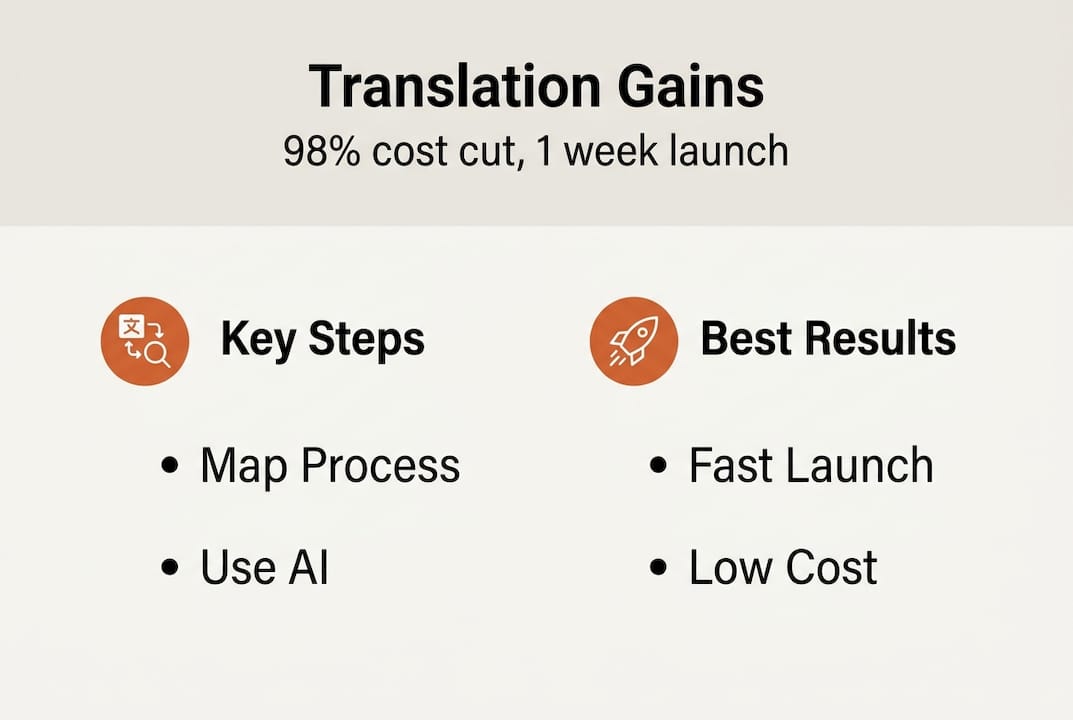
The results of getting this right are transformational. Turo’s AI adoption cut their translation costs by 98% and compressed their Spanish market launch to a single week. Some teams report 90% faster time-to-market once full pipeline automation is running.

The risks are real too. Output drift happens when AI models aren’t fine-tuned to your domain. Brand voice can slip in ways that are subtle but damaging over time. Explore AI in localization to understand where the hype ends and the real gains begin. For teams focused on maintaining semantic precision, semantic quality with AI explains how to keep meaning intact at scale.
Review, QA, and adapt for continuous improvement
After rolling out automation and AI, the work isn’t done. In fact, this is where many teams make their most expensive mistake: they assume the system is running and walk away. Real quality comes from a tight, repeatable QA cycle.
The key QA stages every product team should build into their process:
Native speaker review. At least one fluent reviewer per language validates fluency and cultural fit, not just accuracy.
Context validation. Every translated string is checked against its actual UI context, not just in a spreadsheet. Strings that look fine in isolation often break the experience in context.
In-market testing. Real users in target markets catch what internal reviewers miss. Even lightweight usability testing uncovers localization failures before they reach a broad audience.
Error trend analysis. Categorize and track QA rejections. Patterns reveal systemic issues: a failing glossary rule, a poorly fine-tuned AI model, or a context gap in your source content.
Feedback collection tools and techniques worth integrating:
In-app feedback widgets targeting specific language markets
Periodic surveys to native-speaking users about product language clarity
Regular syncs with regional teams or market leads who hear firsthand complaints
Translation error logs that feed directly back into your TMS for rule updates
“Sustainable localization quality isn’t a destination. It’s a discipline you practice every release.”
Turo and Strava both emphasize rapid feedback loops as the engine of sustainable quality at scale. For practical guidance on staying organized across languages, managing multilingual content offers frameworks that scale with your team. And if you want the fuller picture of what localization investment actually delivers, software localization impact makes the business case with real numbers.
Our experience: Why ‘set-and-forget’ rarely works in translation optimization
Here’s an uncomfortable truth most vendors won’t tell you: automation creates blind spots. The moment you trust your pipeline to run without oversight, you’ve handed control of your brand voice to a system that has no stake in getting it right.
We’ve seen teams celebrate their AI rollout, stop QA cycles within three months, and then discover six months later that their German product strings had quietly drifted into a register that felt robotic and off-brand. User trust erodes slowly, then suddenly.
The teams who sustain localization gains long-term do one thing consistently: they treat optimization as a living practice, not a completed project. Automation handles scale. Humans maintain meaning.
Another risk worth naming is language ownership atrophy. When automation absorbs all translation work, your internal team gradually loses fluency in what your product sounds like in other languages. That institutional knowledge is hard to rebuild once it’s gone.
Pro Tip: Schedule quarterly cross-functional syncs that bring together product, UX writing, and regional stakeholders to review translation samples, catch subtle failures, and realign on brand voice standards.
For teams building these habits at scale, cross-functional localization strategies offers a practical playbook for keeping every stakeholder aligned.
Take your translation workflow to the next level
The frameworks in this guide will get you far. But the teams achieving results like Turo’s 98% cost reduction aren’t building these systems by hand. They use purpose-built platforms that make every step faster and more reliable.

Gleef is built specifically for product teams who need localization to move at product speed. The Figma AI localization plugin lets your designers and UX writers manage translations in context, inside the tools they already use, without switching platforms or waiting on dev cycles. With real-time AI, semantic translation memory, and seamless string sync built in, Gleef removes the friction that slows global deployment. If you’re ready to stop treating localization as a bottleneck and start treating it as a competitive advantage, it’s worth seeing what Gleef can do for your team.
Frequently asked questions
What is the most effective way to optimize the translation process?
The most effective approach combines automation, real-time collaboration, and early stakeholder involvement for rapid feedback. Strava and Turo used integrated, AI-powered workflows to cut costs and dramatically speed up their launches.
How does AI impact translation speed and cost?
AI can reduce costs by up to 98% and enable new language launches in as little as one week. Turo achieved a 98% reduction in costs and one-week time-to-market for Spanish with AI-powered automation.
What tools or integrations are essential for scalable localization?
Look for tools with API access, AI support, and direct design integration to handle both scale and speed requirements. Strava’s translation stack enabled localization across 8 languages and processing of 35 million words.
How often should product teams review their translation workflow for optimization?
Teams should review and adapt their processes at least quarterly or after every major product release. Both Turo and Strava emphasize feedback loops and ongoing improvement as the foundation of sustained localization success.